Is Your Device Looking Old? Here's How to Make It Look and Feel Like New

Does your phone, laptop, tablet, or gaming console feel old? Maybe it's running a little slower than it used to, or maybe it just doesn't look as sharp as the day you unboxed it.
The good news: you don't have to replace a device just because it's showing its age. A quick internal cleanup plus a fresh exterior can make it feel new again — for a fraction of the cost of an upgrade.
Start with a Quick Internal Tune-Up
Before you touch the outside, a few free habits can help your device run a little smoother:
- Clear out clutter. Old downloads, duplicate photos, and unused apps take up storage — and once storage runs low, that's often when a device starts to feel sluggish.
- Keep software updated. Updates patch bugs and security issues, and often bring performance improvements along with them.
- Tidy your home screen. Fewer stray icons and folders make a device feel less chaotic to use day to day.
- Restart it occasionally. Clearing background processes that build up over time can help, especially if your device has been running non-stop for days.
These take a few minutes and cost nothing. But if you're being honest, the internal stuff was never really the problem — it's how the device looks that makes it feel old.
The Real Reason Devices Look Old: The Outside
Small scratches, fingerprints, faded surfaces, and everyday wear can make even a perfectly functional phone or laptop look years older than it is. This is the part that makes people start browsing for a replacement — even when their current device works fine.
It's also the part that's easiest and cheapest to fix.
Clean It Properly First
Start with a deep clean using a microfiber cloth to lift fingerprints, dust, and smudges — including the small spots like charging ports, speakers, buttons, and keyboards where grime tends to build up unnoticed. A clean device already looks noticeably newer before you change anything else.
Swap Out Tired Accessories
Sometimes it's not the device that looks old — it's what's around it. A cracked case, a worn sleeve, or a fraying cable can drag down an otherwise good-looking setup. This is a small fix with an outsized visual impact.
Give It a New Look with a Skin Wrap
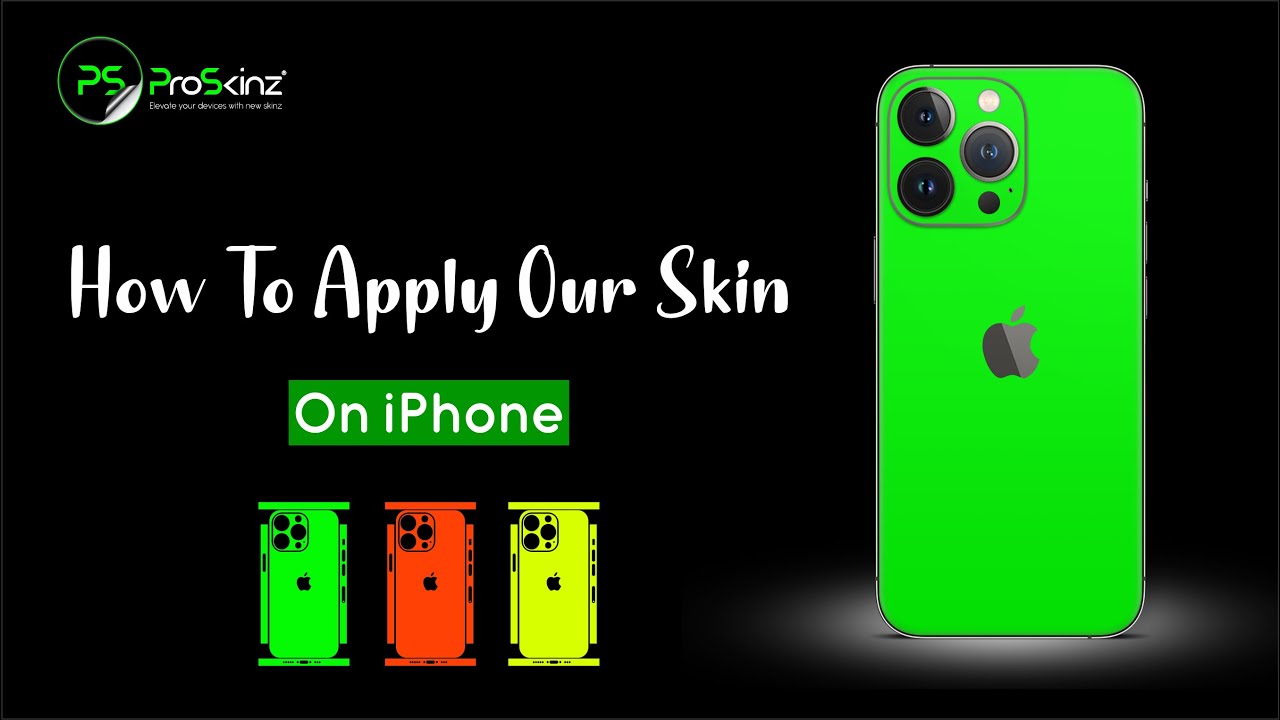
This is where a skin wrap does more for your device than almost anything else on this list. A precision-cut vinyl skin — like the 3M-based wraps ProSkinz makes for phones, laptops, tablets, and consoles — instantly changes the look of your device while covering the scratches and dulled edges that make it look worn.
A few reasons skin wraps have become the go-to fix for people who don't want to buy new hardware:
- Style without commitment. Pick a finish that fits you — Carbon and Matrix for something understated, Neon and Camo for something bolder — and swap it out later without any damage to the device underneath.
- Real scratch coverage. Unlike a case, a skin wrap sits directly on the surface, hiding the marks that make a device look its age instead of just hiding them from view.
- No added bulk. You get a device that looks brand new without the thickness of a heavy case.
- Protection going forward. A skin wrap doesn't just cover existing wear — it helps guard against the next round of scratches too.
- Resale-friendly. Selling or trading in later? A skin wrap protects the surface underneath, so the device is more likely to look presentable once it comes off.
For most people, this single step does more visible work than anything else in this guide — which is exactly why it's worth doing before writing off a device as "too old."
Keep It Looking New
Once your device looks fresh again, the goal is keeping it that way. A case, a sleeve, and a skin wrap together cover the three main sources of everyday wear — drops, surface friction, and general handling — so you're not back here again in six months.
Final Thoughts
A device doesn't have to be brand new to feel brand new.
A few minutes of cleanup can improve performance, and a skin wrap can transform how a device looks and feels day to day — all for a fraction of the price of a replacement. If your device still works perfectly but simply looks tired, that's a skin wrap problem, not a new-device problem.
FAQs
-
Can I make my old device look new without buying a new one?
Yes. Clearing clutter, updating software, cleaning the exterior, and adding a skin wrap can make a noticeable difference without any hardware changes. -
What's the most affordable way to improve my device's appearance?
Clean it thoroughly, replace any worn accessories, and add a skin wrap — it covers scratches and gives the device a completely new look in one step. -
Can a skin wrap hide scratches?
Yes. A skin wrap sits directly on the device's surface, covering light scratches and everyday wear while giving it a fresh new appearance. -
Which devices can use skin wraps?
Skin wraps are available for phones, laptops, tablets, gaming consoles, and many other everyday gadgets.