How to Improve Your Device's Grip Without Adding Bulk

Feel like your phone is about to slide out of your hand? Or maybe it's your laptop lid, your tablet, or even your game controller that feels harder to hold onto than it should. It's a common problem across just about every modern gadget — and the good news is there are several easy ways to fix it, some of which won't add any bulk at all.
Why Do Devices Feel Slippery?
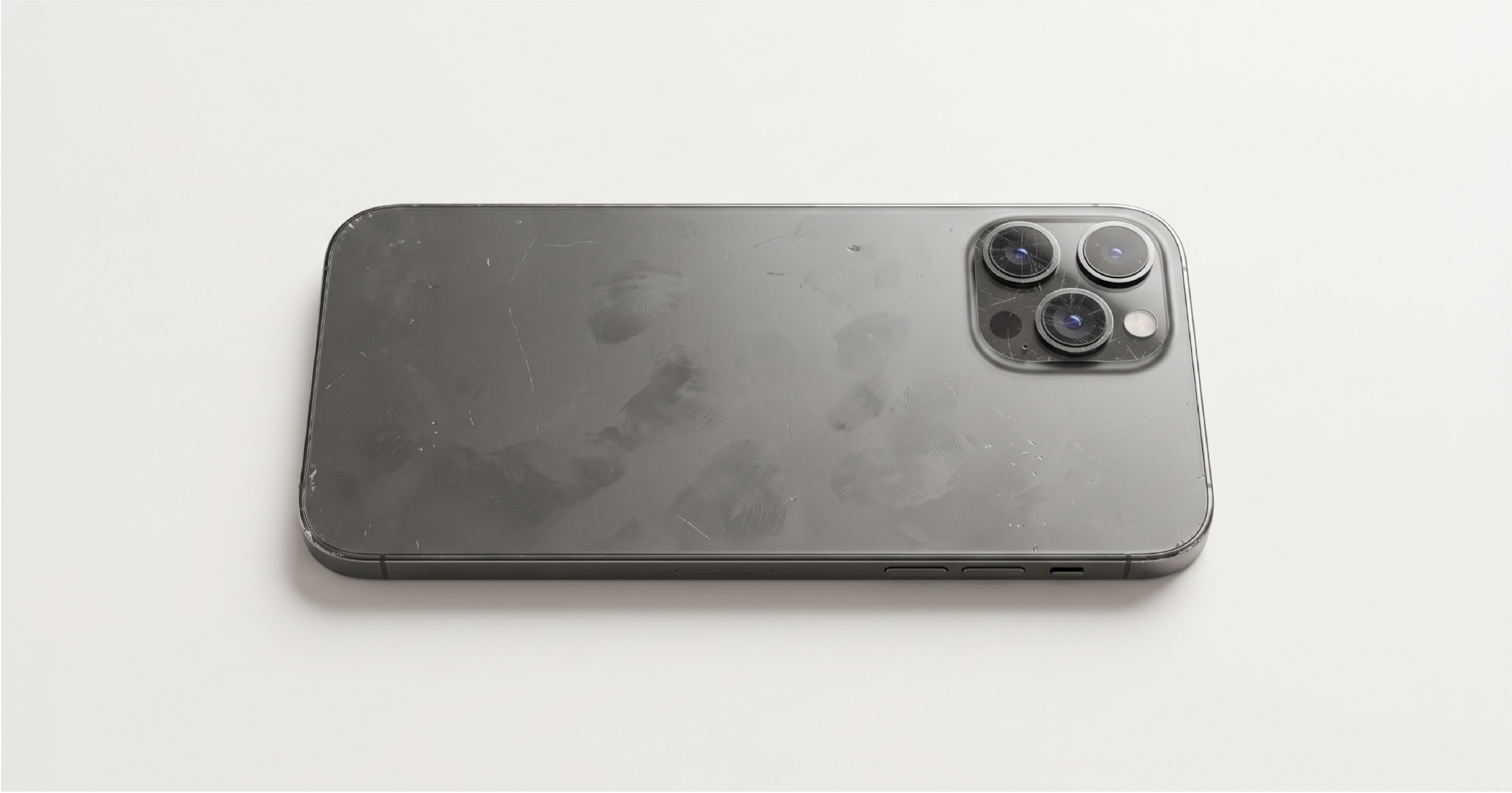
Most modern devices — phones, laptops, tablets, and controllers alike — are built with glass backs, smooth metal, or high-gloss plastic. These materials look premium, but they don't offer much natural grip.
A few other factors make things worse:
- Sweaty hands
- Natural skin oils
- Fingerprints or dust
- Slim, lightweight designs with fewer edges to hold onto
Combined, these can make an already smooth surface even harder to keep a secure hold on — whether you're gripping a phone with one hand or holding a laptop lid open with the other.
Why Slipperiness Is a Real Problem
A slippery device doesn't just feel awkward — it's a genuine drop risk. And a dropped phone, tablet, or laptop can mean:
- A cracked screen
- Camera or hinge damage
- An expensive repair bill
Nobody wants to think twice every time they pick up a device they use all day.
5 Ways to Make Your Devices Less Slippery
1. Use a Textured Skin Wrap (Best All-Around Option)
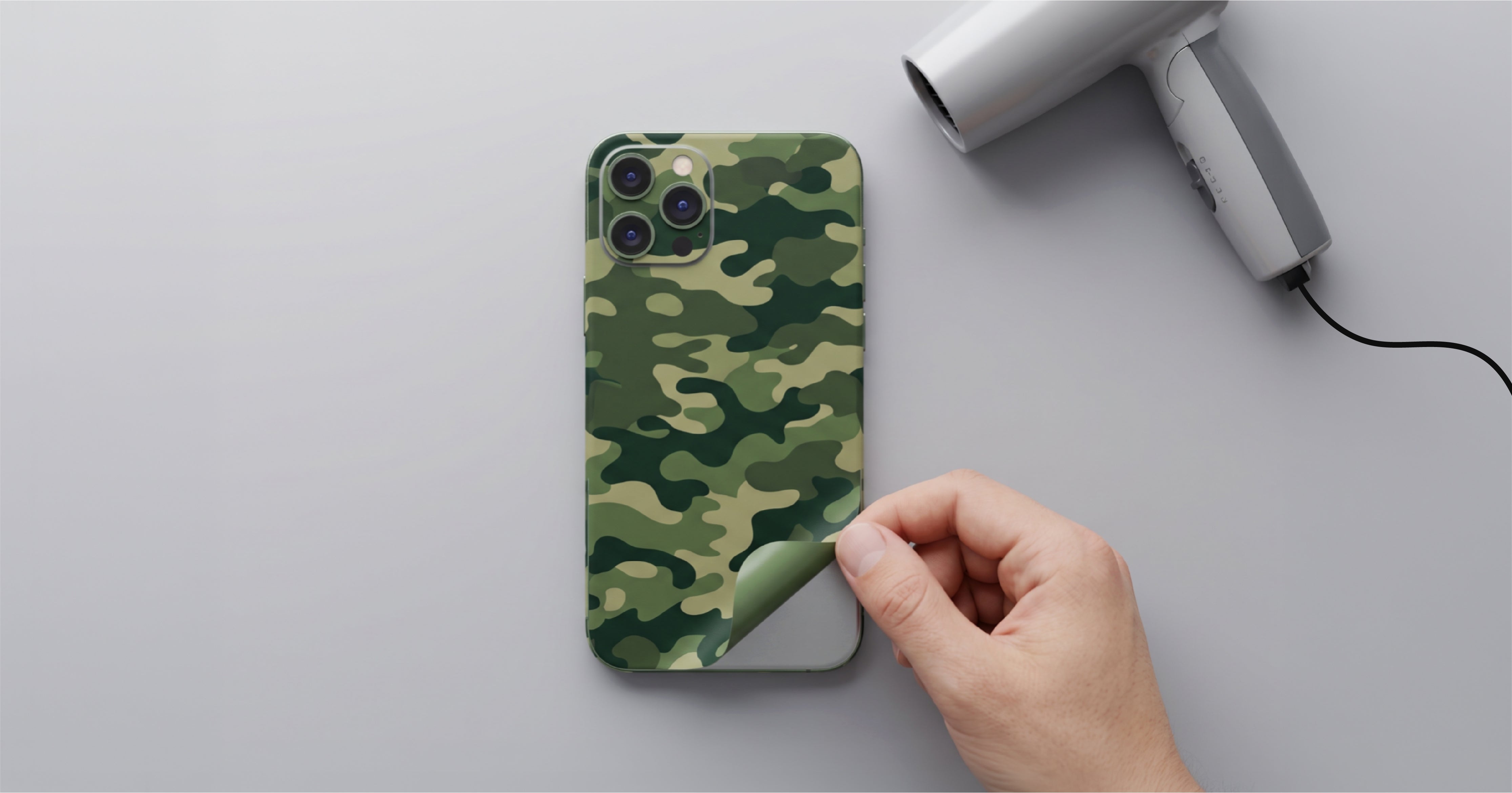
A textured skin wrap is one of the easiest ways to improve grip without changing how a device feels in daily use — and it works on far more than just phones. Laptops, tablets, and gaming consoles or controllers all benefit from the same idea: finishes with texture, like carbon fiber, honeycomb, or matrix, add real friction to the surface while keeping the device exactly as slim as it was out of the box.
Unlike a bulky case or sleeve, a skin wrap protects against everyday scratches without hiding your device's original design. It's the option worth trying first if you want better grip and a style upgrade in the same step — regardless of which device is giving you trouble.
2. Use a Case or Sleeve
A case or sleeve adds grip and helps protect against accidental drops, with silicone and TPU generally offering the best hold on phones and controllers, and padded sleeves doing similar work for laptops and tablets.
The tradeoff: cases and sleeves add thickness and weight, and lower-quality materials can yellow, wear out, or lose their shape over time.
3. Attach a Grip, Stand, or Pop Socket
A grip or pop socket makes one-handed use easier on a phone, while fold-out stands and grips serve a similar purpose on tablets and some controllers.
The downside is that it sticks to the back of the device, changes its look, and can stop it from lying flat on a table.
4. Add Grip Tape or Anti-Slip Stickers
Grip tape and anti-slip stickers increase surface friction directly, and they're a common fix on controllers as well as phones.
They're functional, but not always the most attractive option, and they can leave marks behind when removed.
5. Use a Wrist Strap or Lanyard
A strap or lanyard keeps a phone or controller attached to your hand or wrist, which is especially useful while walking, traveling, or gaming.
Some people find it less convenient for regular, everyday use, though.
Best Skin Wrap Textures for Grip
If you're leaning toward a skin wrap to fix a slippery device, texture is what matters most — and this applies whether it's going on a phone, a MacBook, an iPad, or a console. Finishes like Carbon Fiber, Honeycomb, and Matrix add noticeably more surface grip than a flat glass, metal, or glossy plastic finish, while still protecting against the everyday scratches and scuffs that come with regular use — all without changing your device's slim profile.
Final Thoughts
Modern devices look premium, but that smooth glass, metal, or high-gloss finish often comes at the cost of grip. Cases, sleeves, and grips can help, but they also add thickness and cover up the device's original design.
A textured skin wrap is a simple middle ground for phones, laptops, tablets, and consoles alike: it improves how secure a device feels in hand, protects against everyday scratches, and keeps the slim, premium look intact.
Keep in mind a skin wrap isn't built for the same level of drop protection as a dedicated case. If you need maximum protection against hard drops, a case is still the better call. But if you want better grip, scratch protection, and a lightweight feel all at once, a skin wrap is worth trying first — on whichever device is giving you trouble.
FAQs
-
Why do my devices feel so slippery?
Most phones, laptops, tablets, and controllers have smooth glass, metal, or glossy plastic surfaces that naturally offer very little grip. -
Do skin wraps improve grip?
Yes. Textured skin wraps add surface friction, which helps reduce accidental slips — on phones as well as laptops, tablets, and consoles. -
Which skin wrap texture is best for grip?
Carbon Fiber, Honeycomb, and Matrix are popular choices for improved grip across most devices. -
Can a skin wrap replace a case?
No. A skin wrap improves grip and protects against scratches, but it doesn't offer the same drop protection as a dedicated case or sleeve. -
Do skin wraps work on devices other than phones?
Yes. Skin wraps are available for laptops, tablets, and gaming consoles or controllers, in addition to phones.