


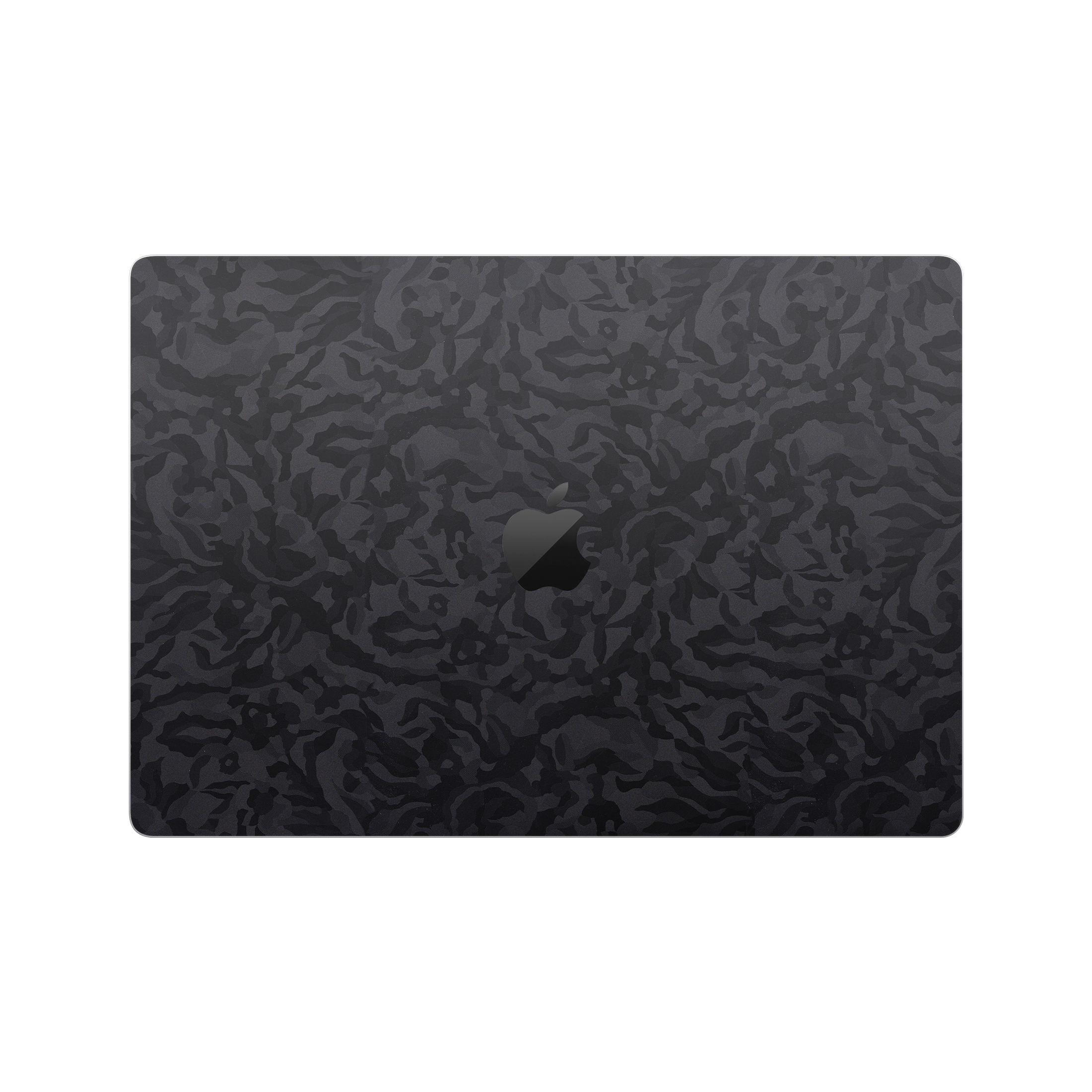
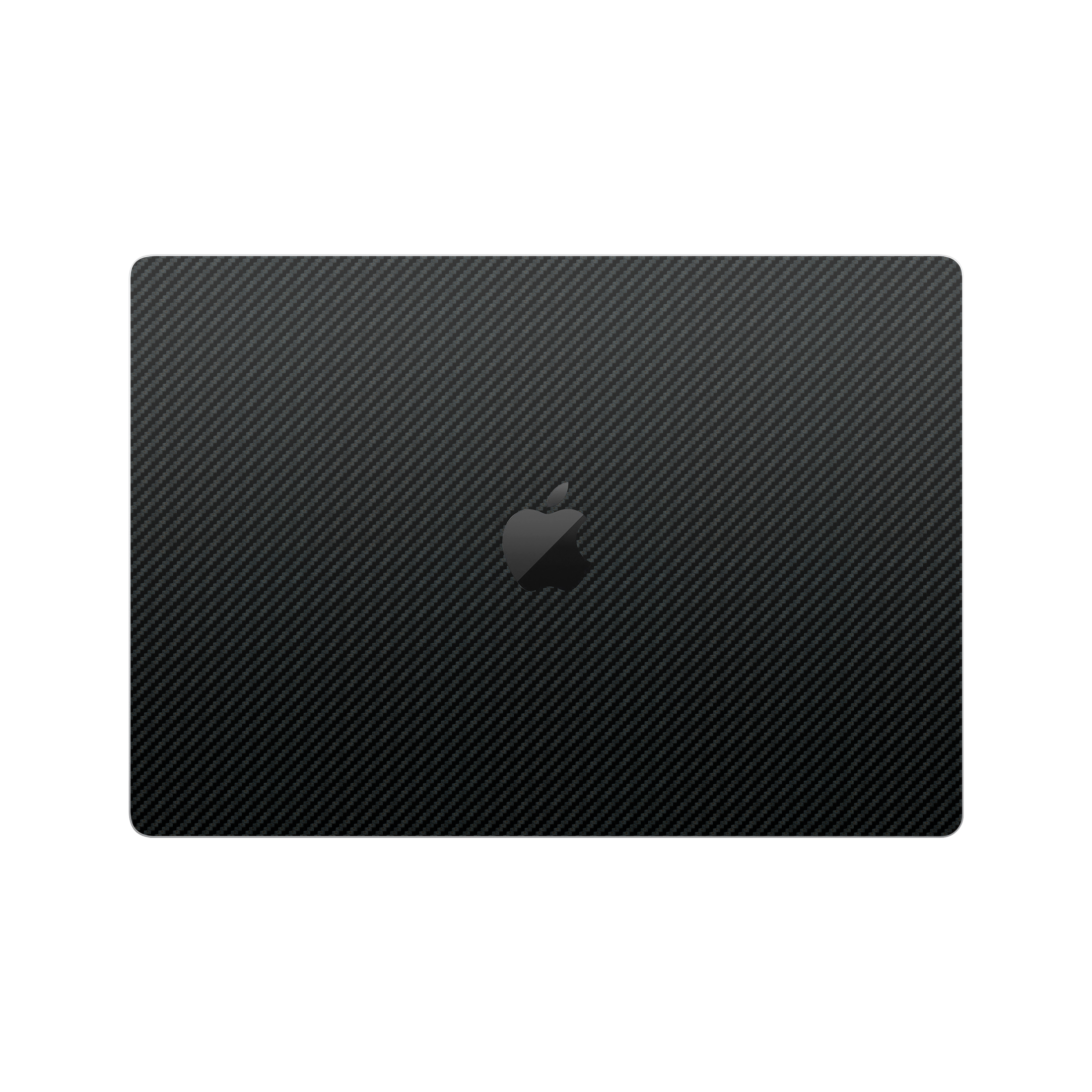
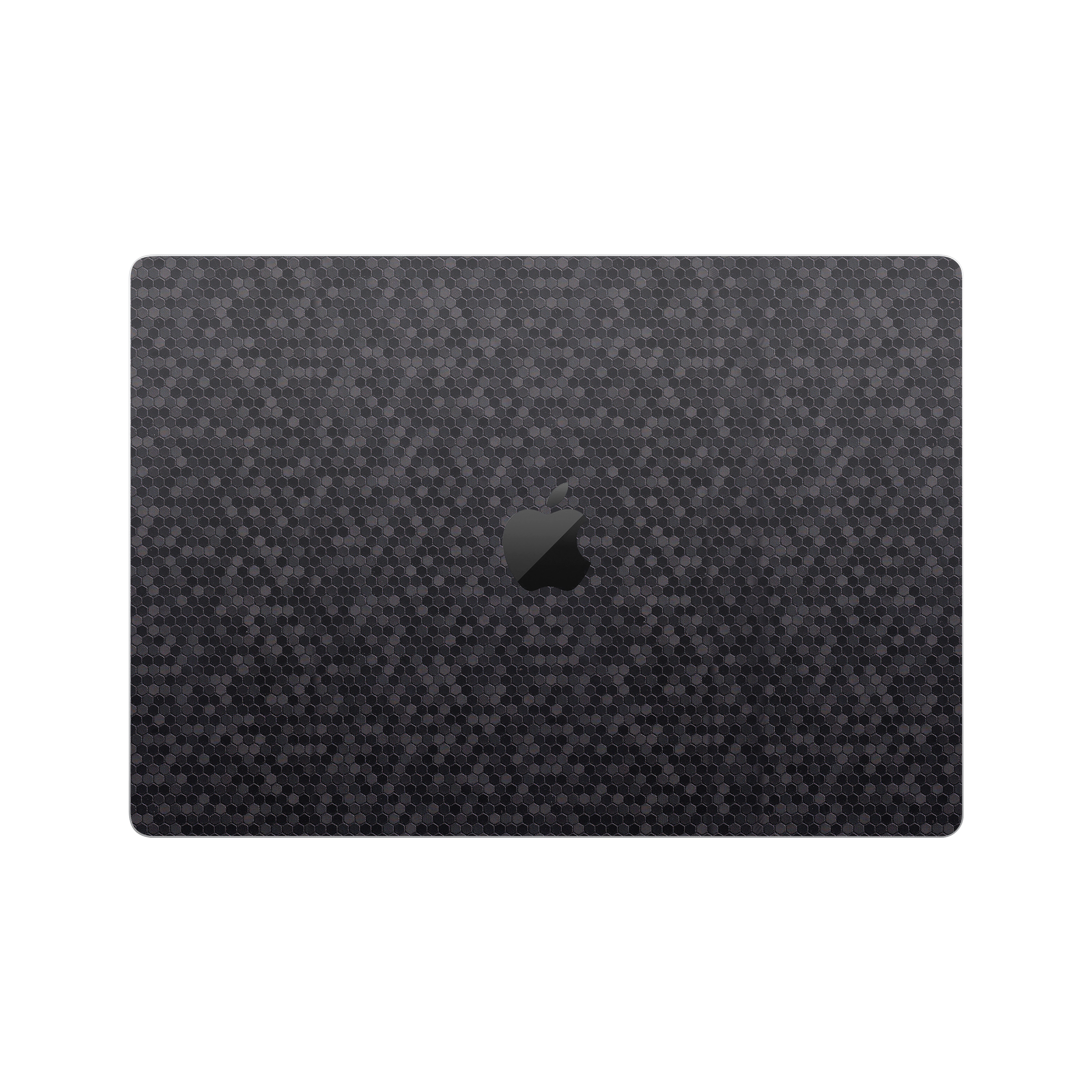
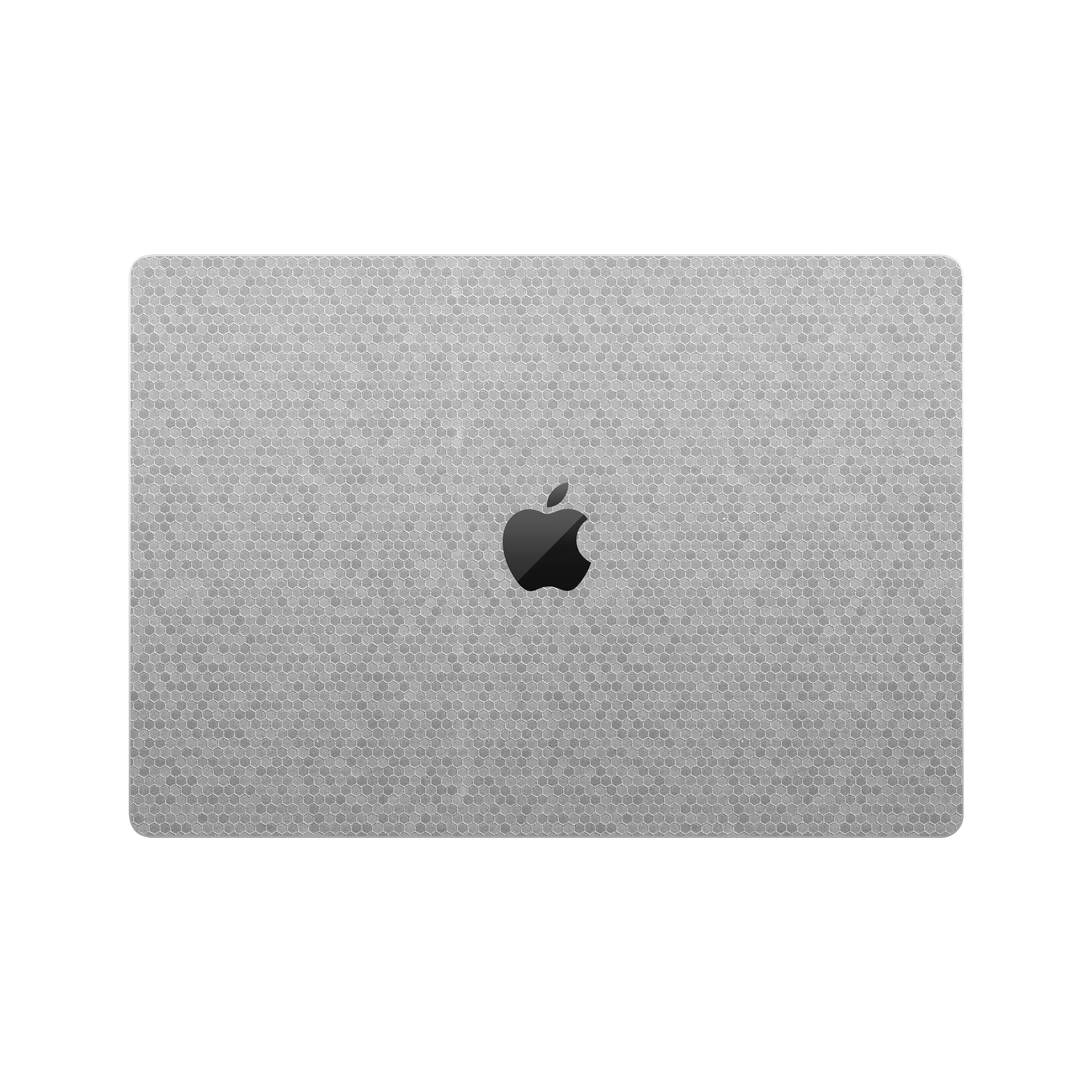







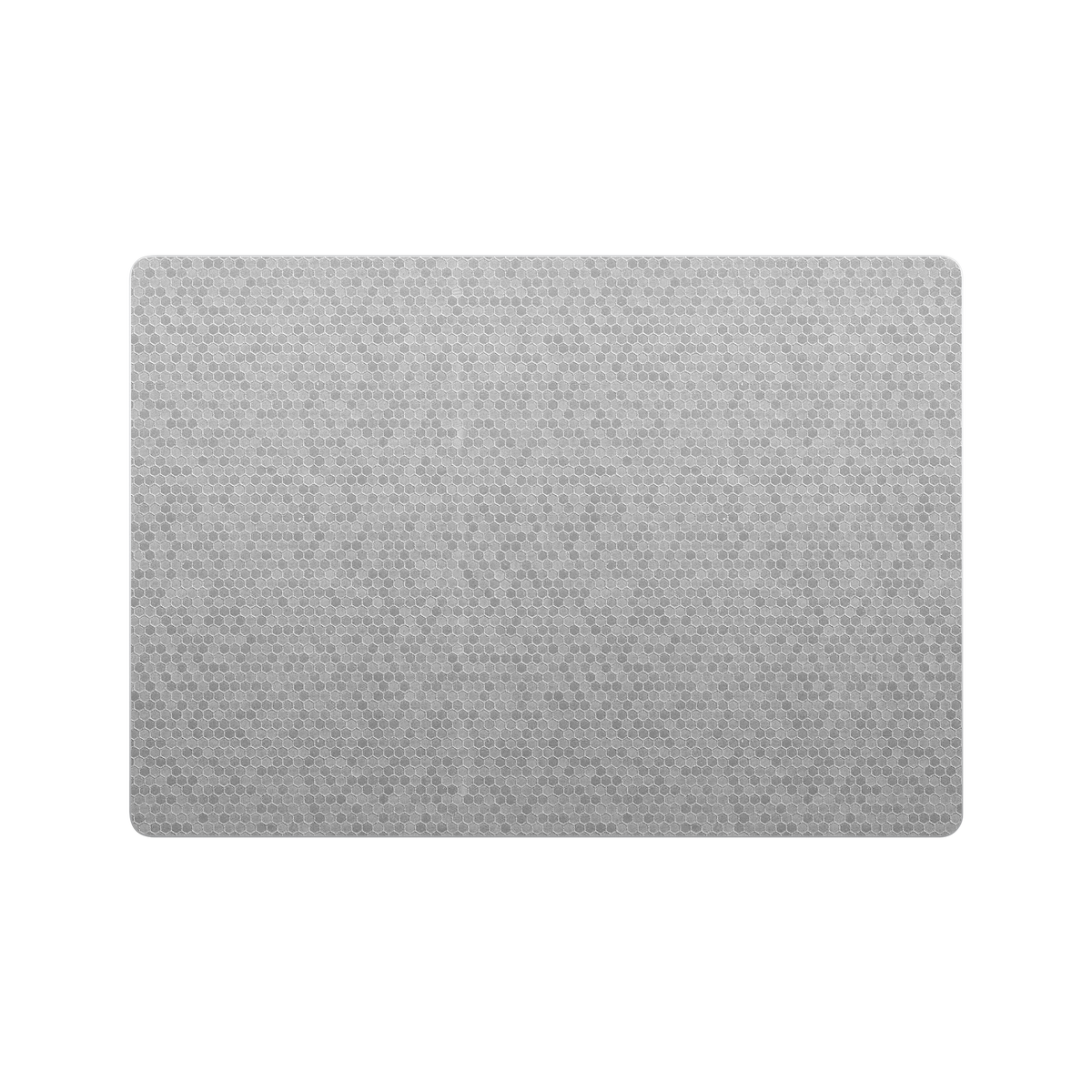
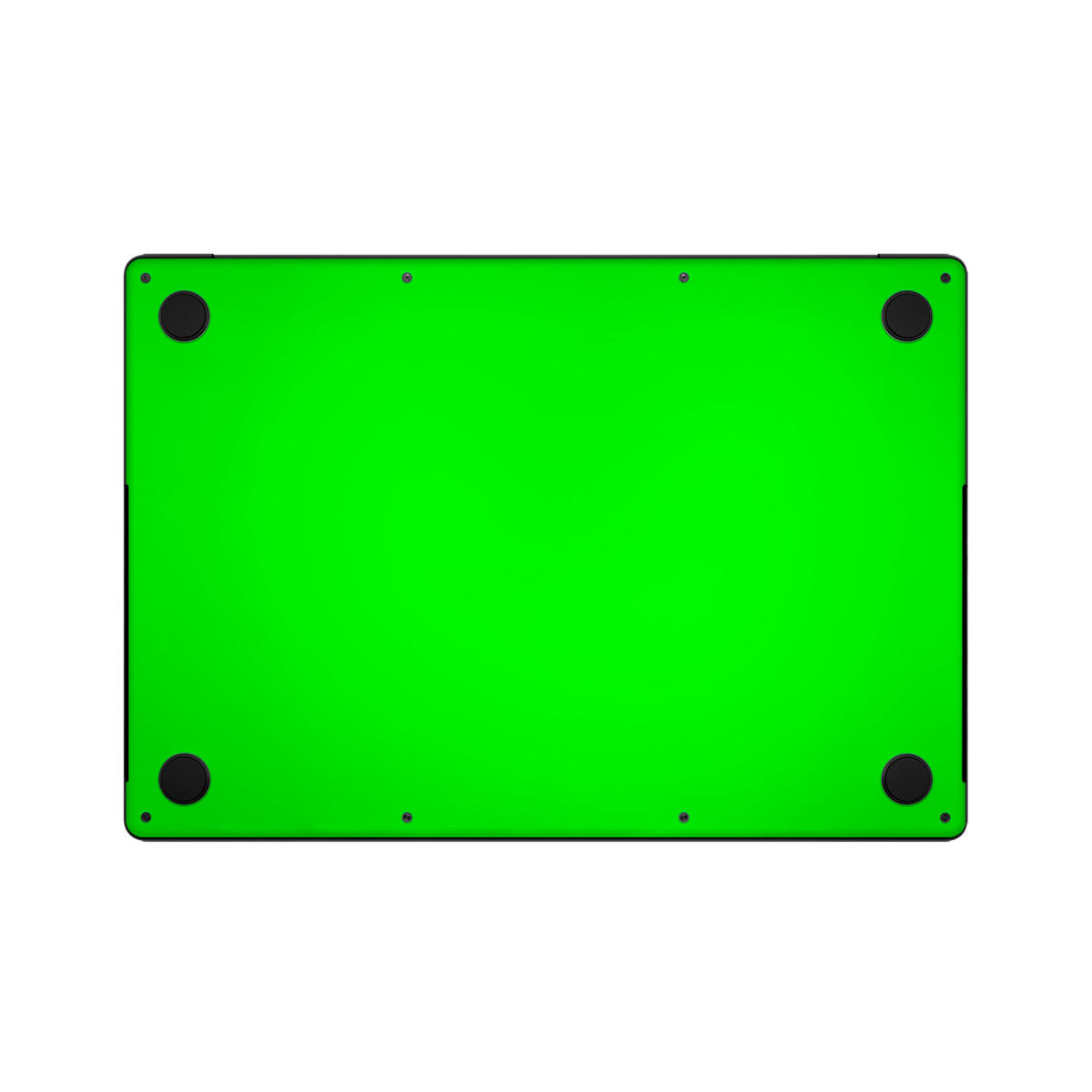

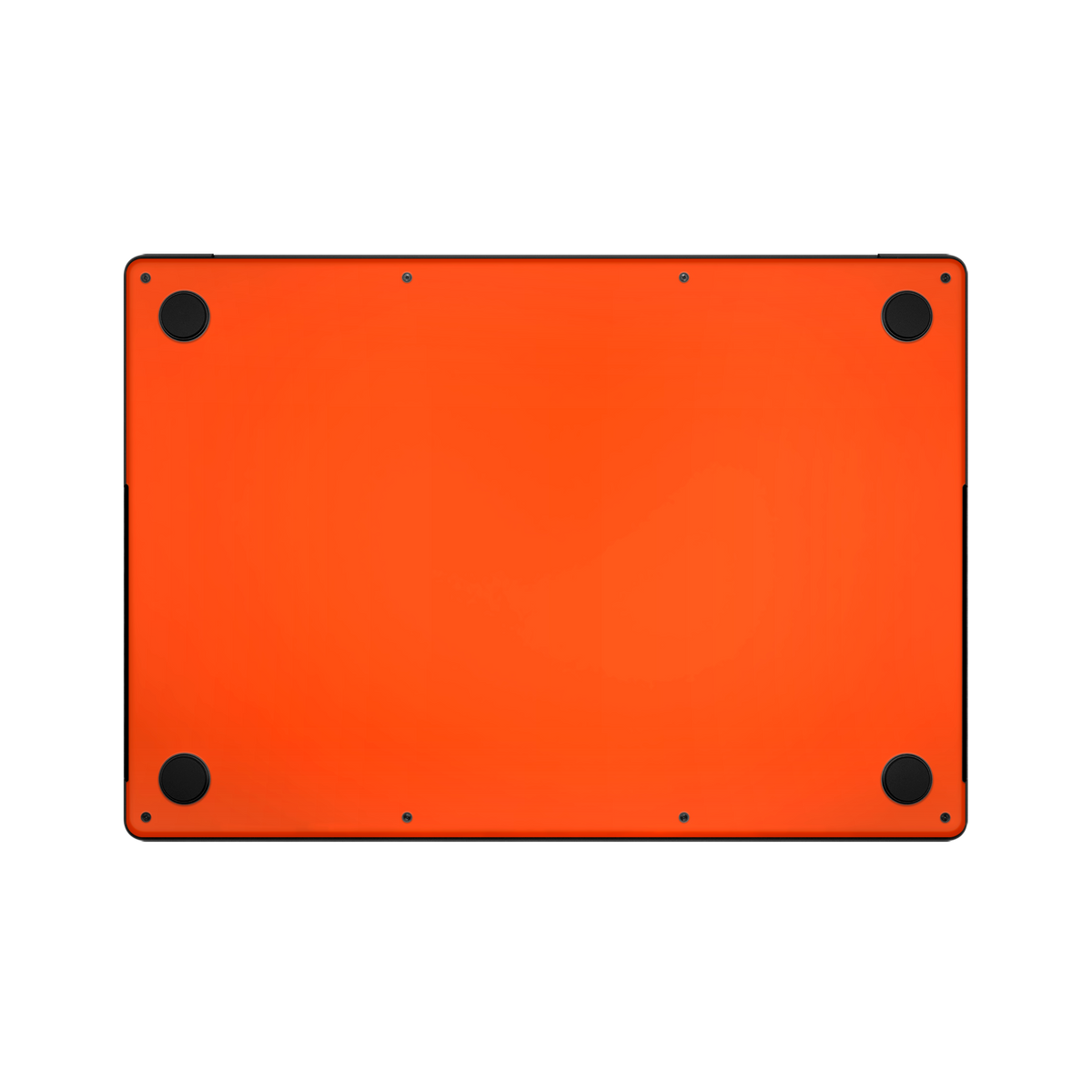
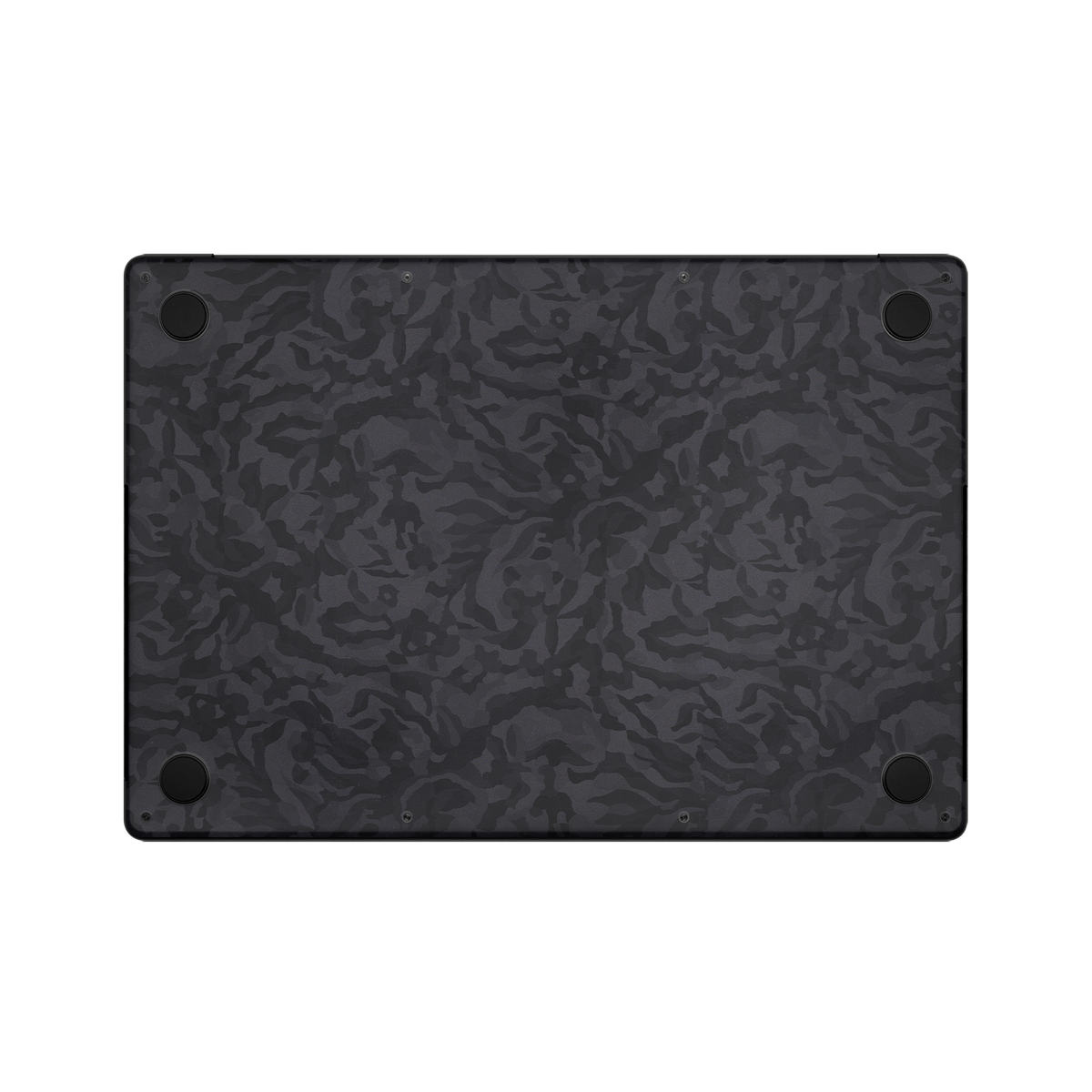

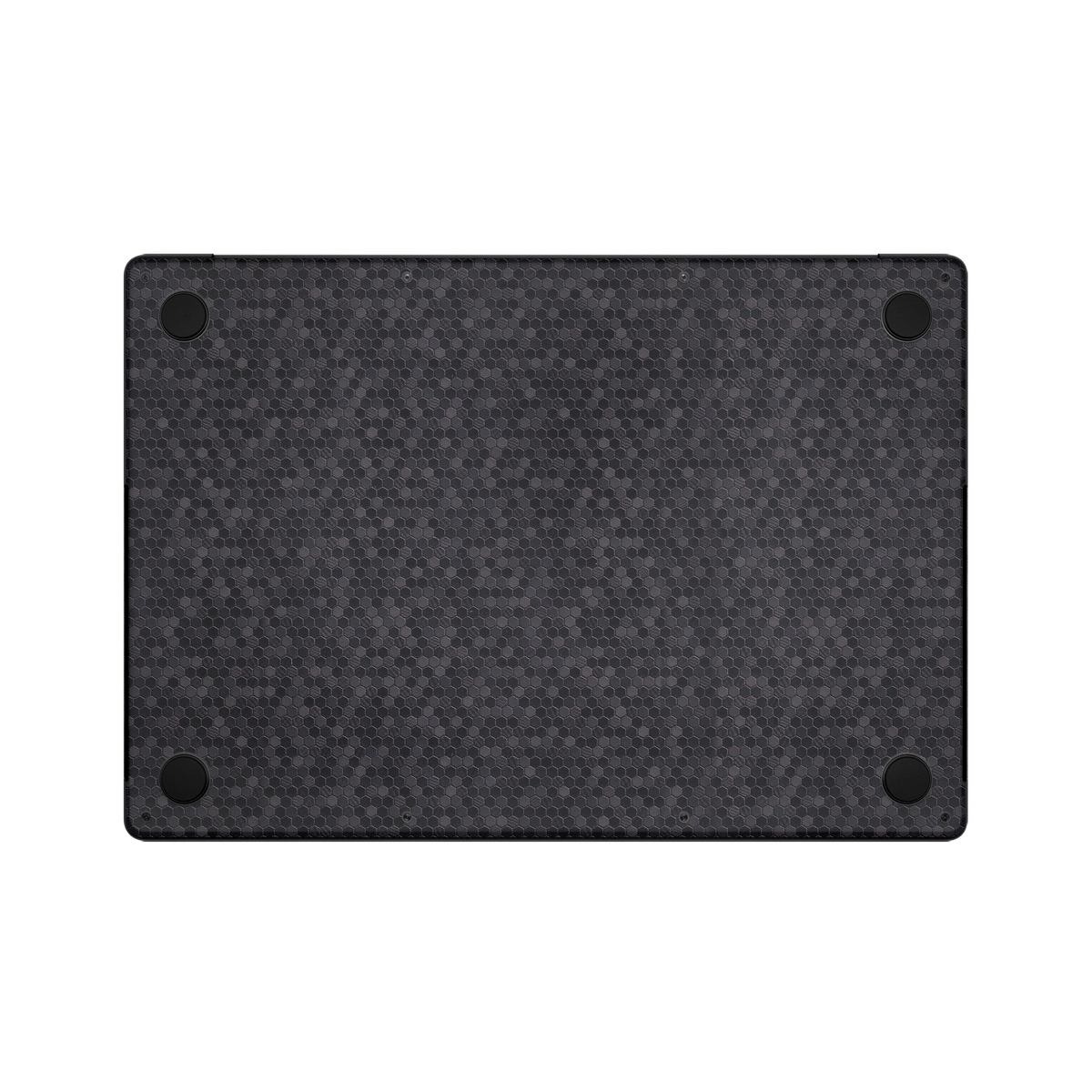
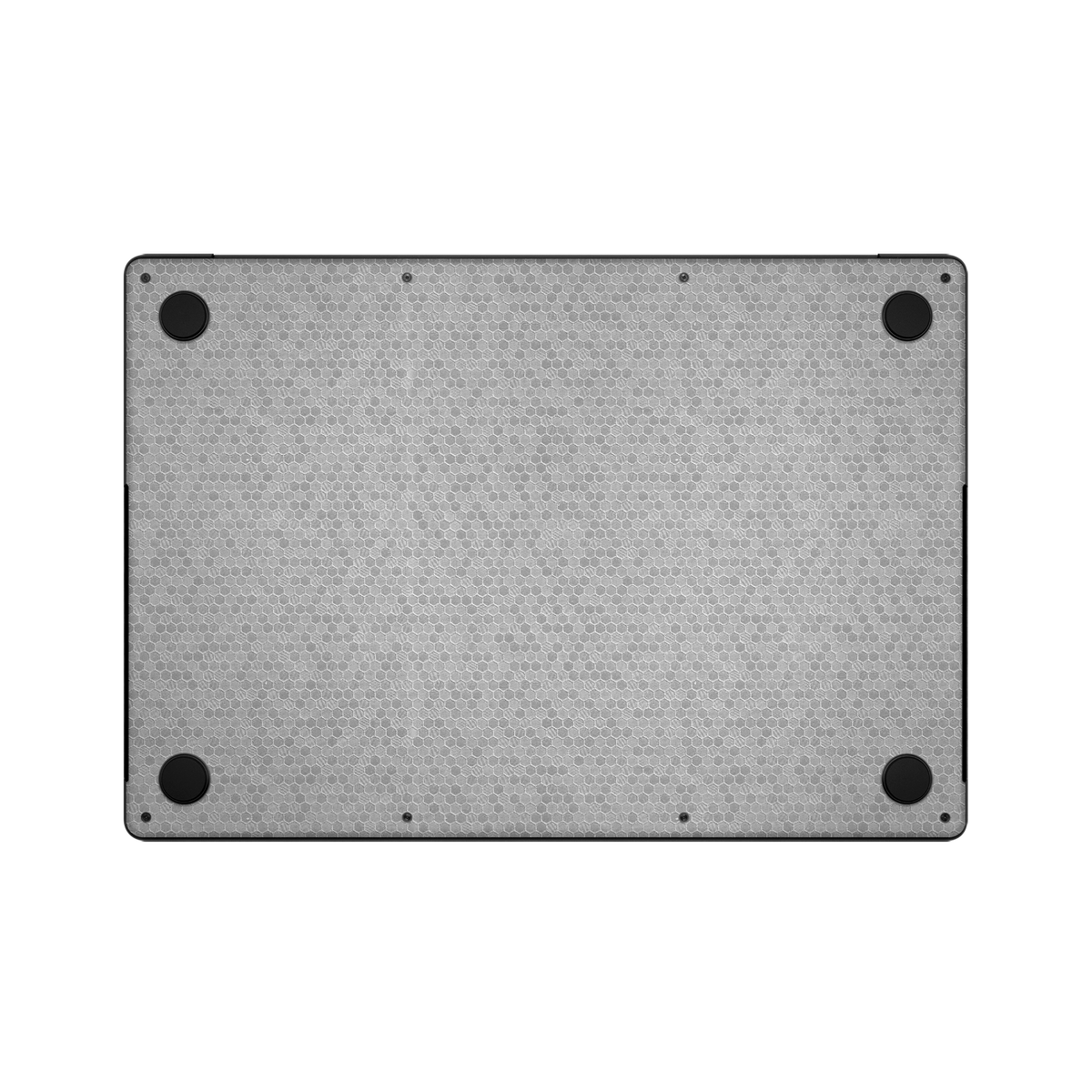
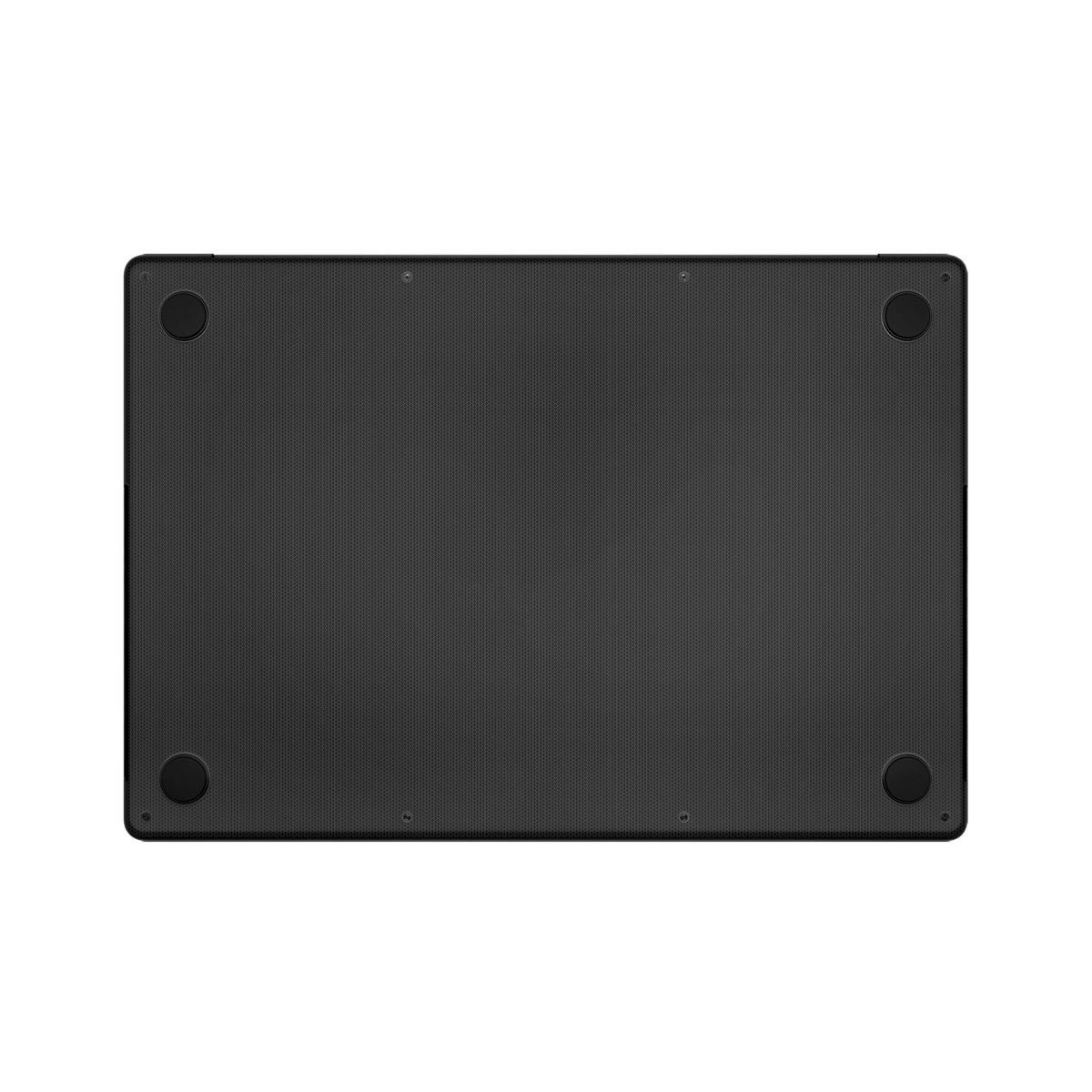
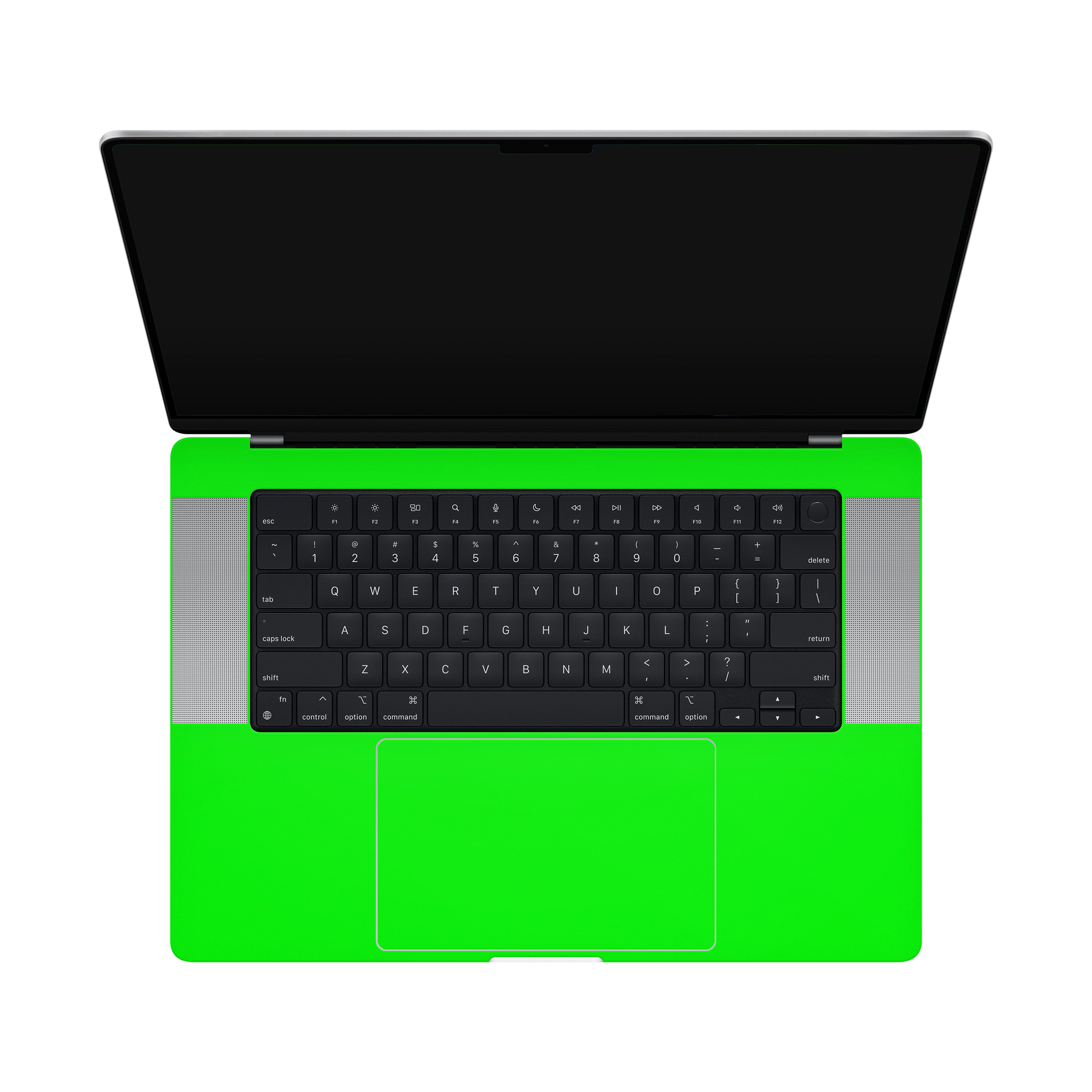
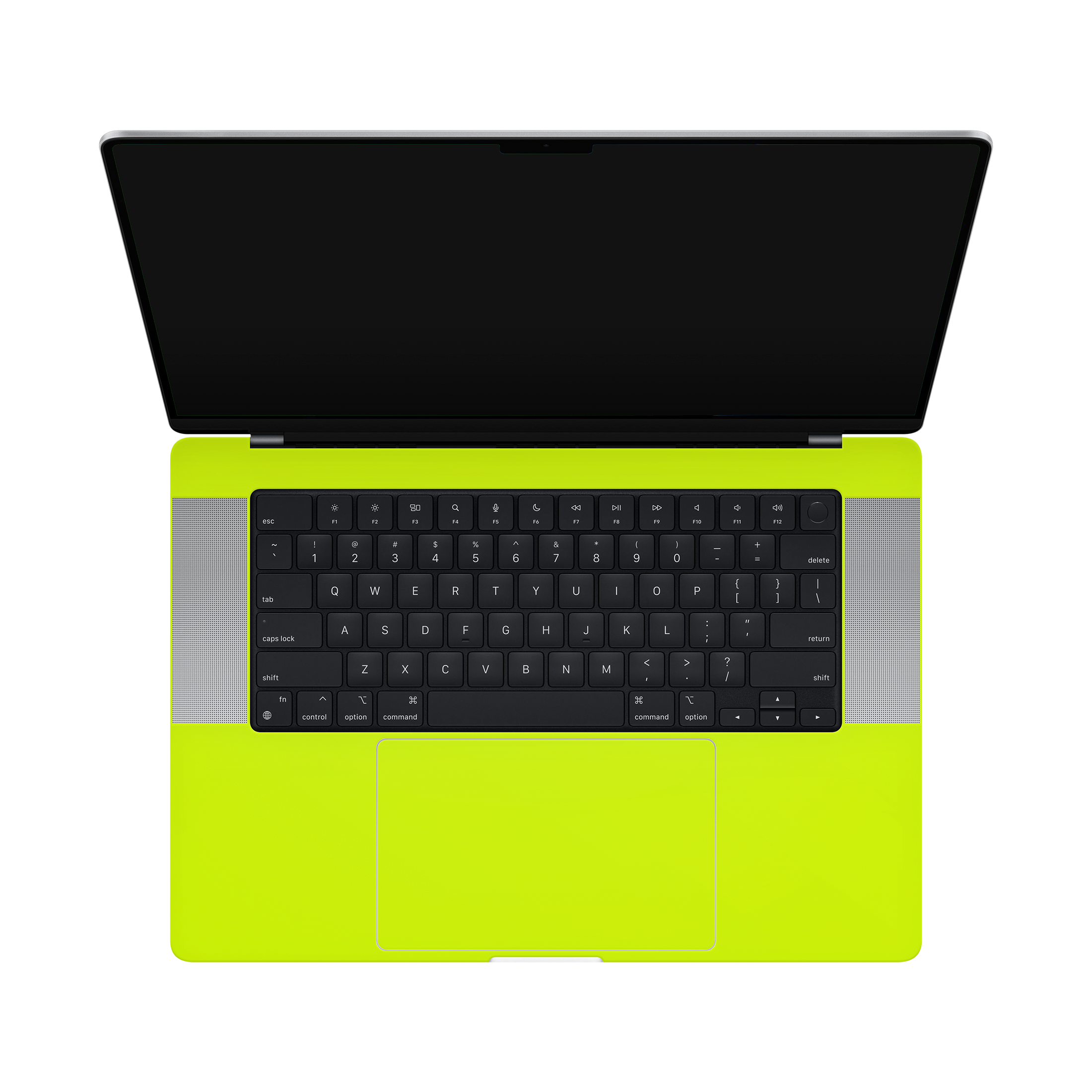
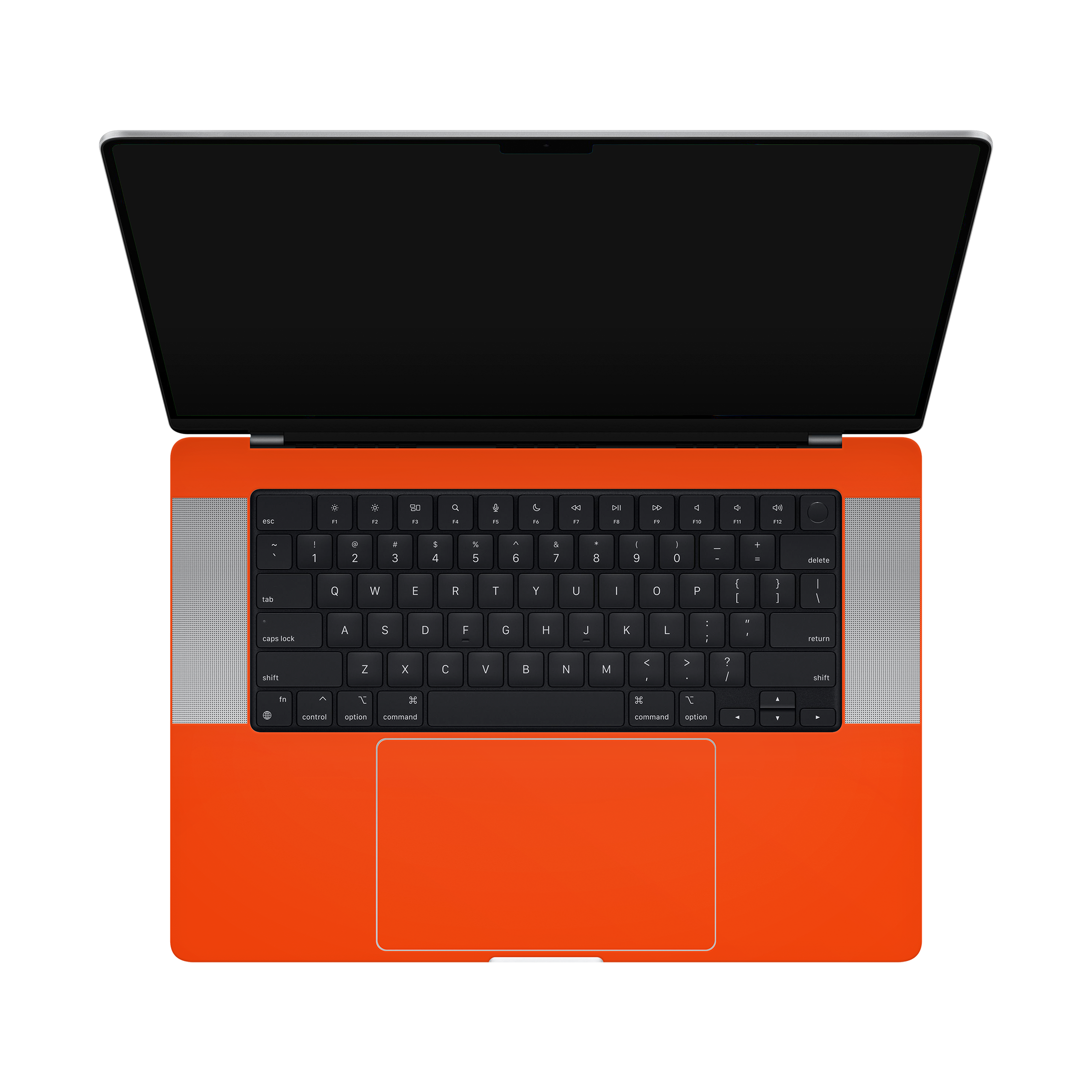
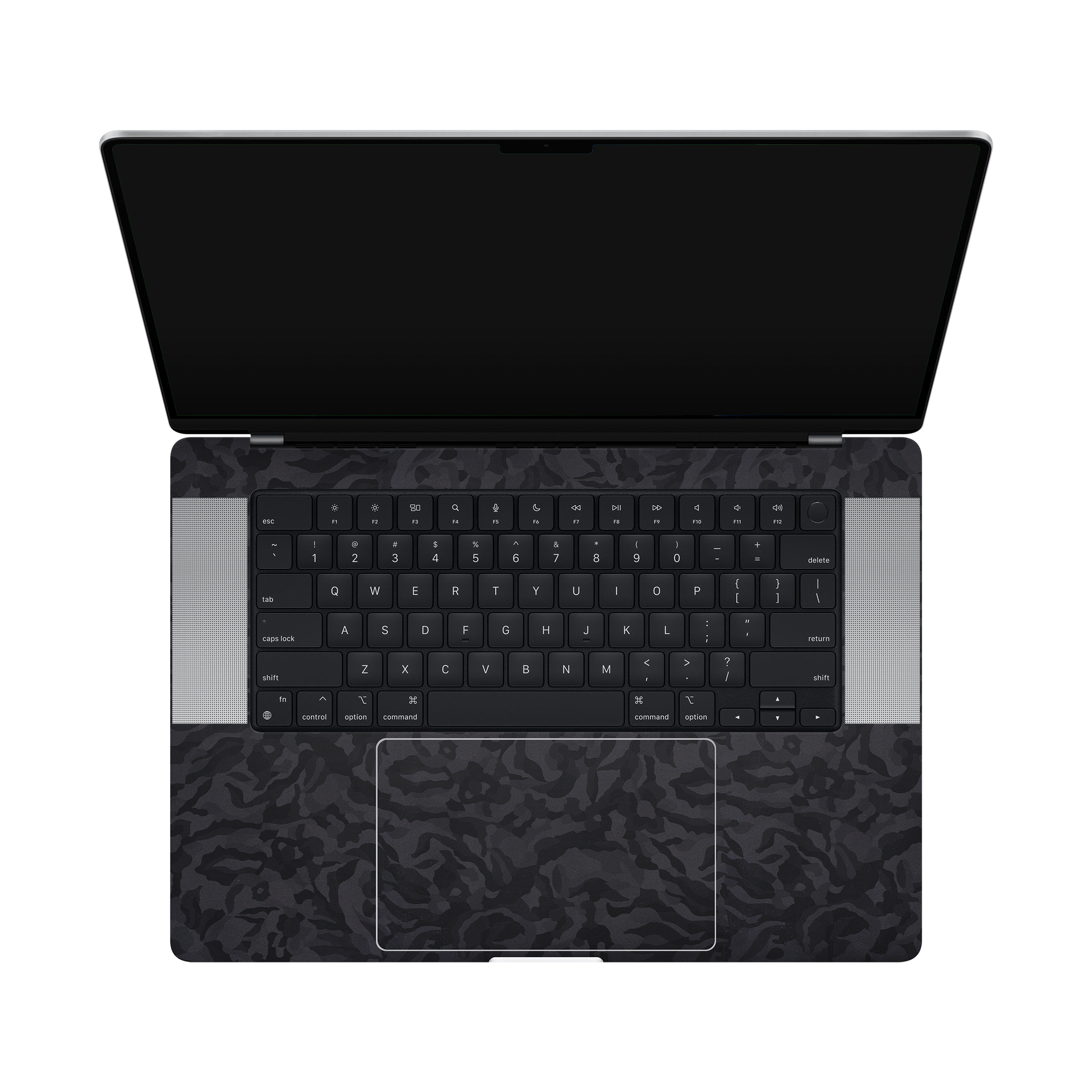
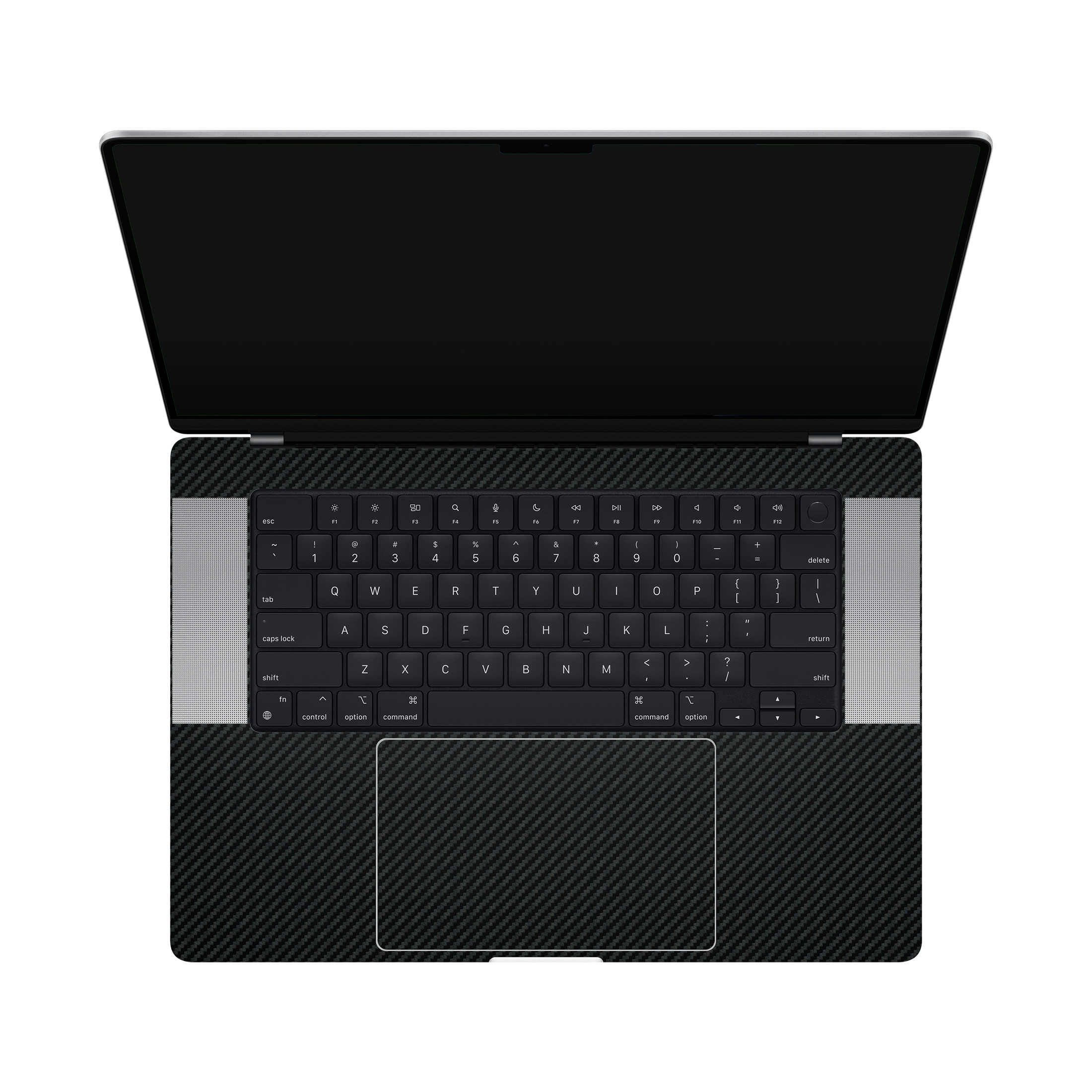
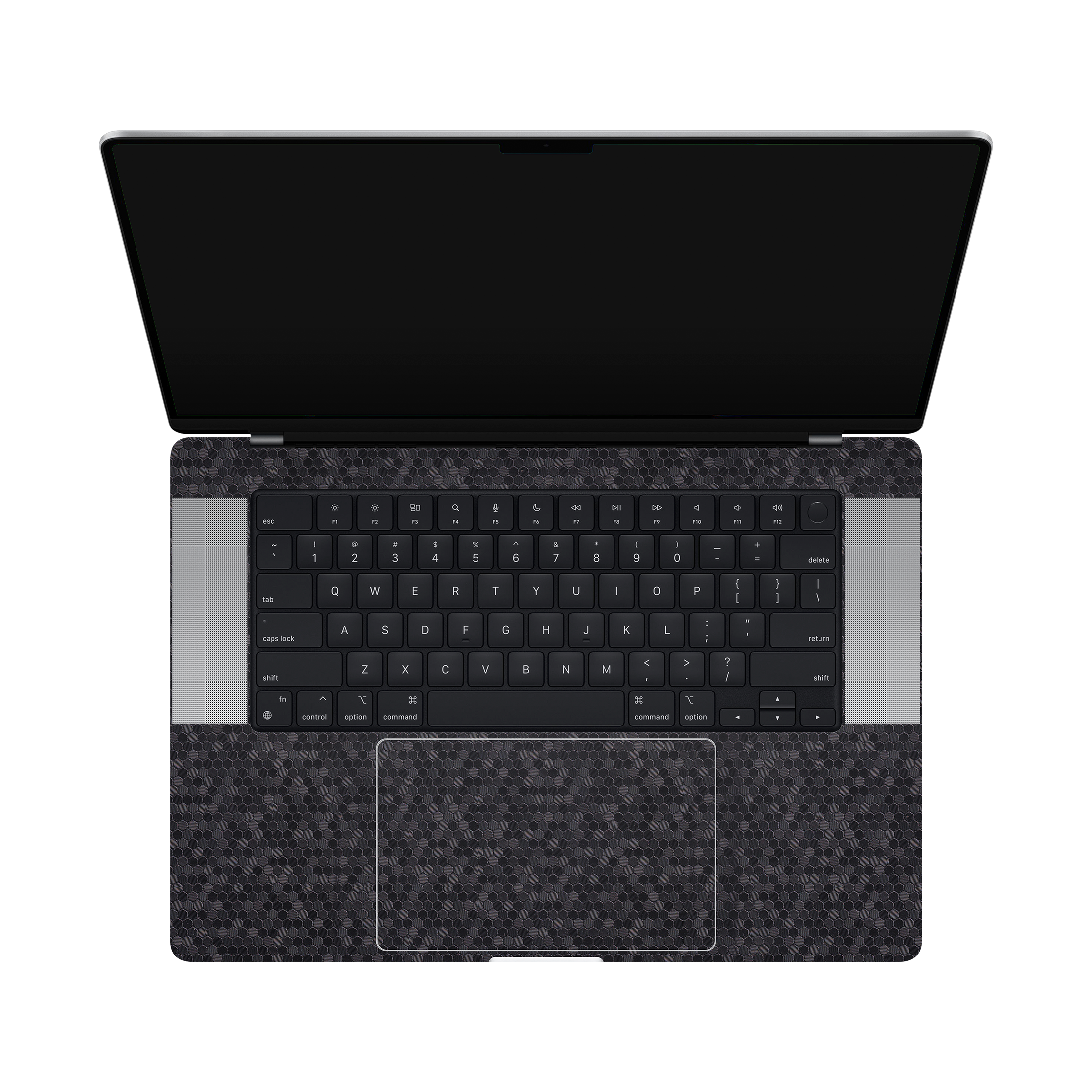
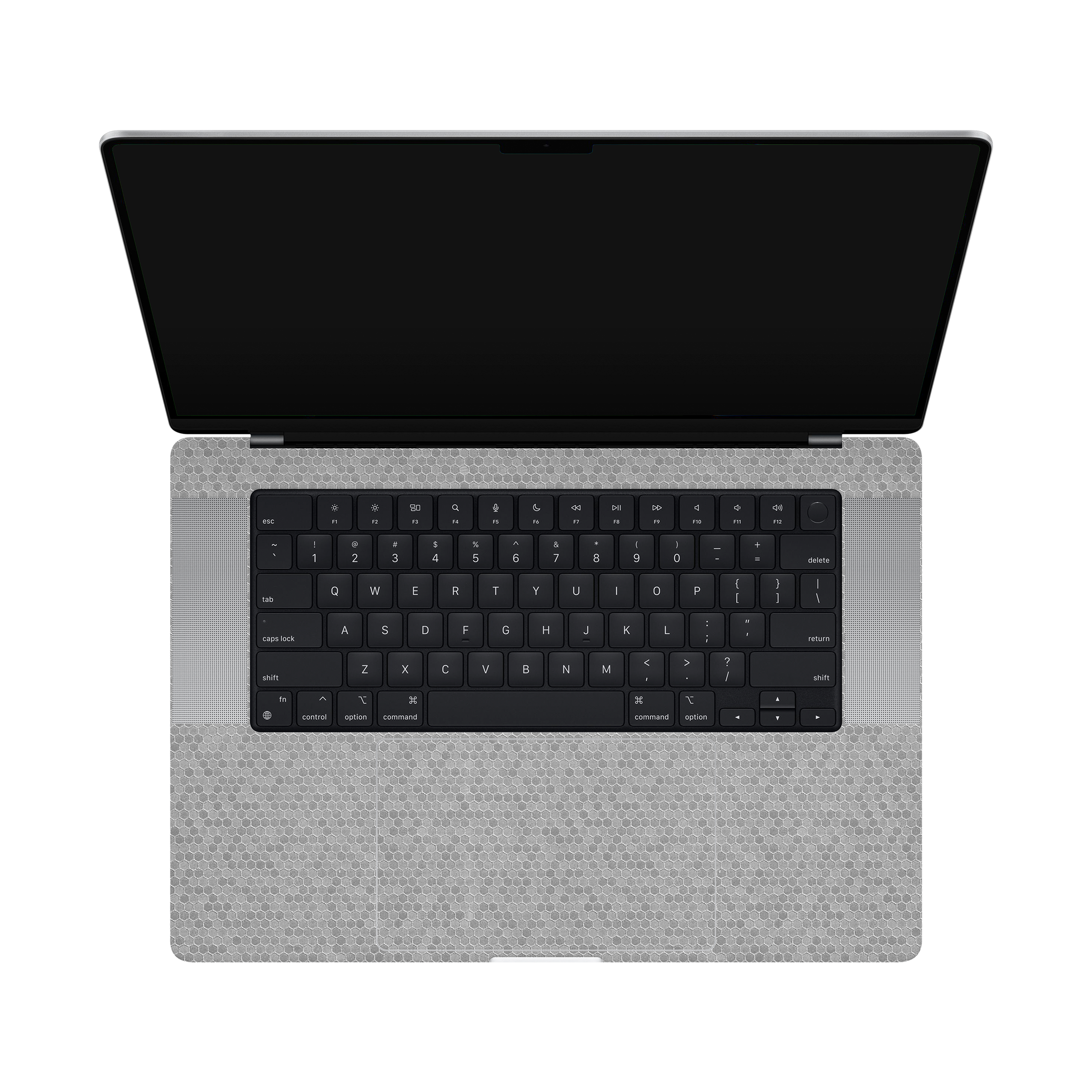
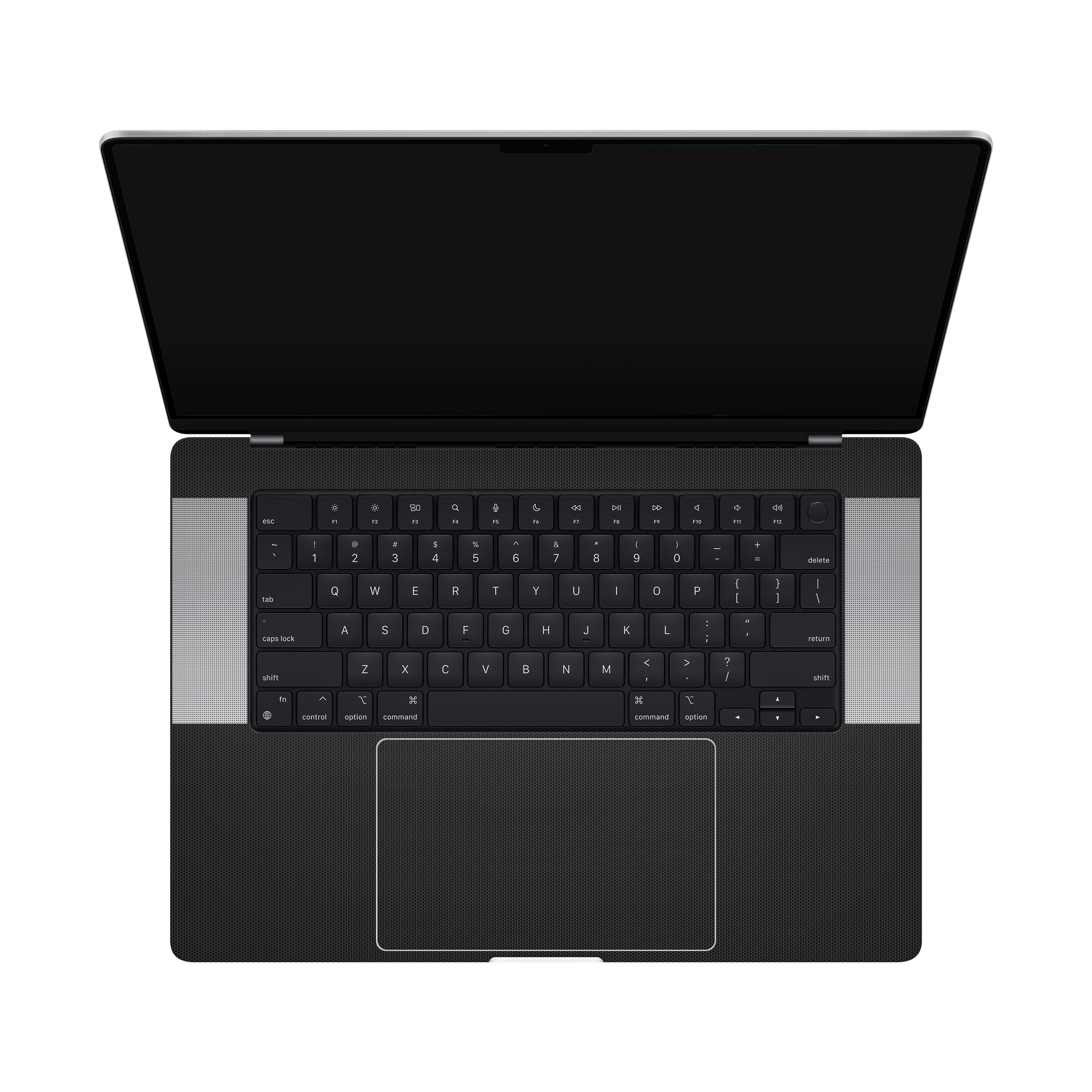
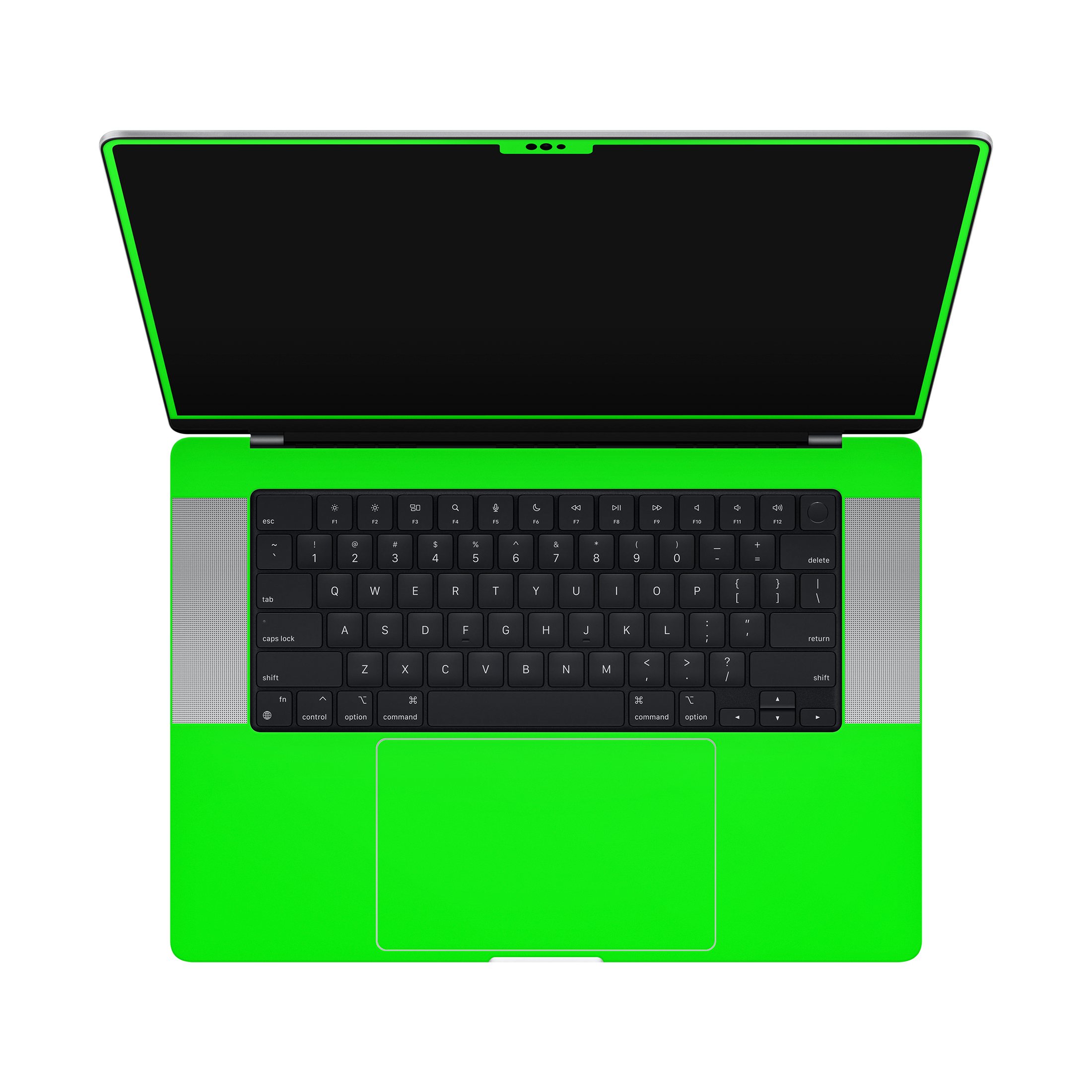
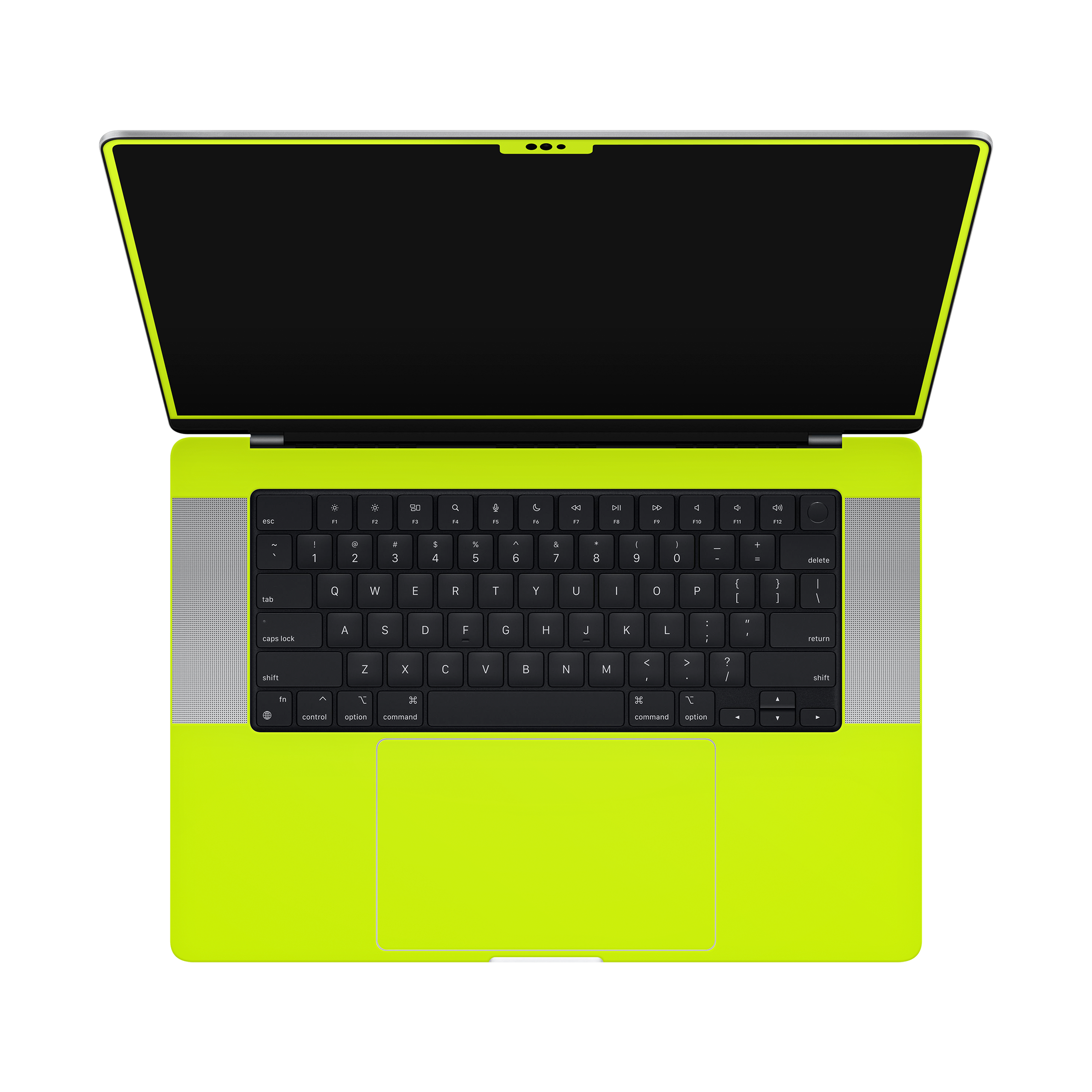
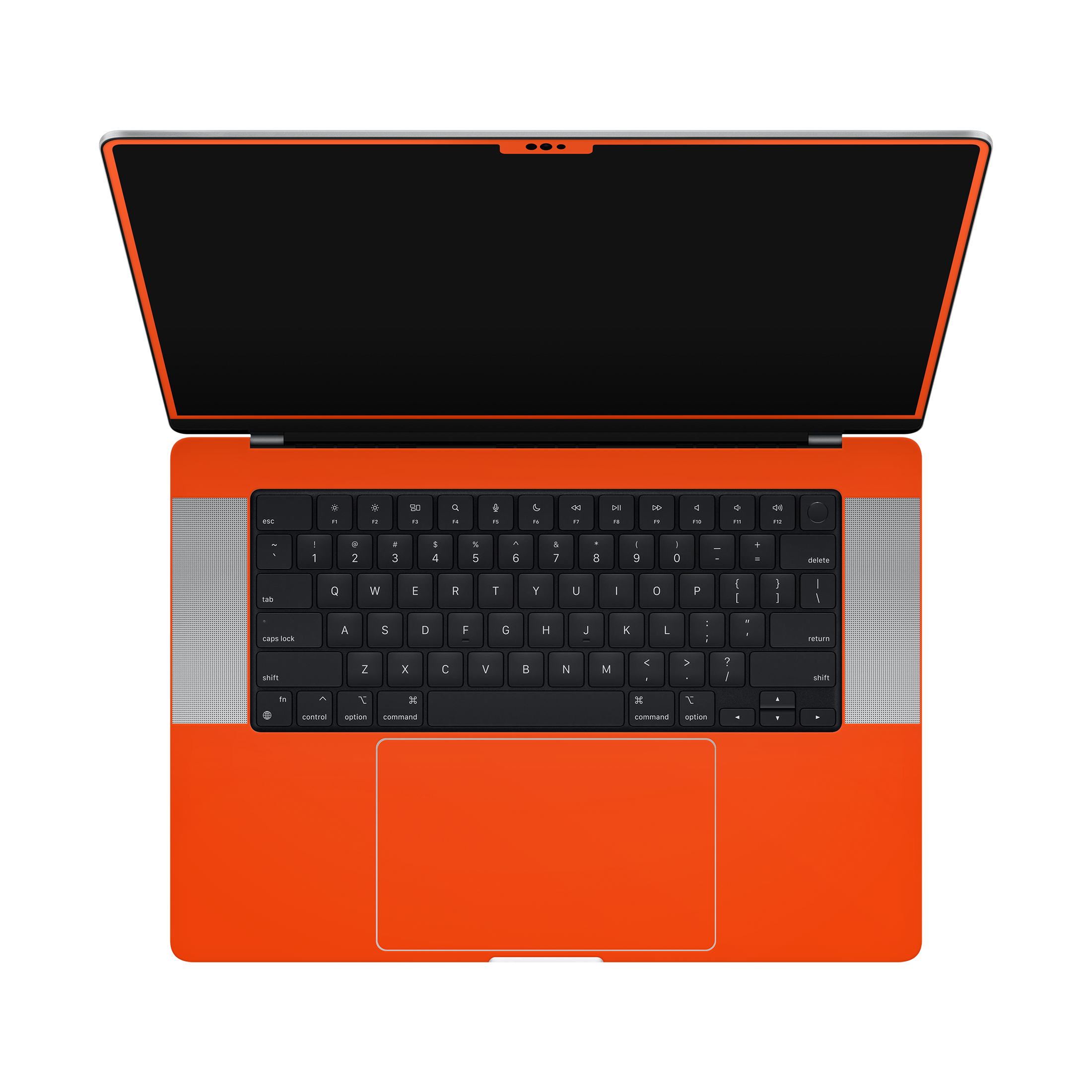
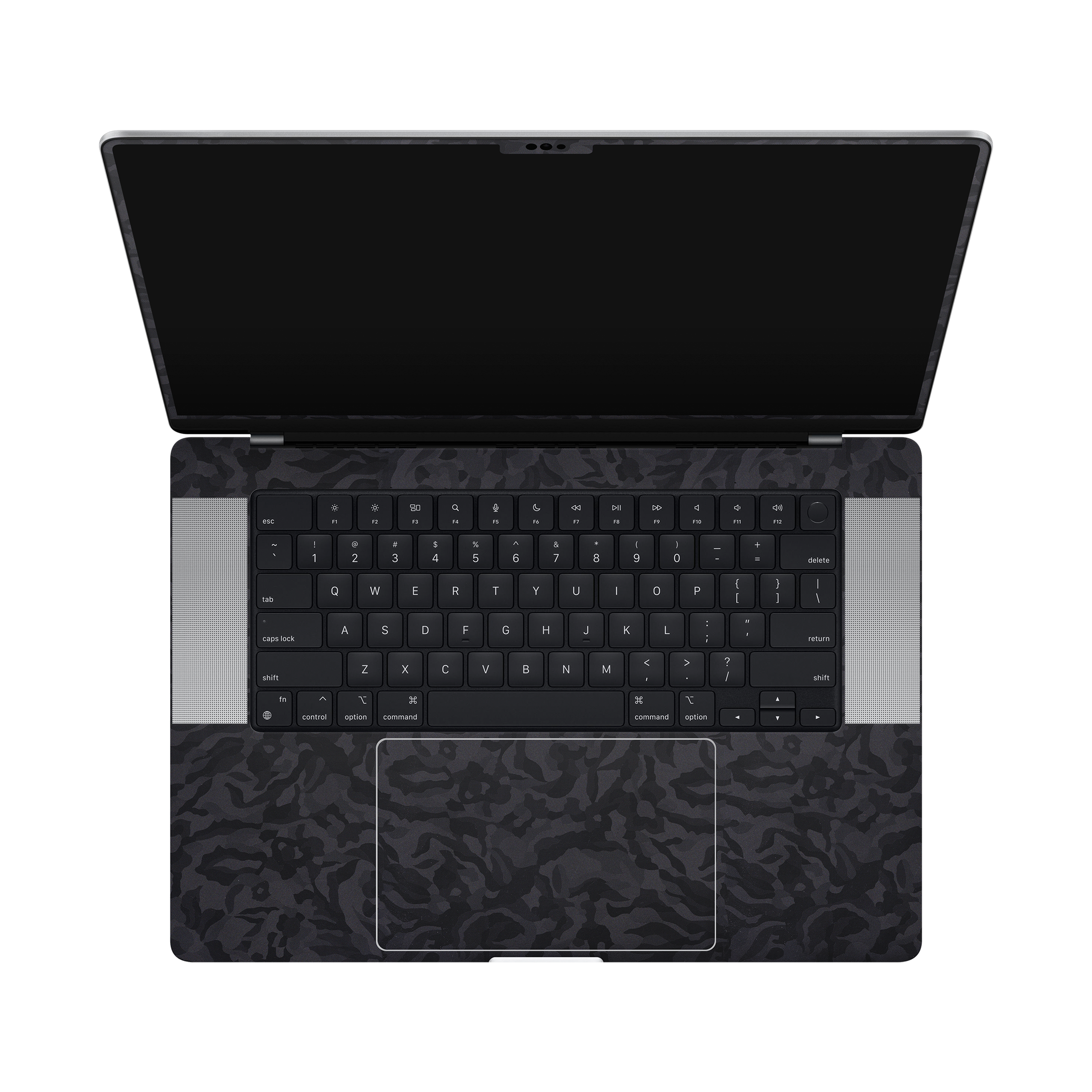
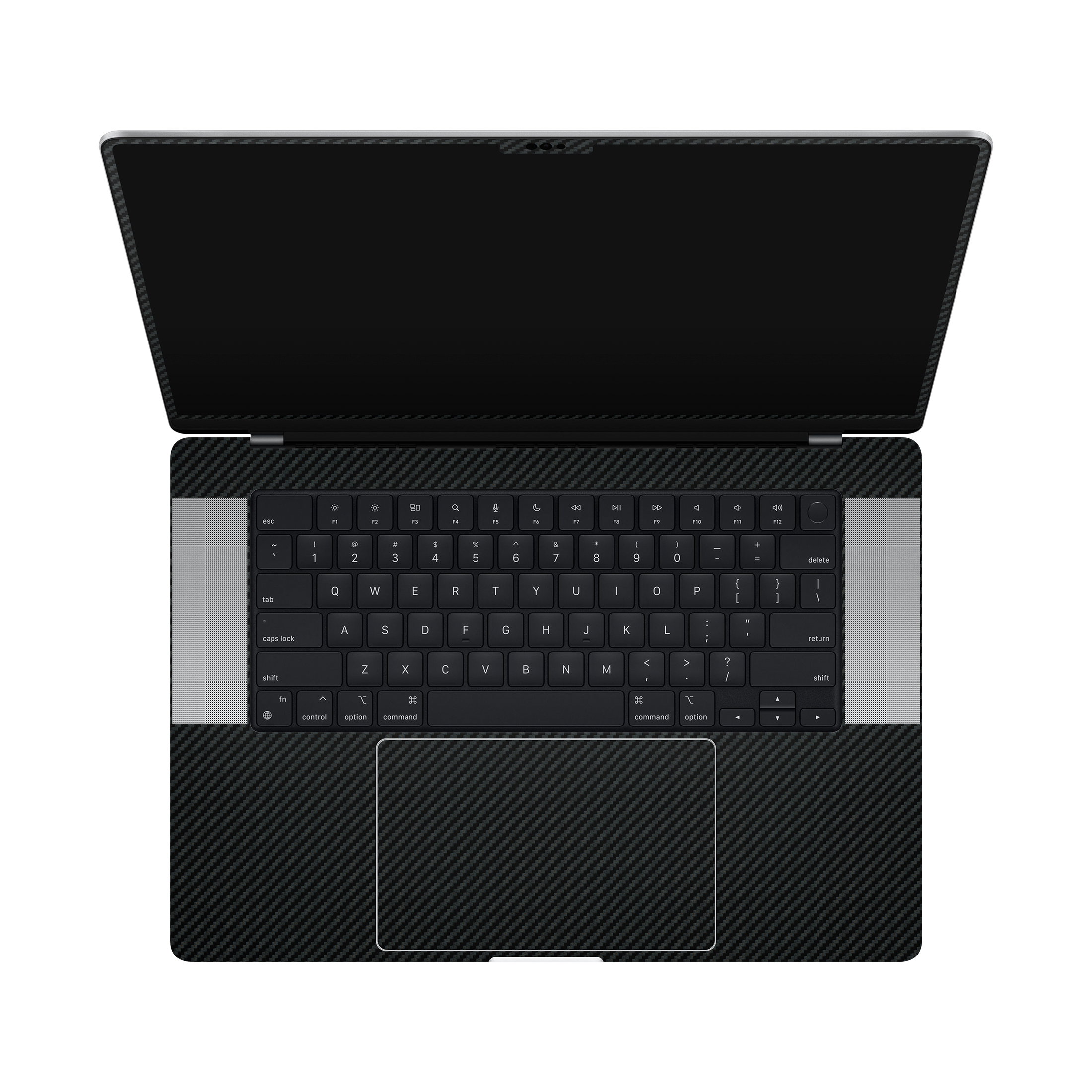
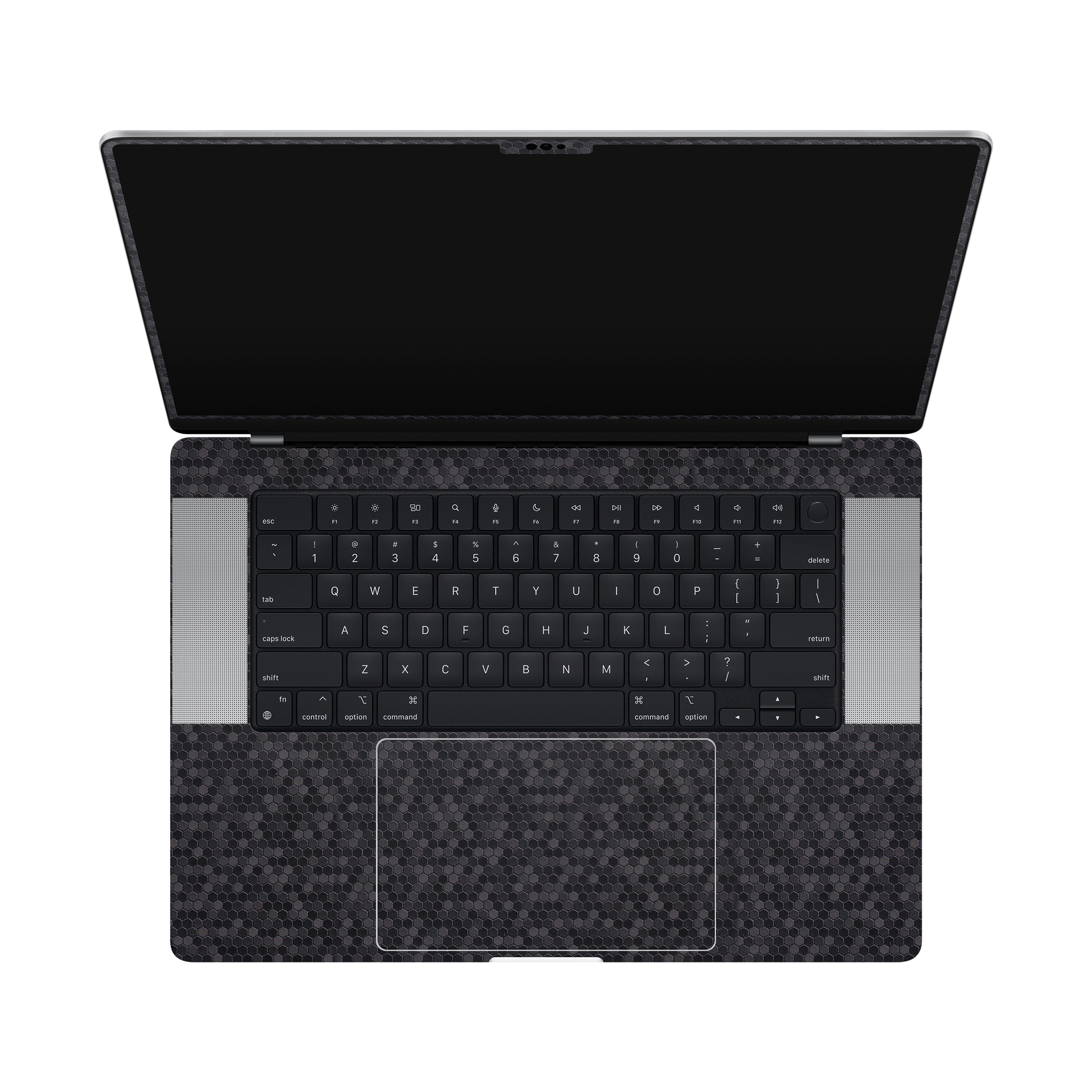
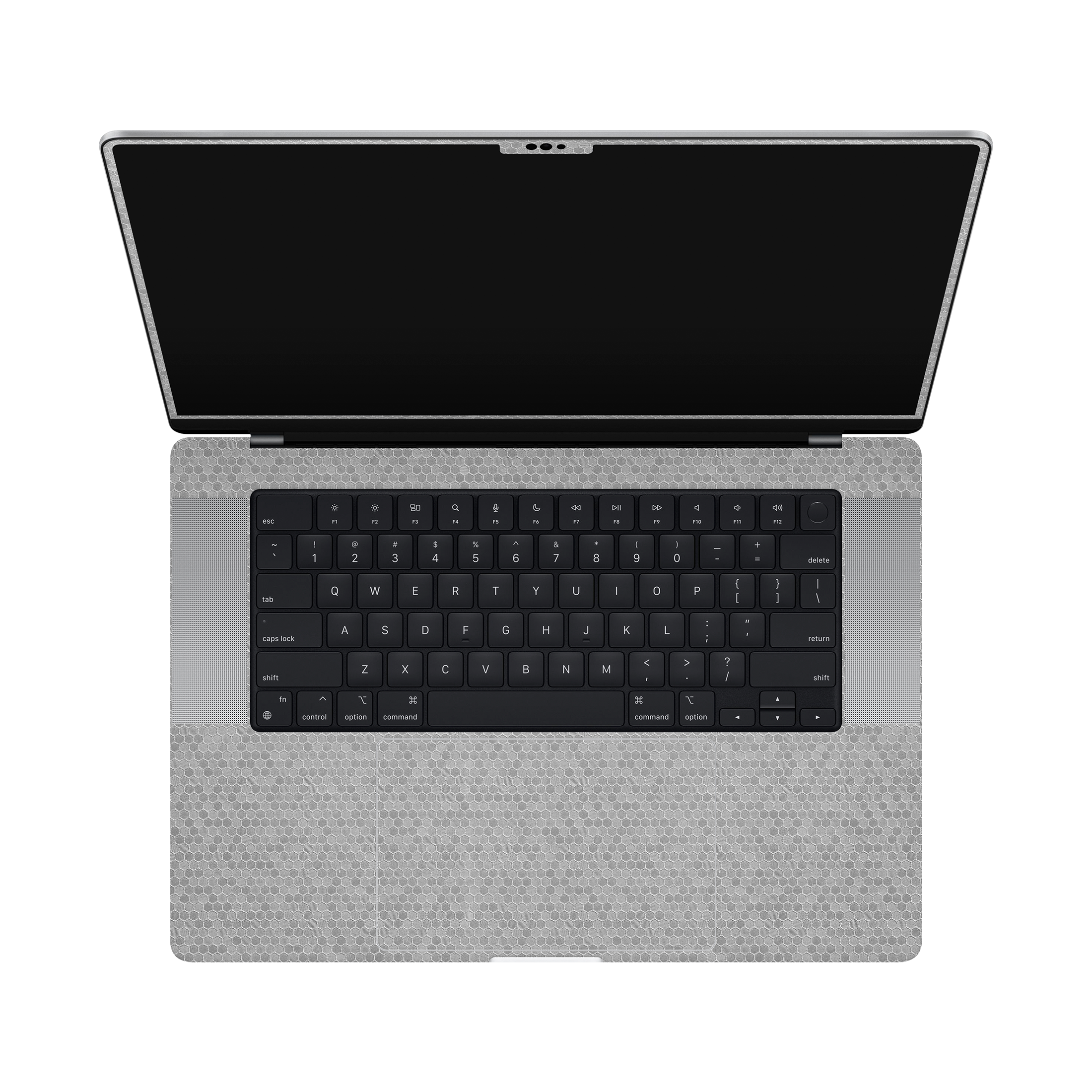
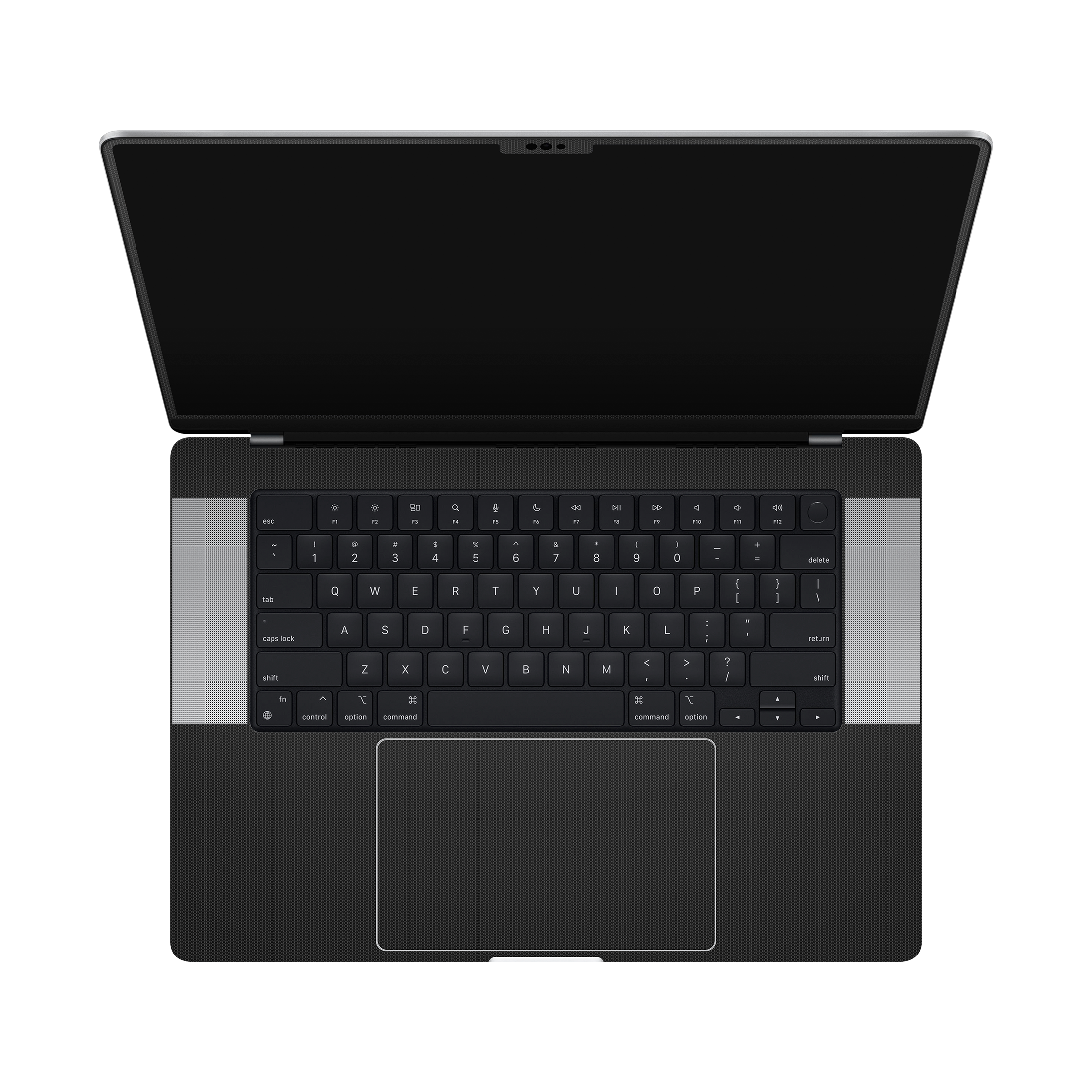
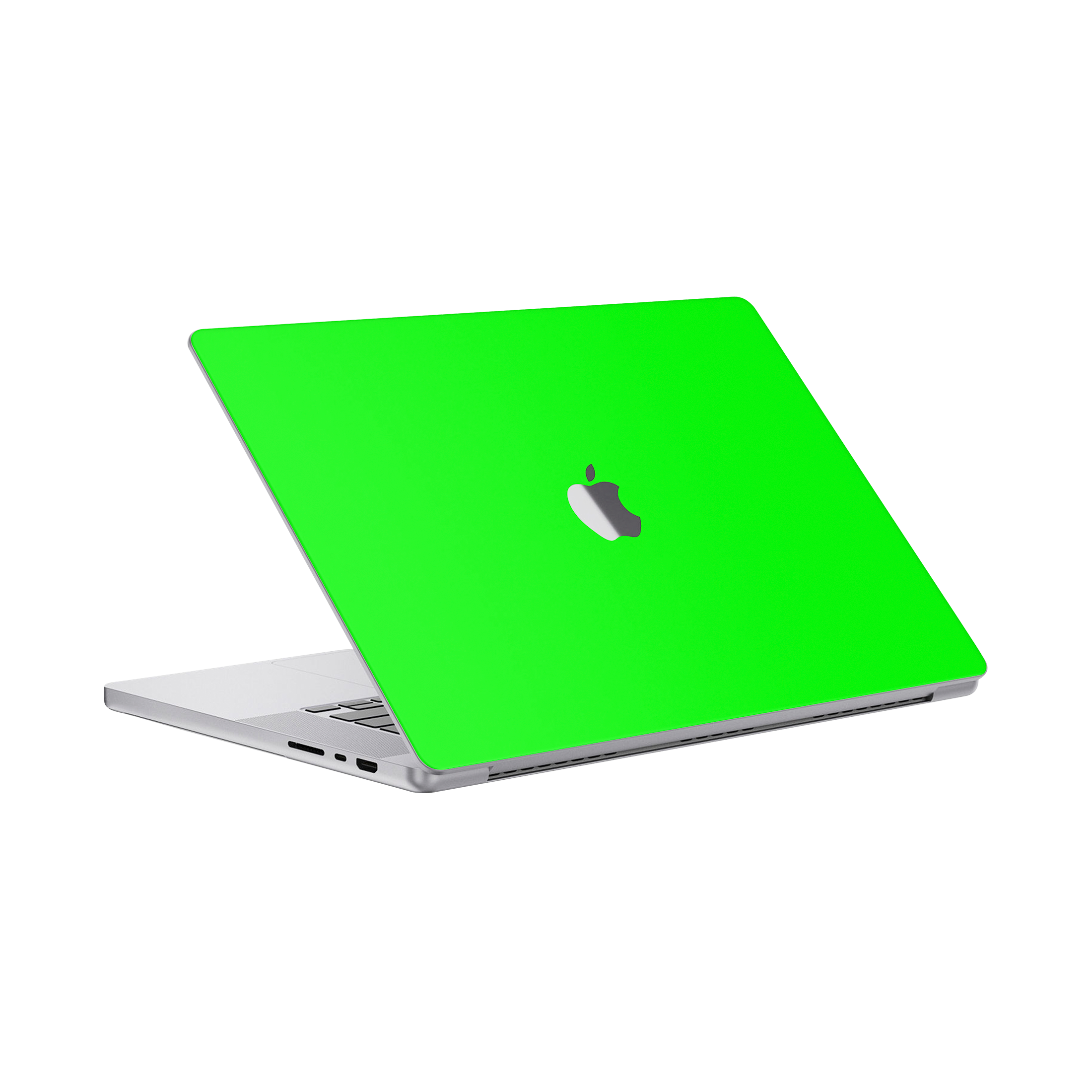
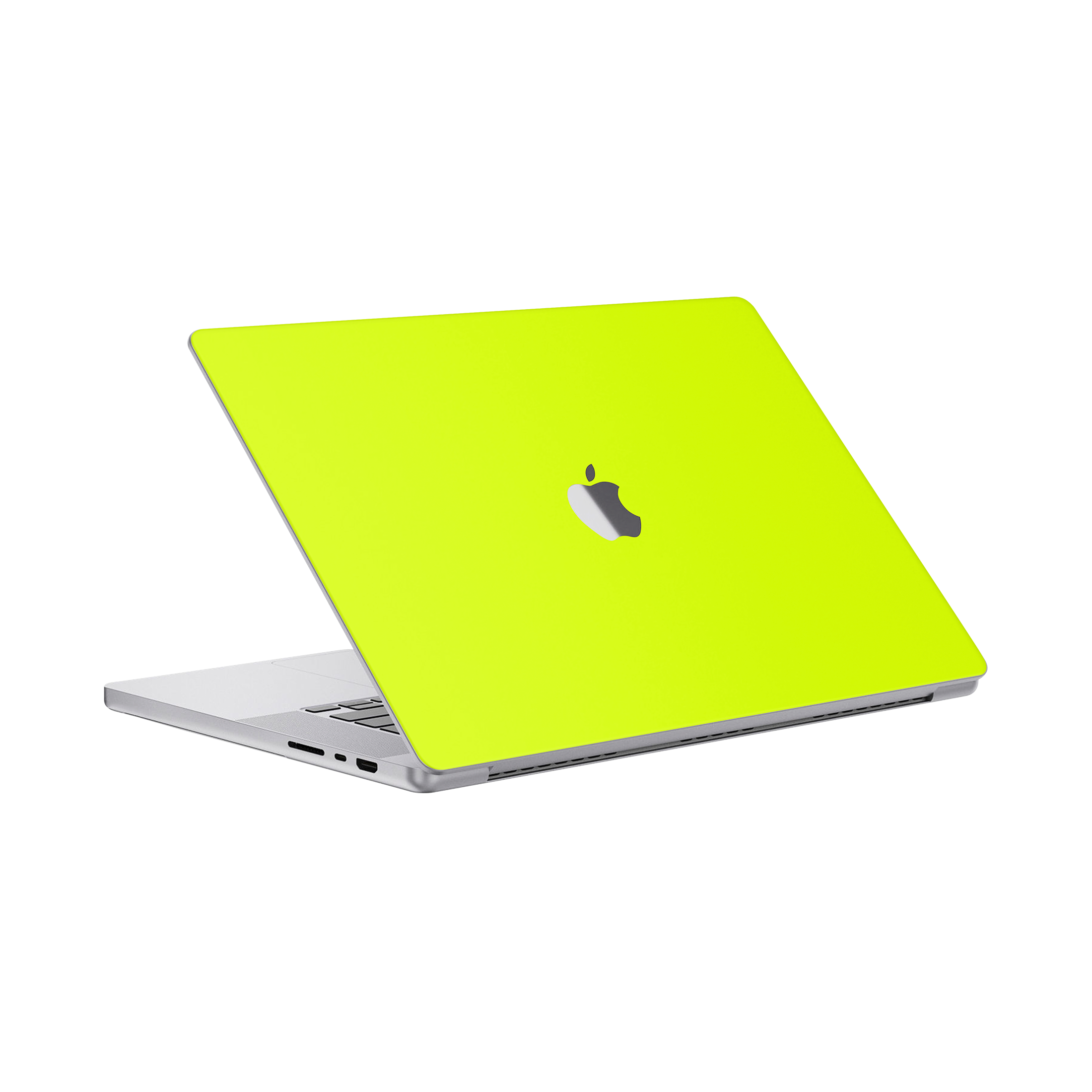
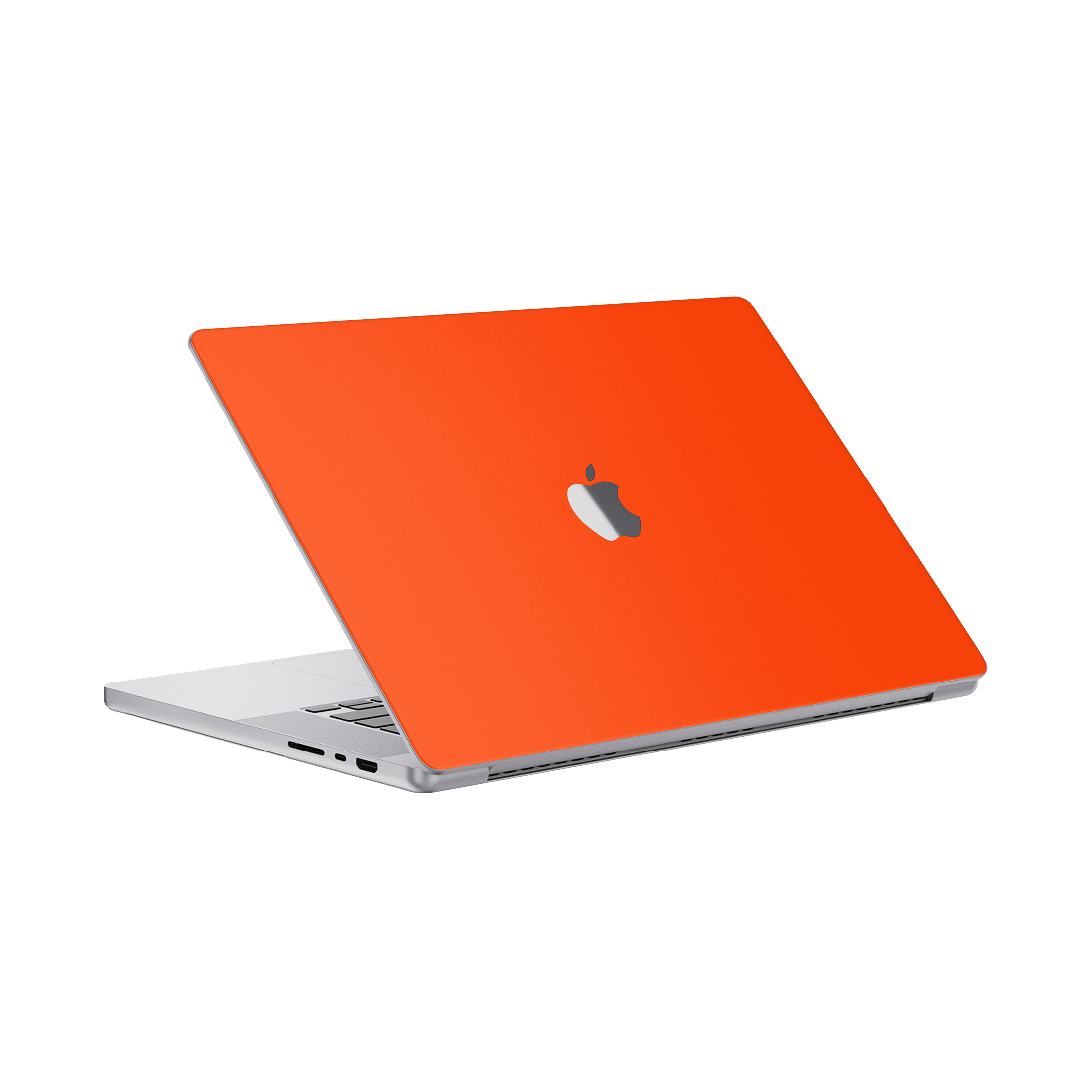
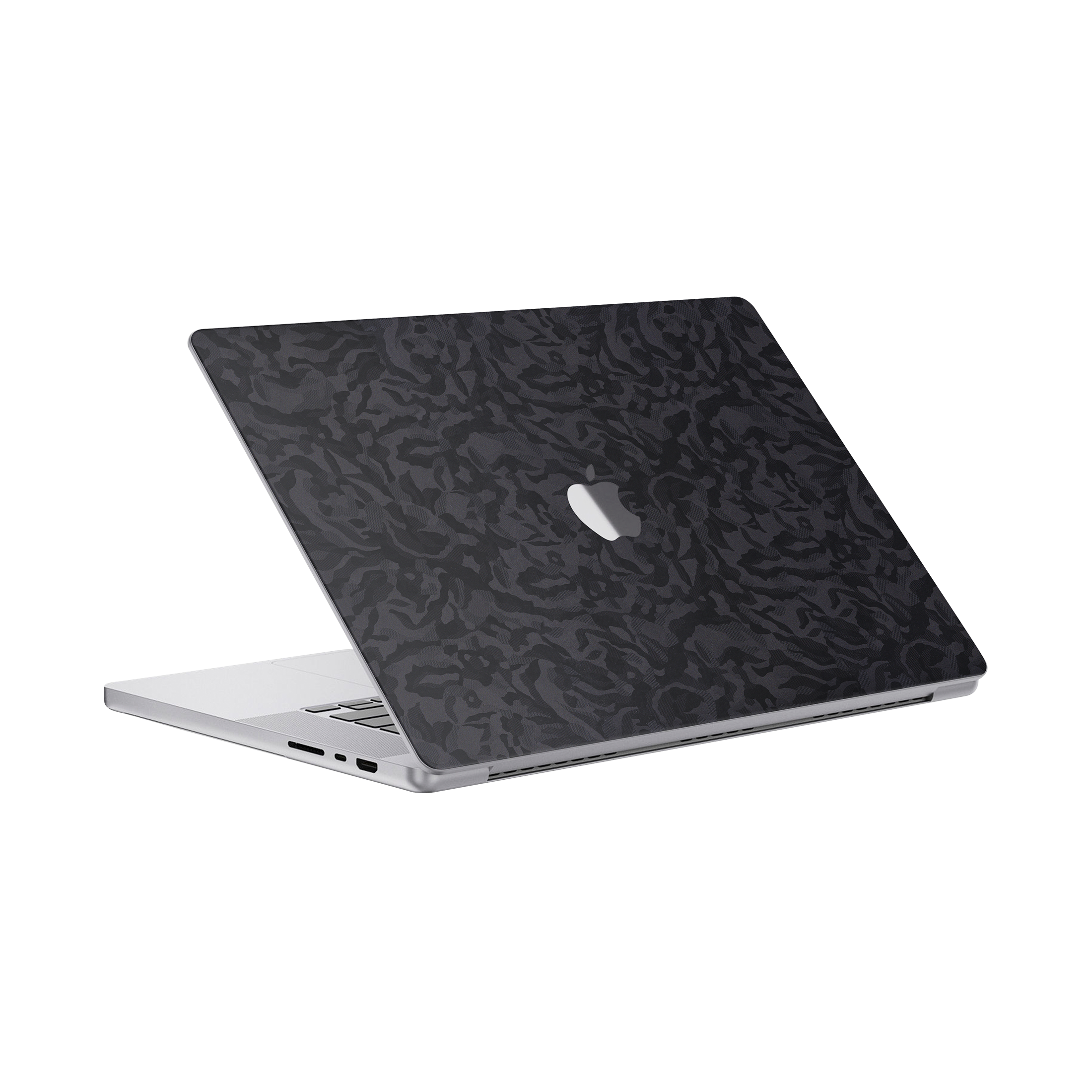
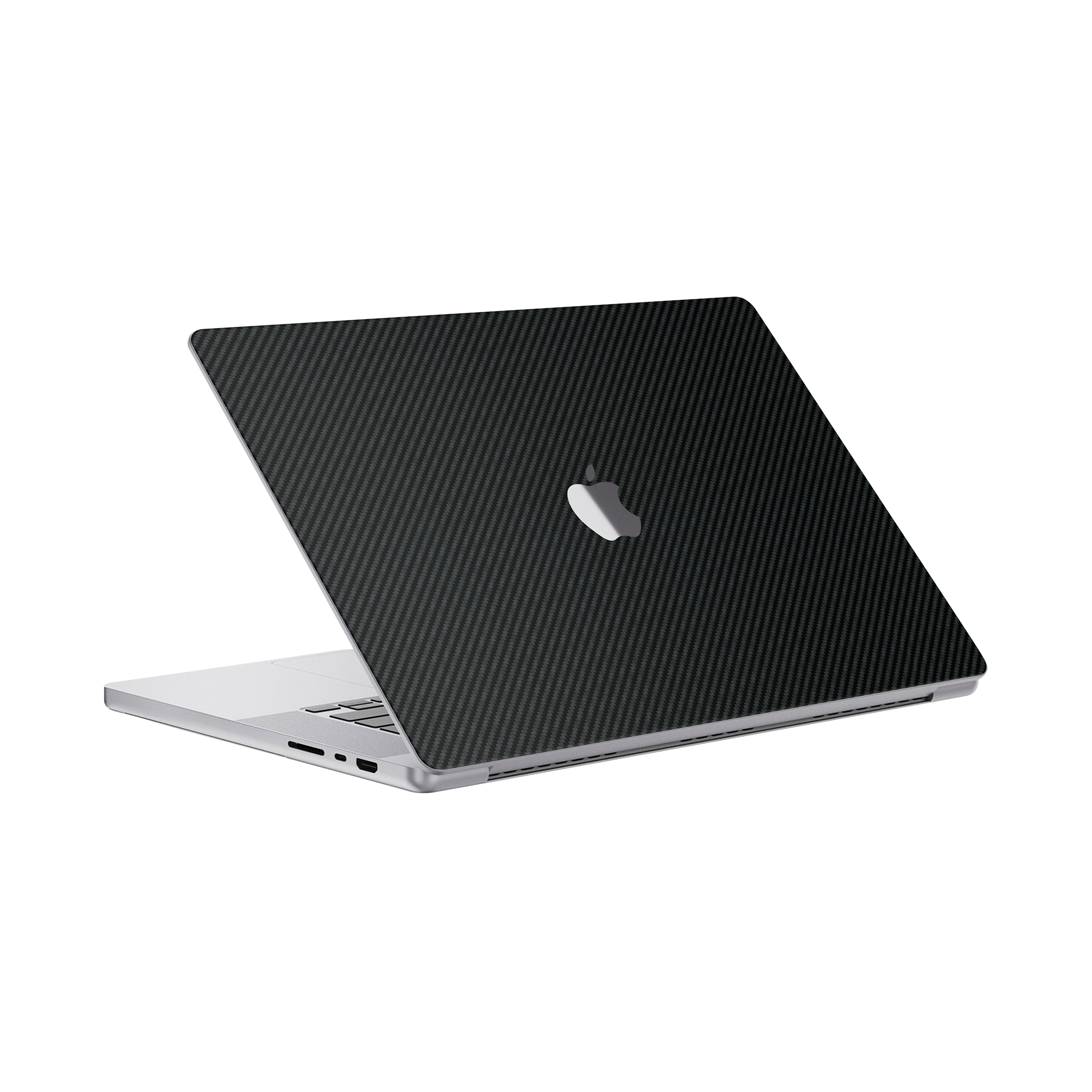
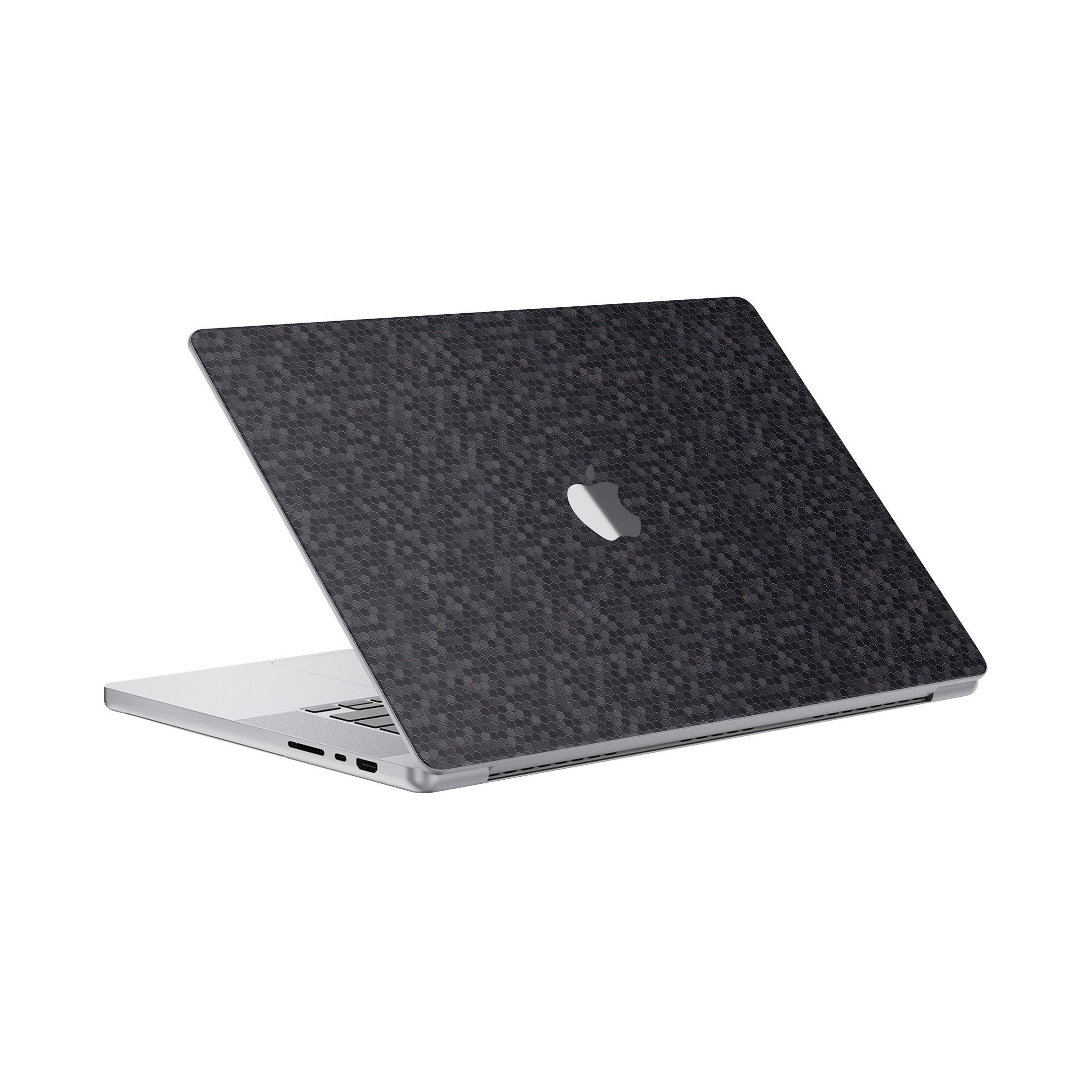
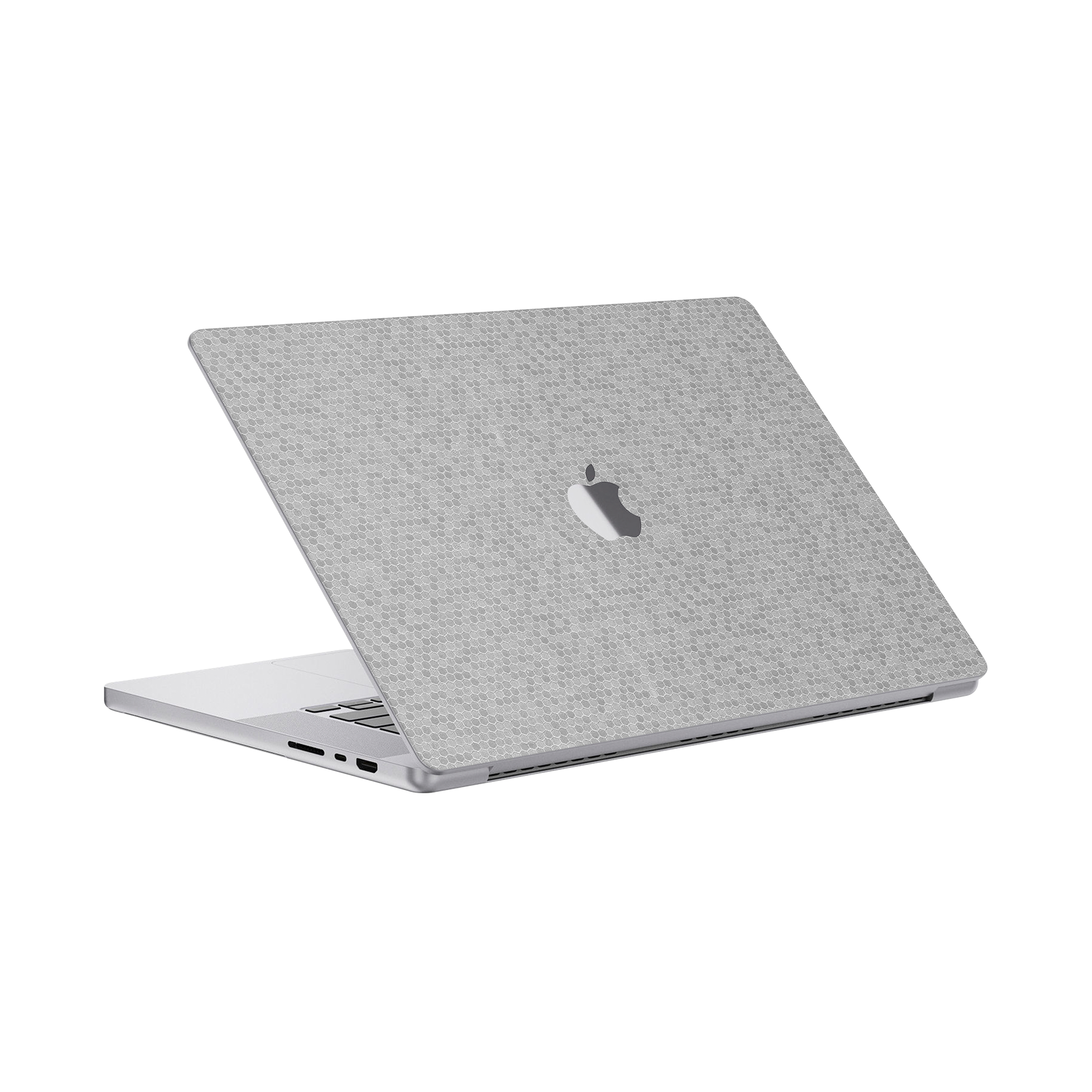
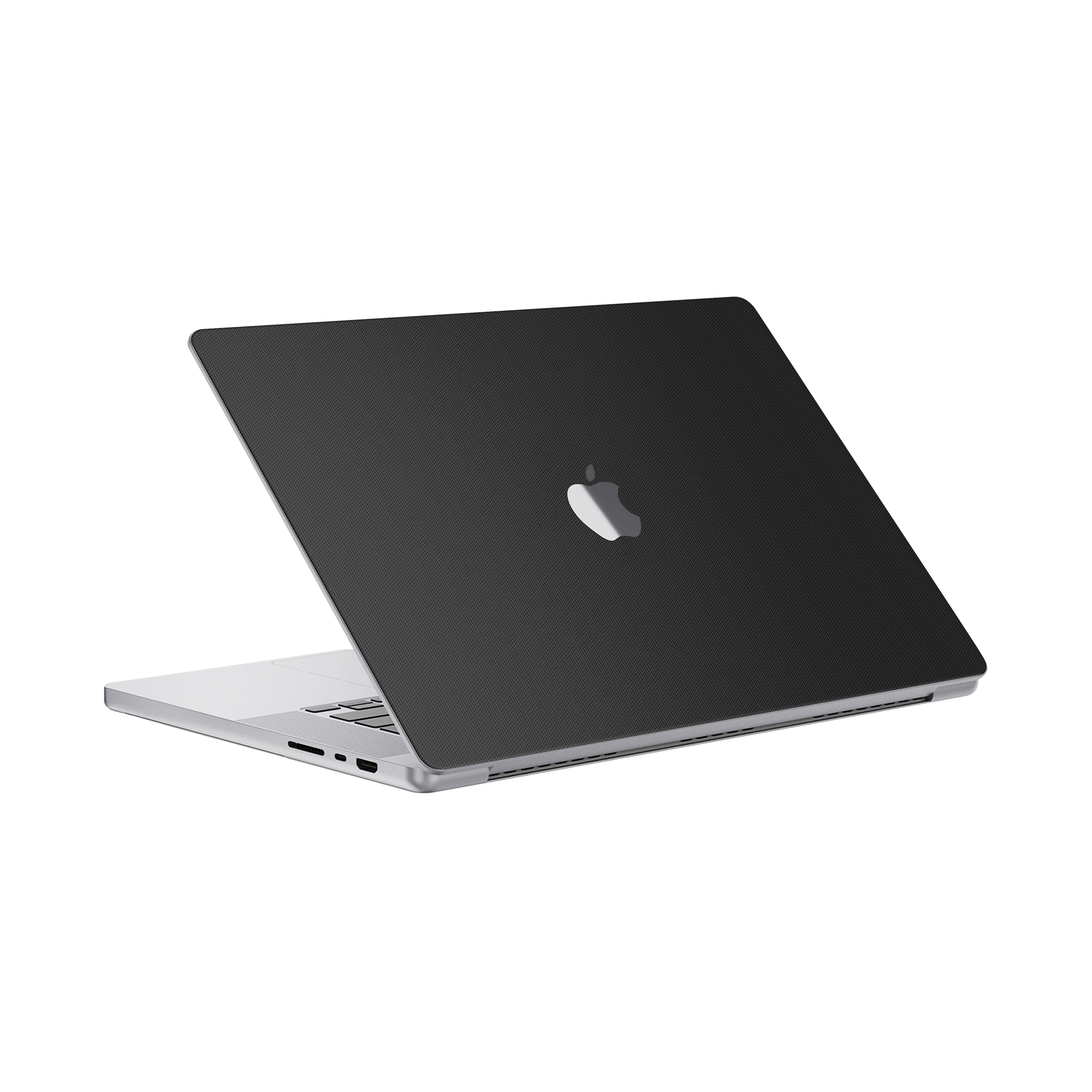
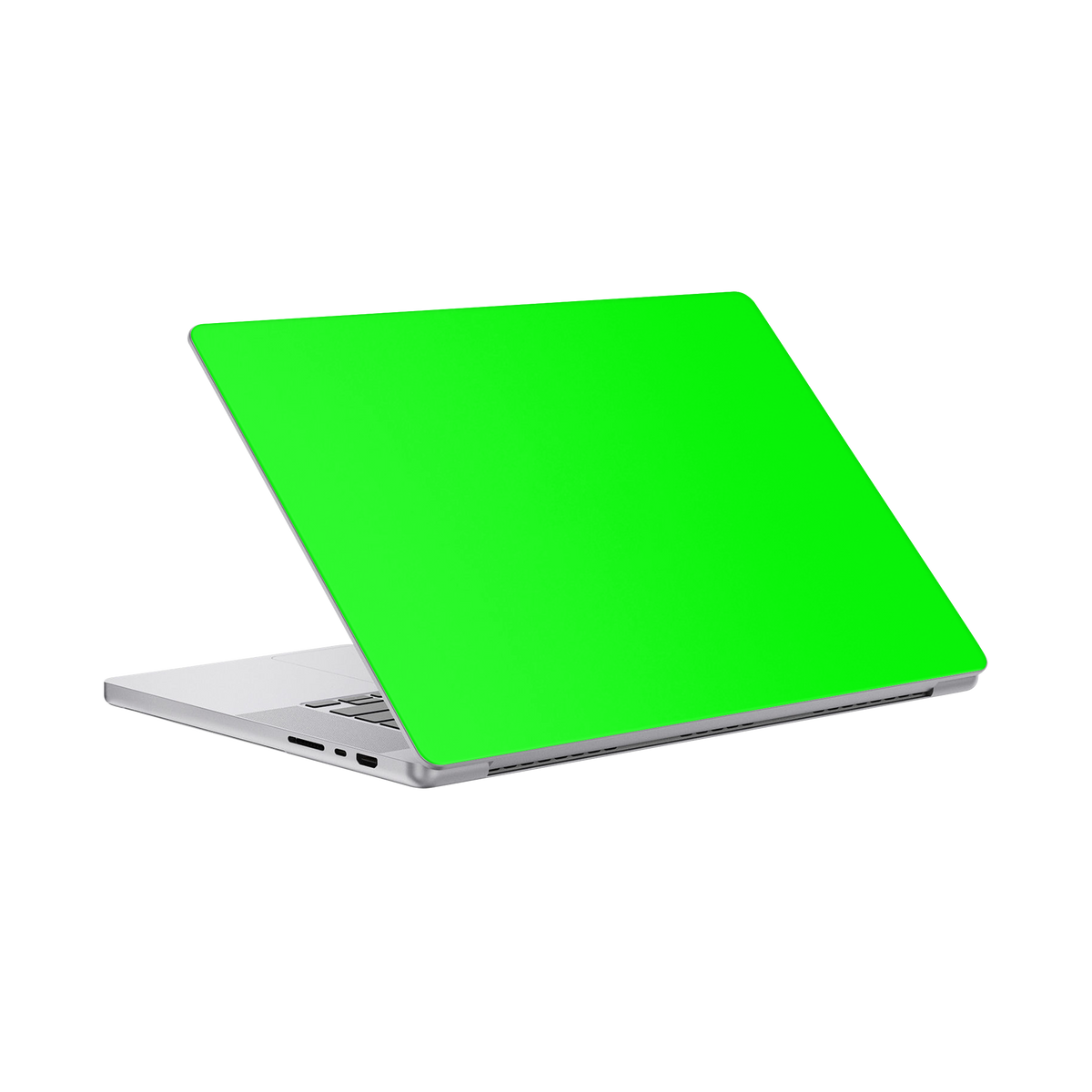

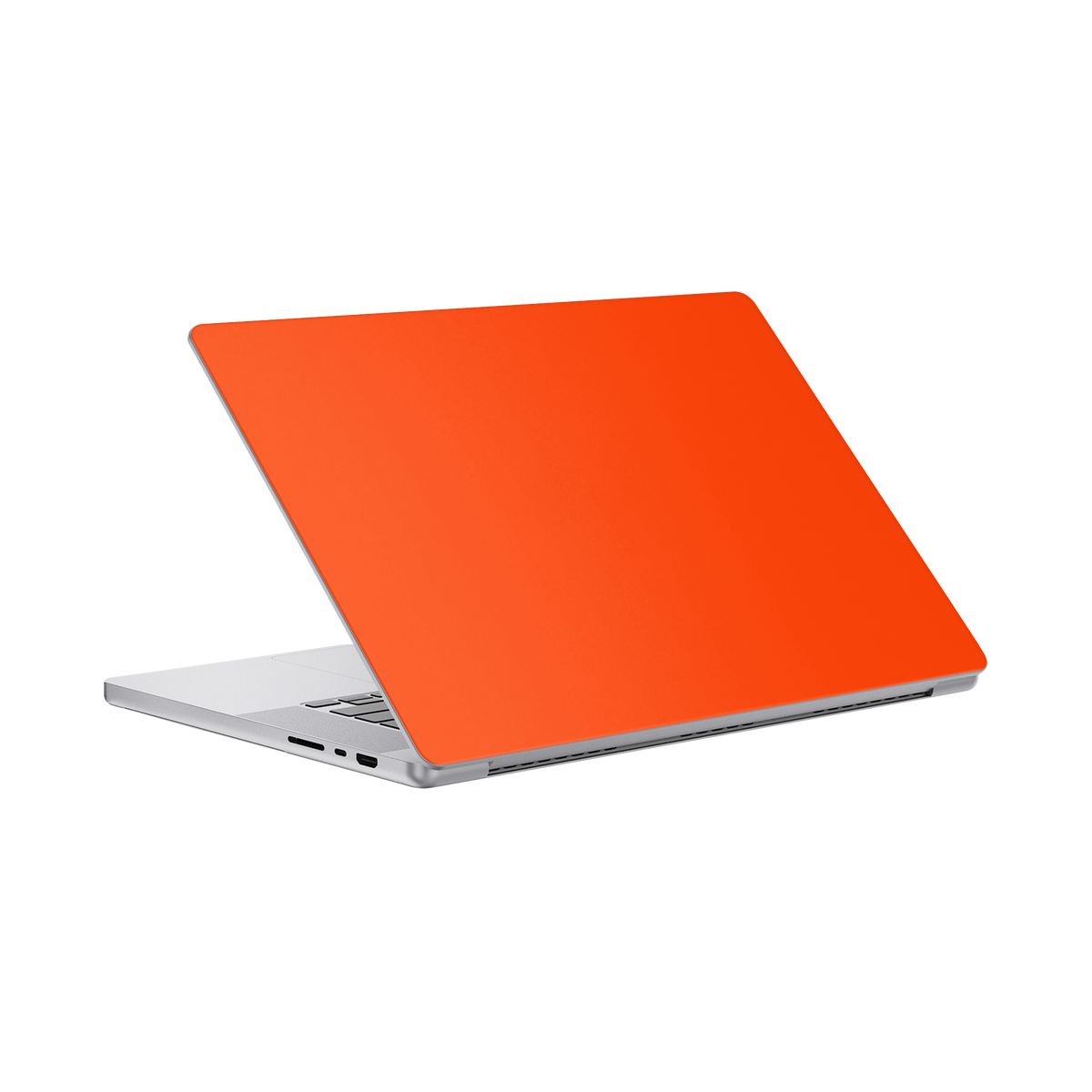

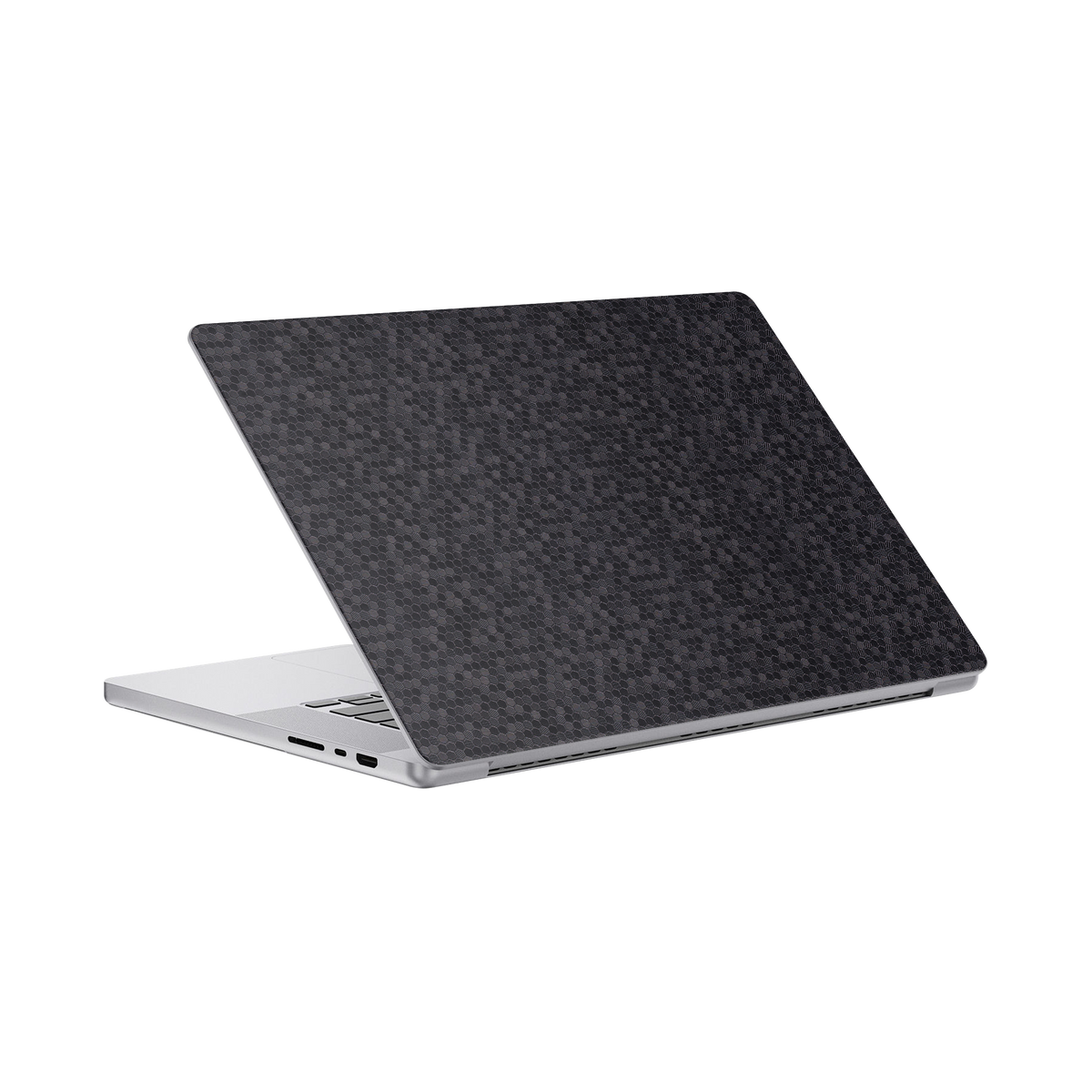


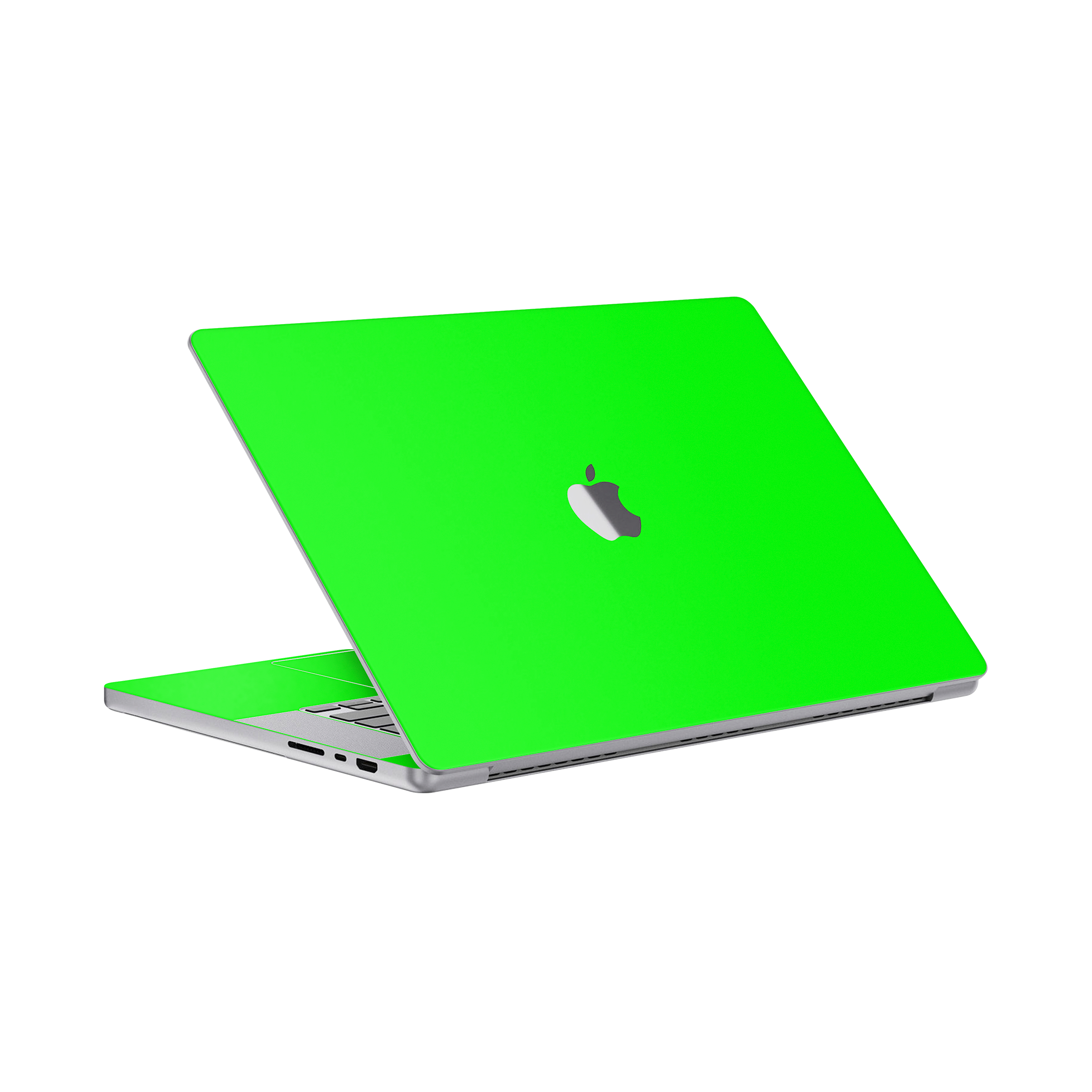
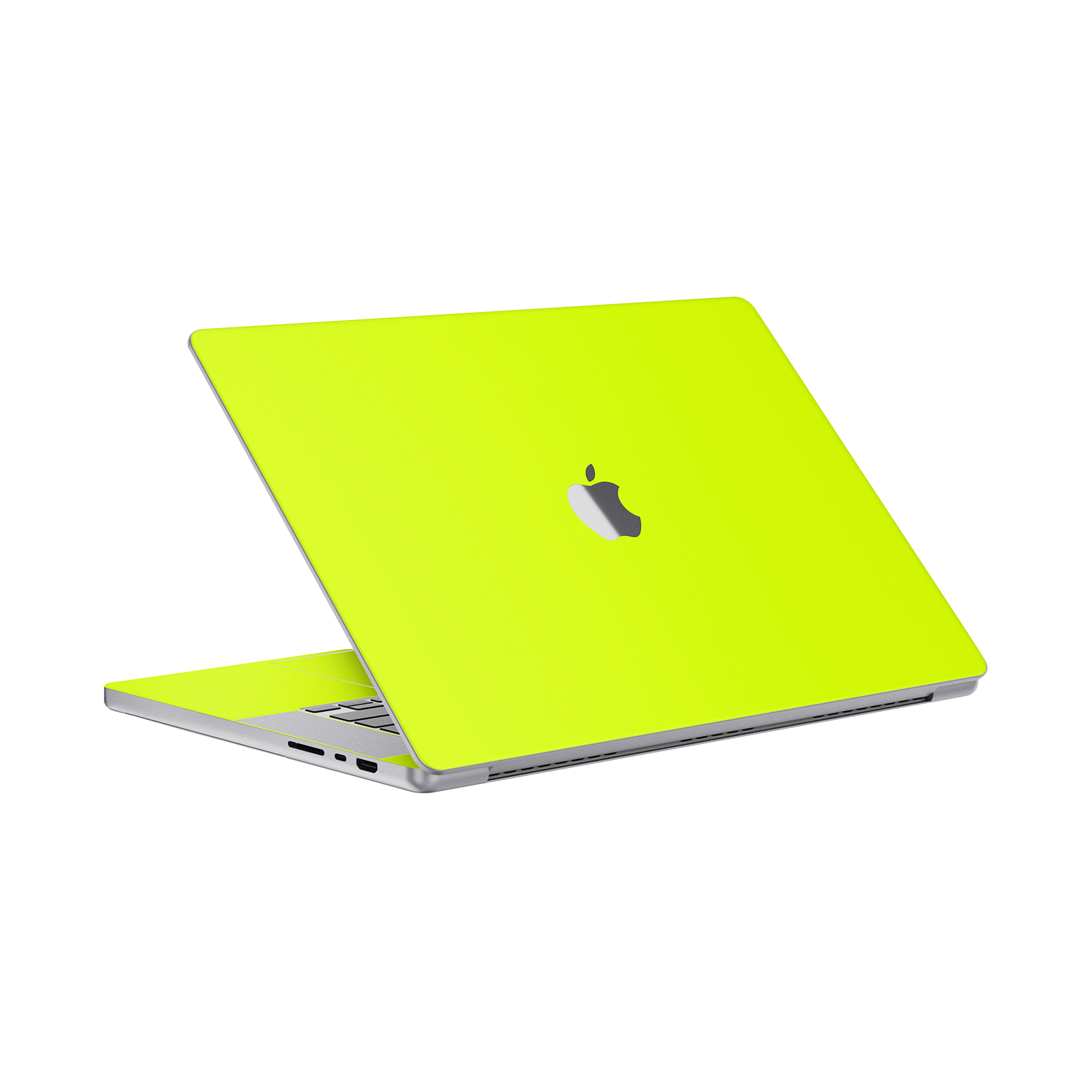
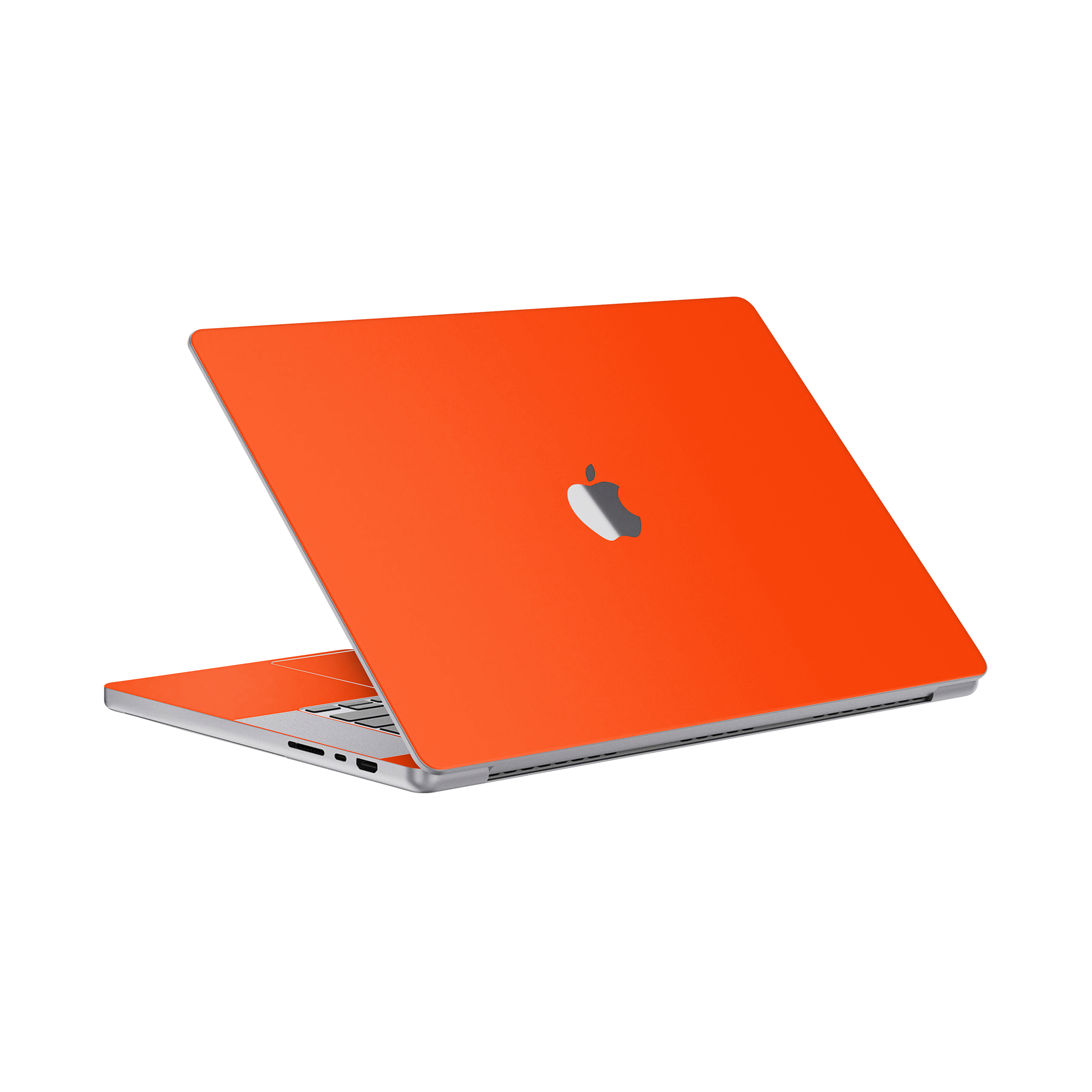
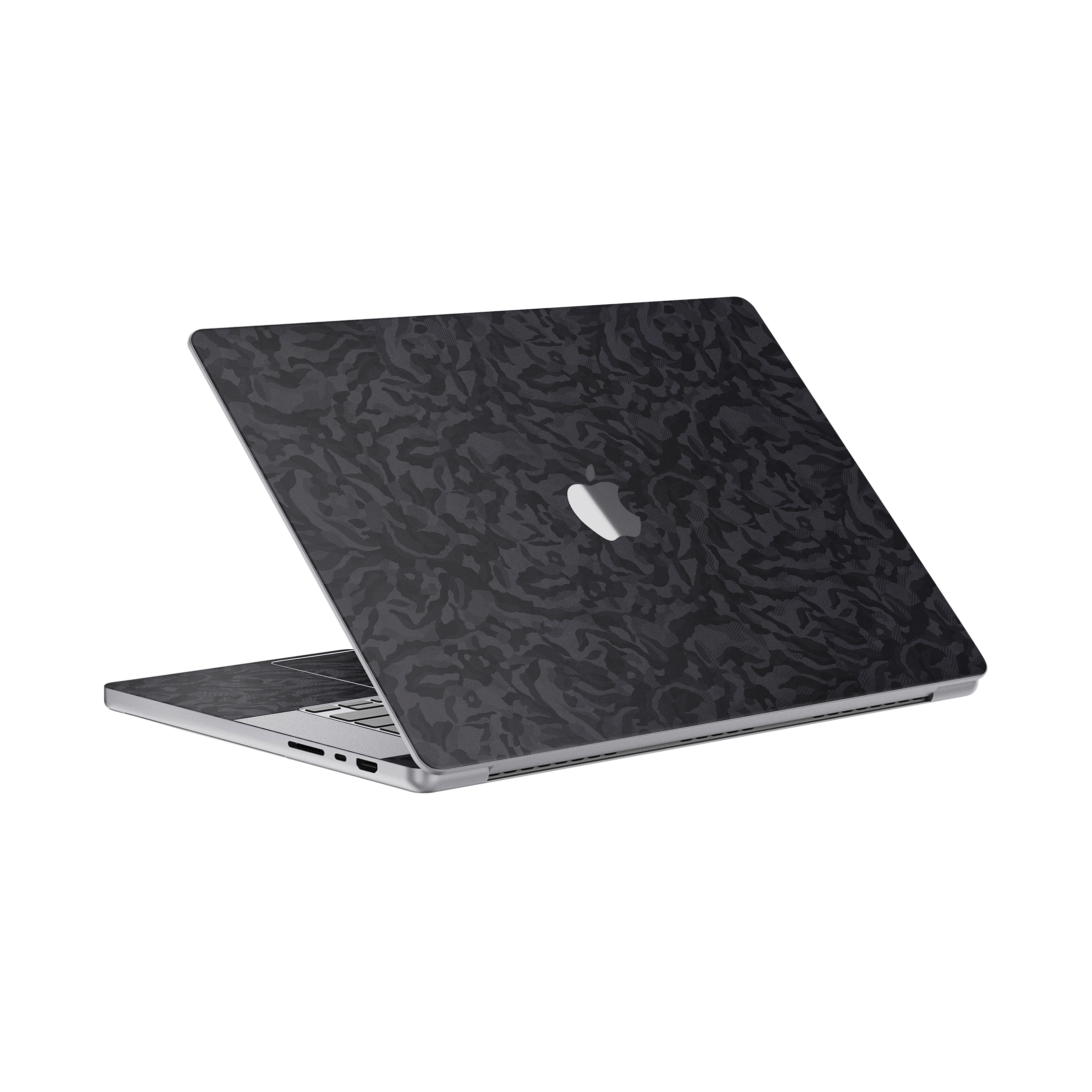
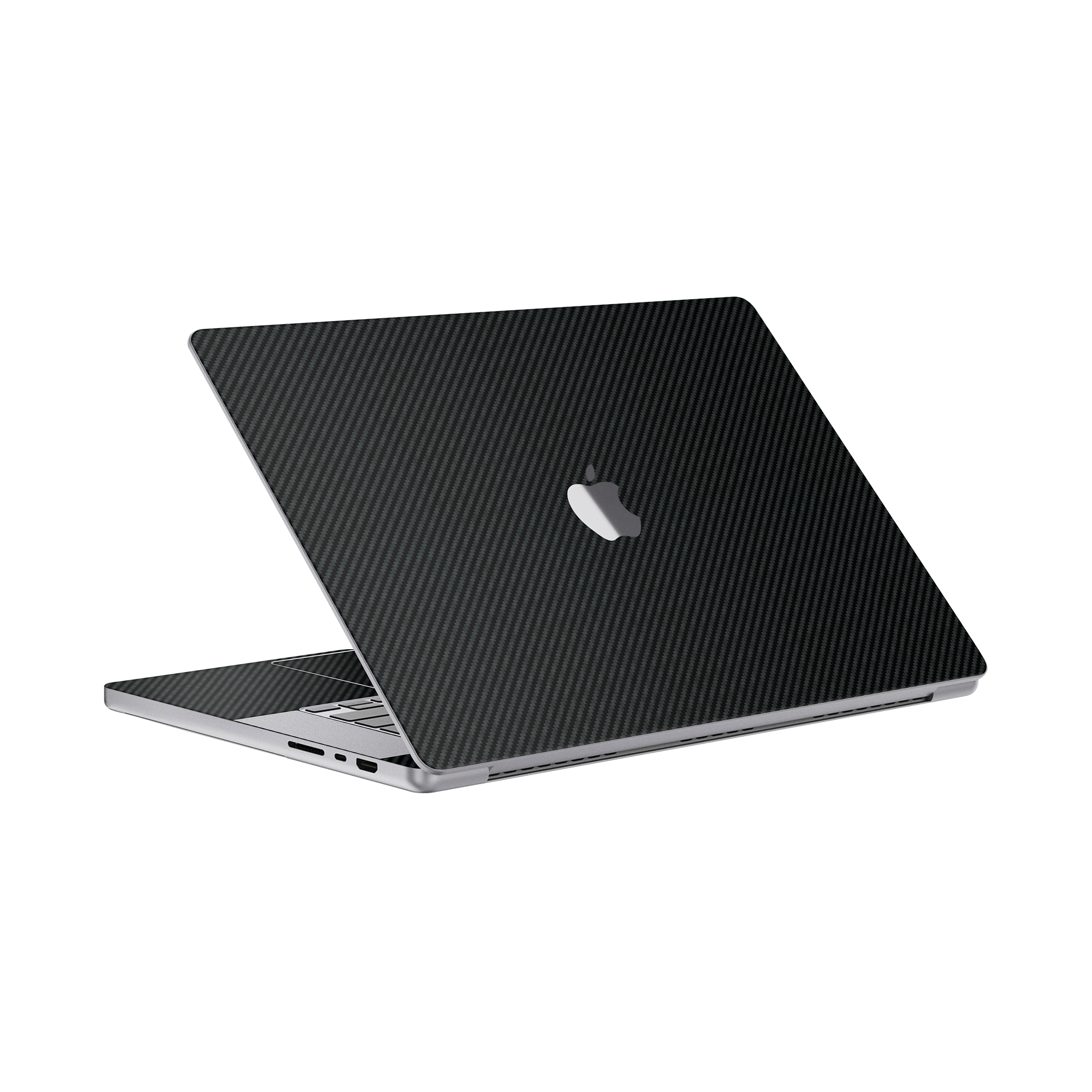
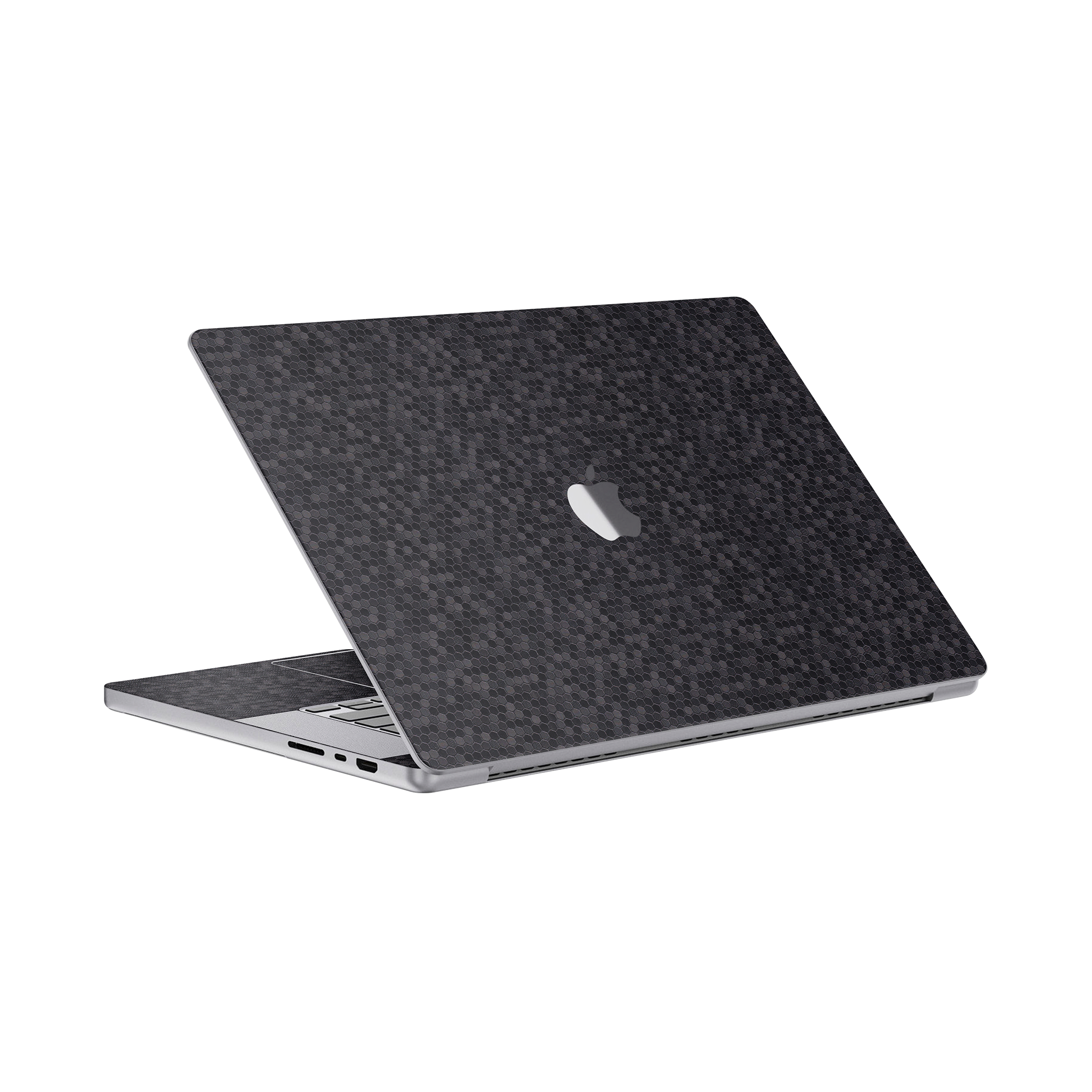
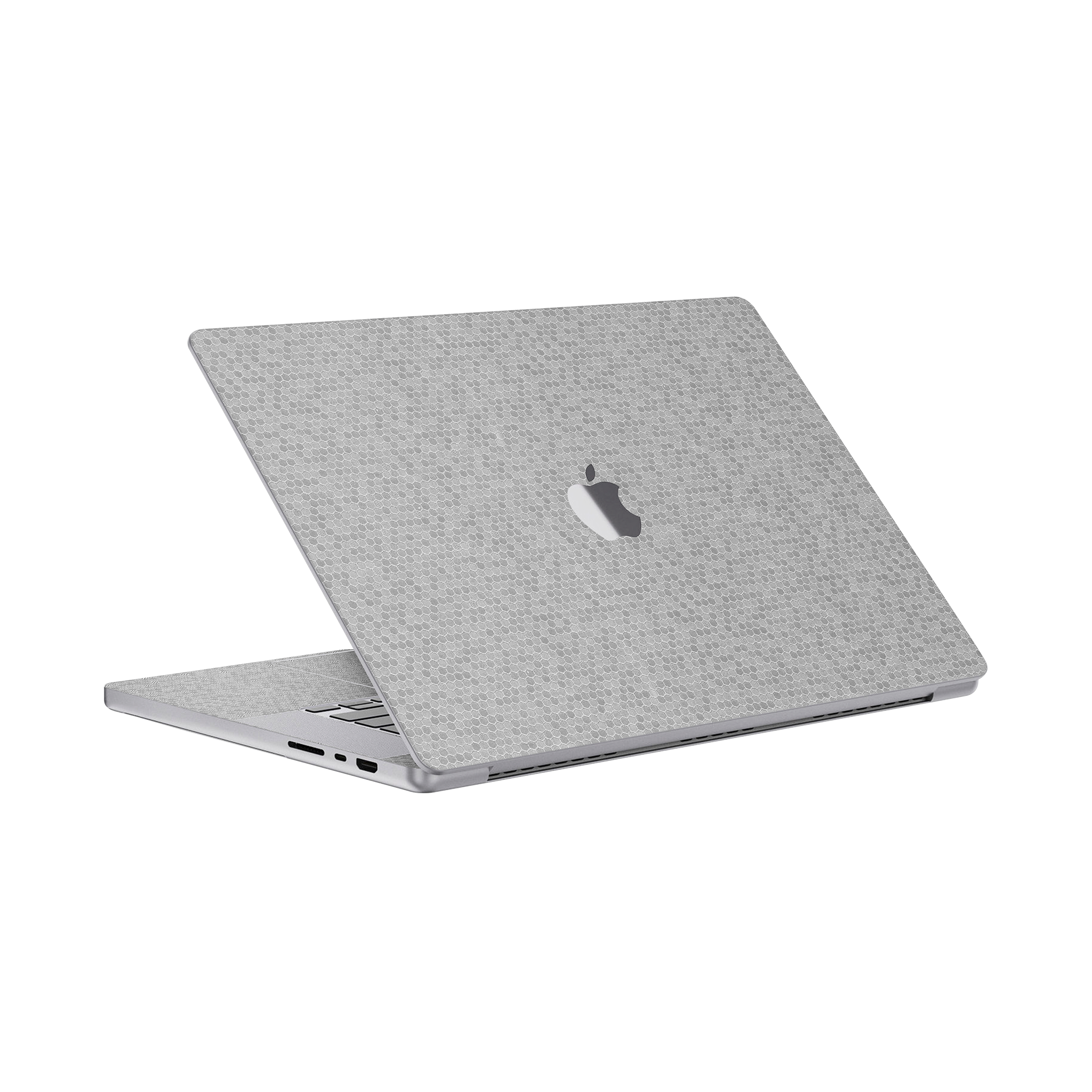
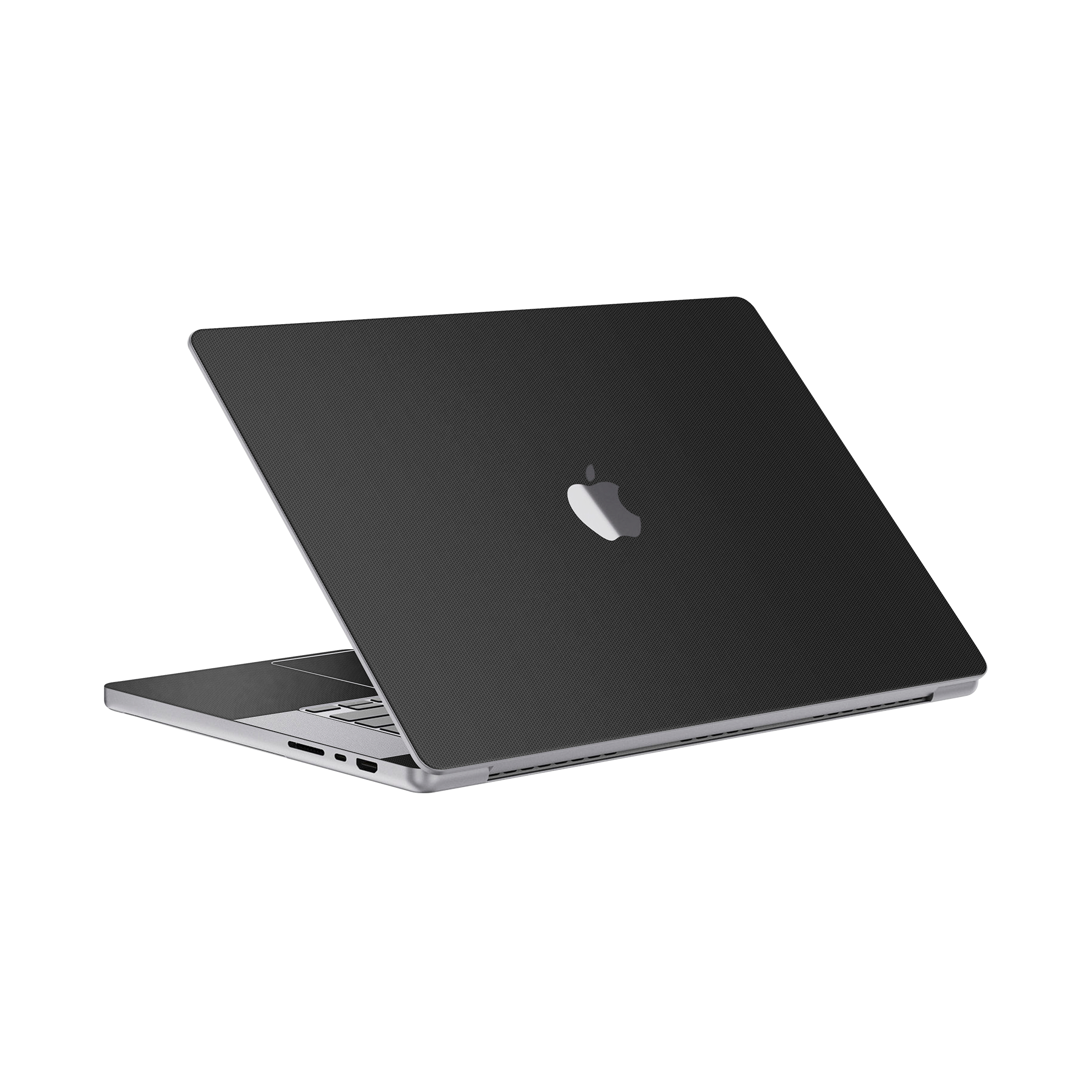
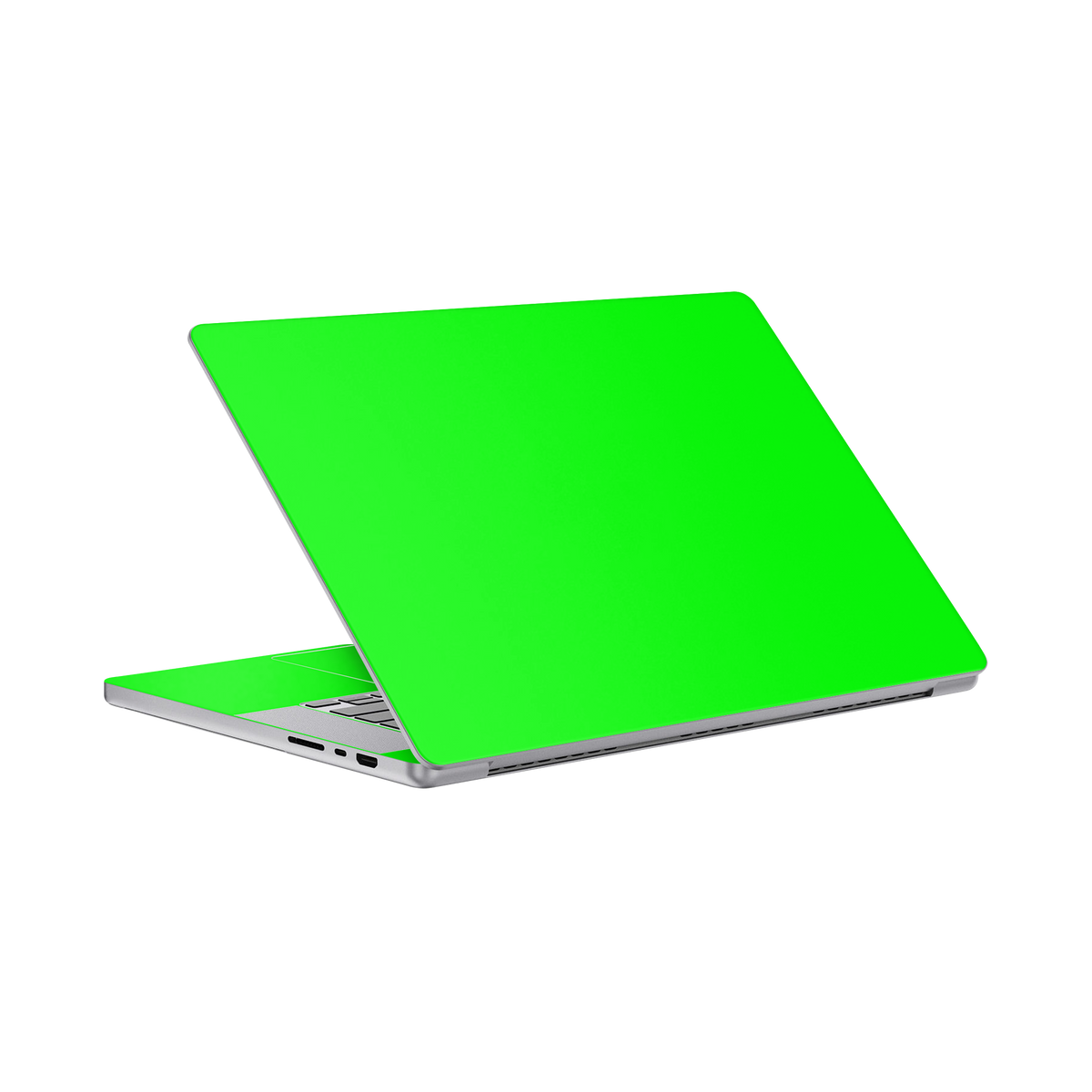

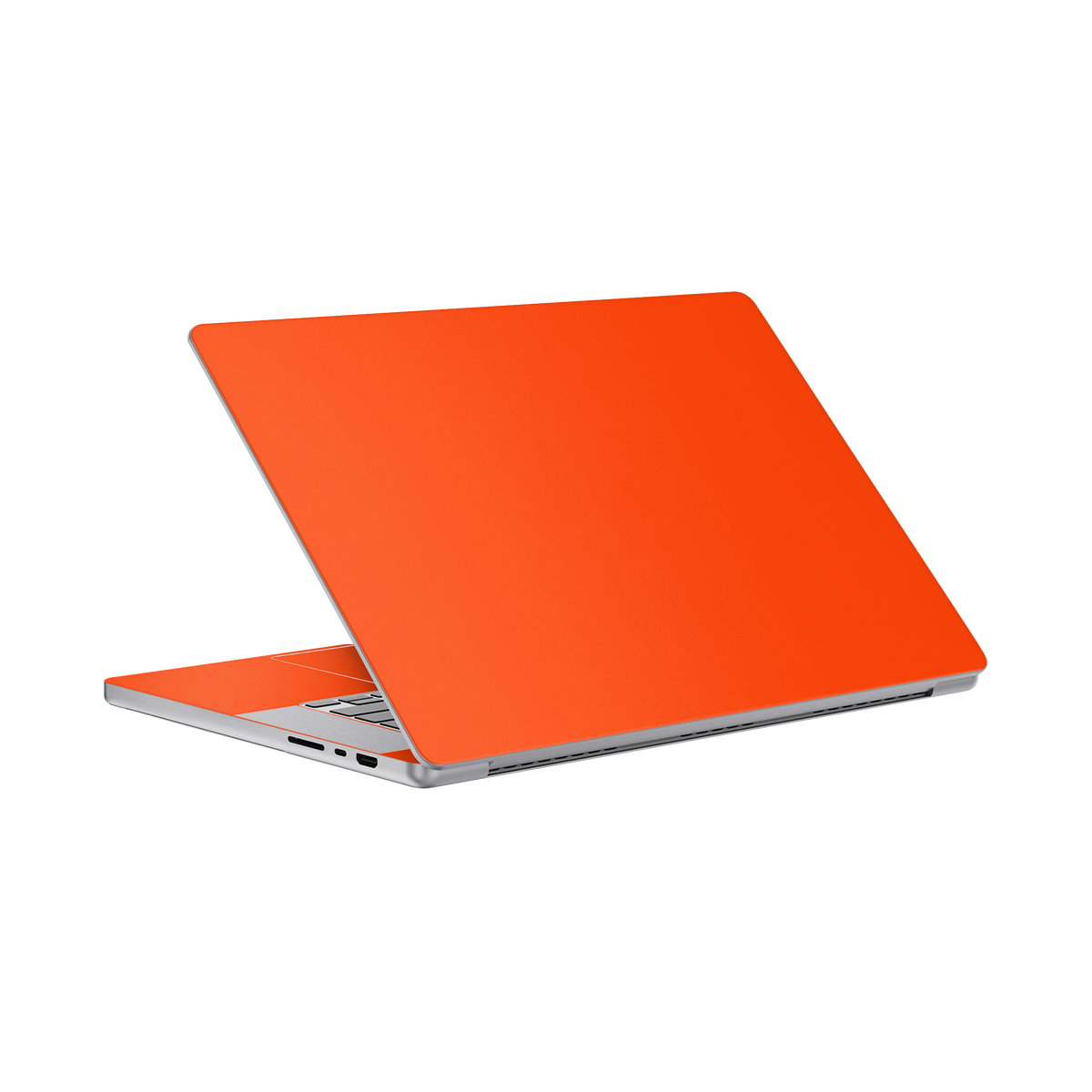


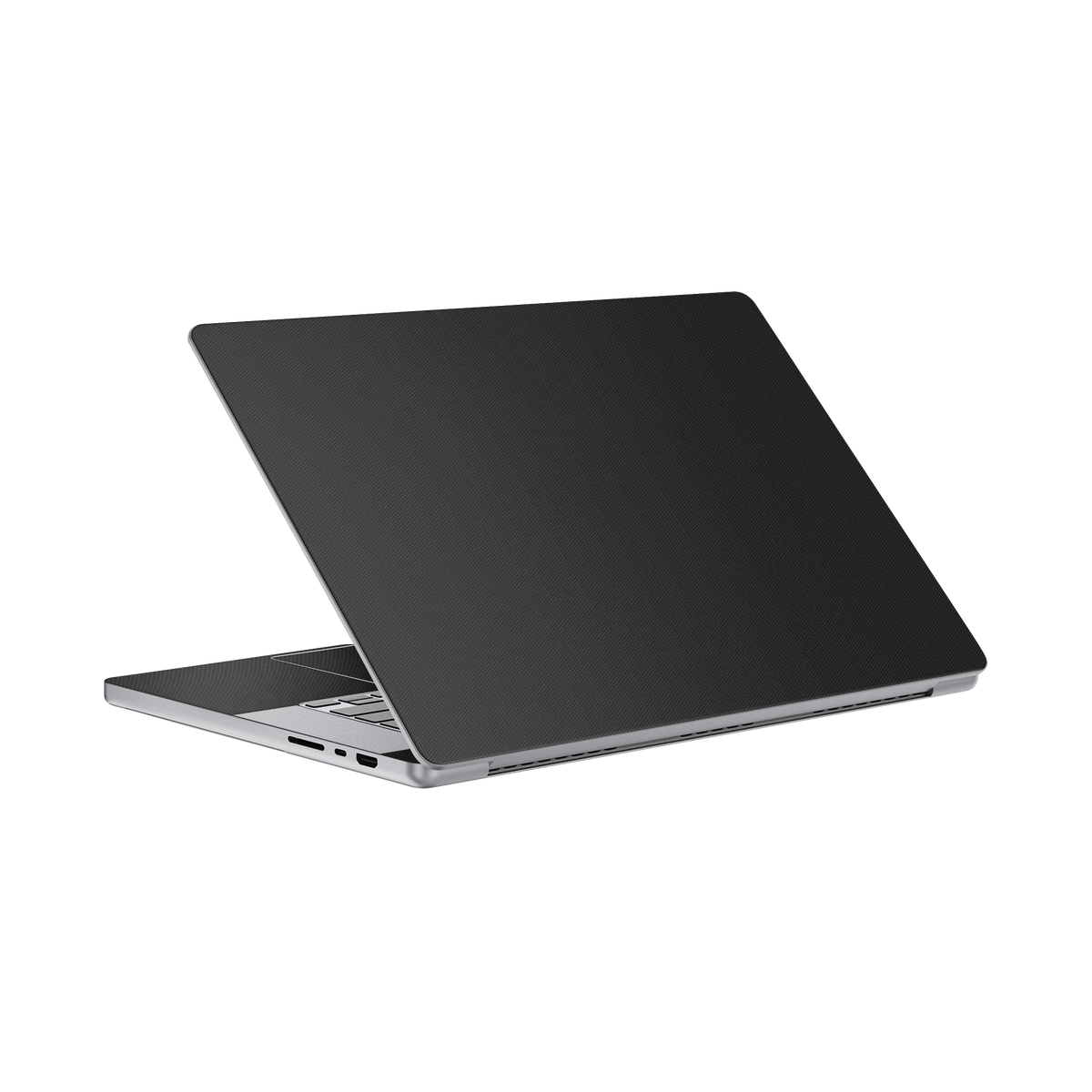
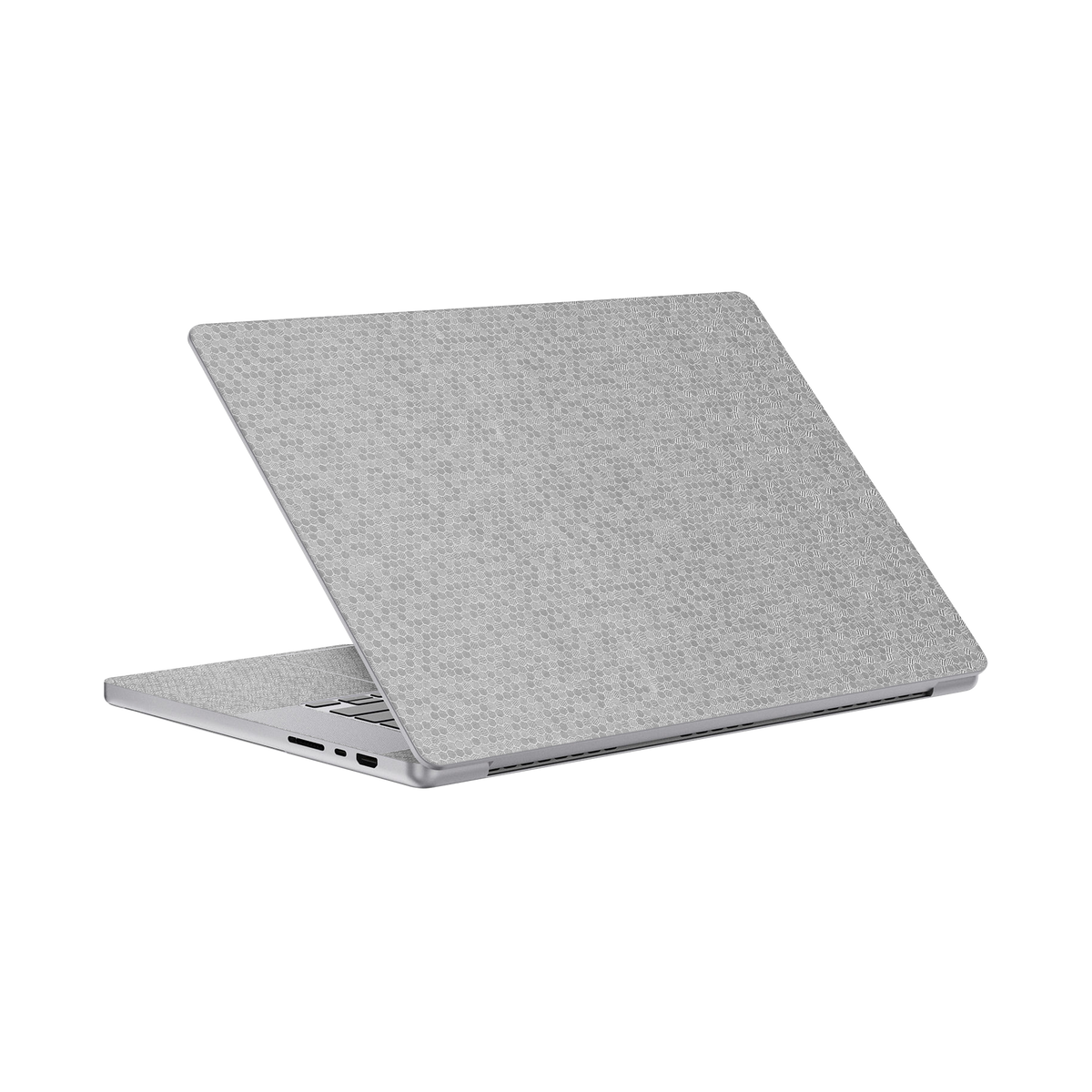
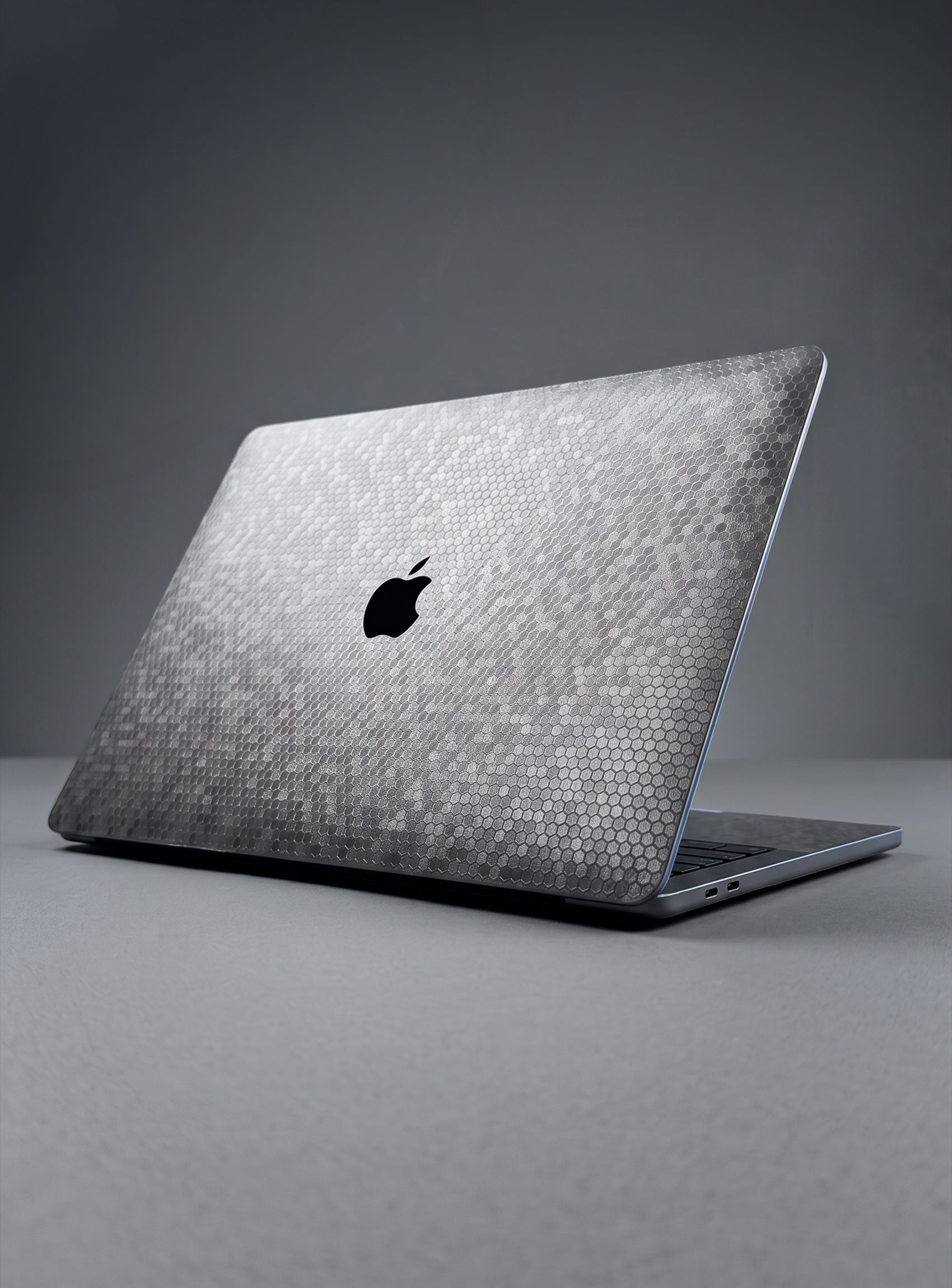
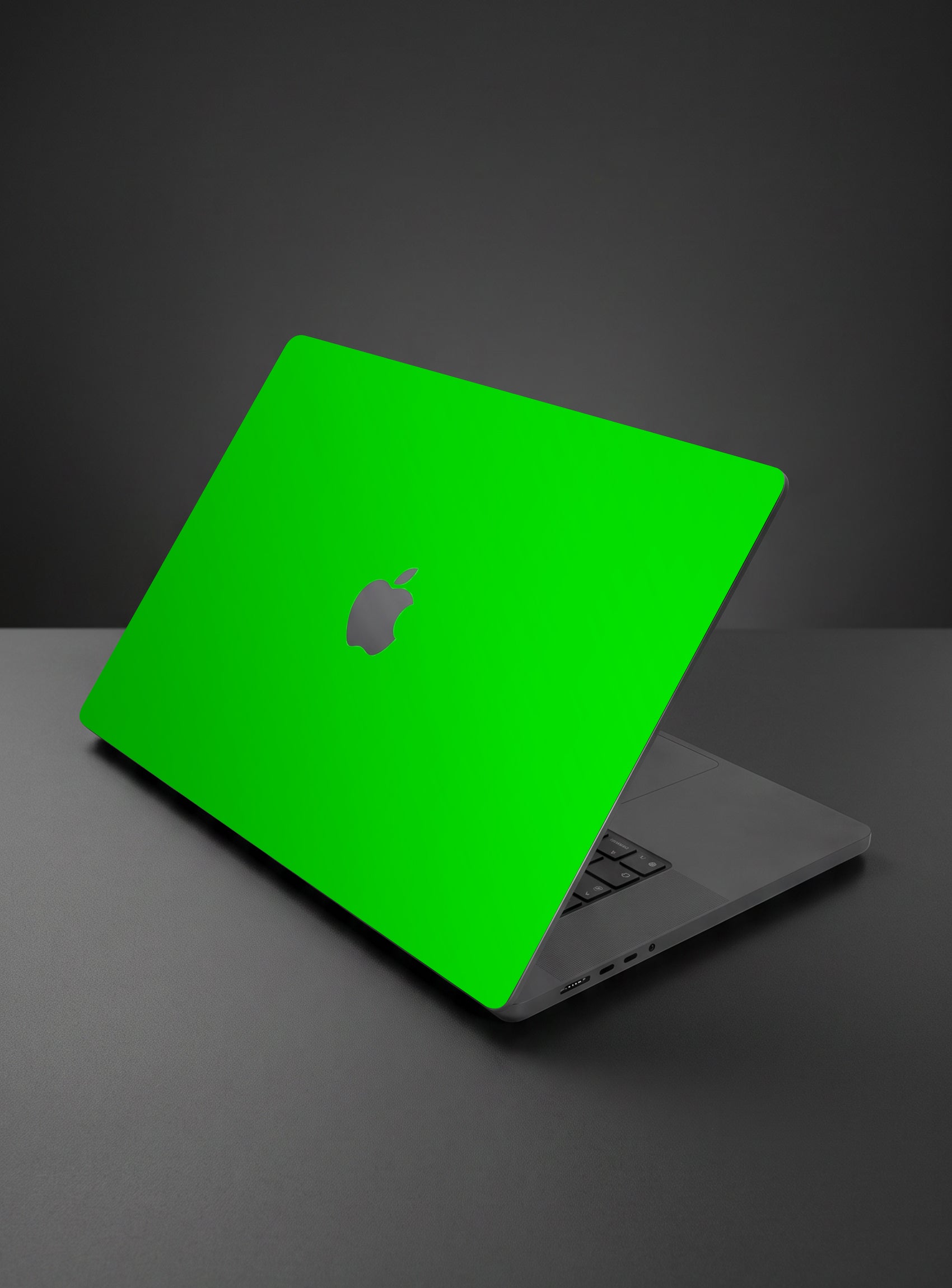
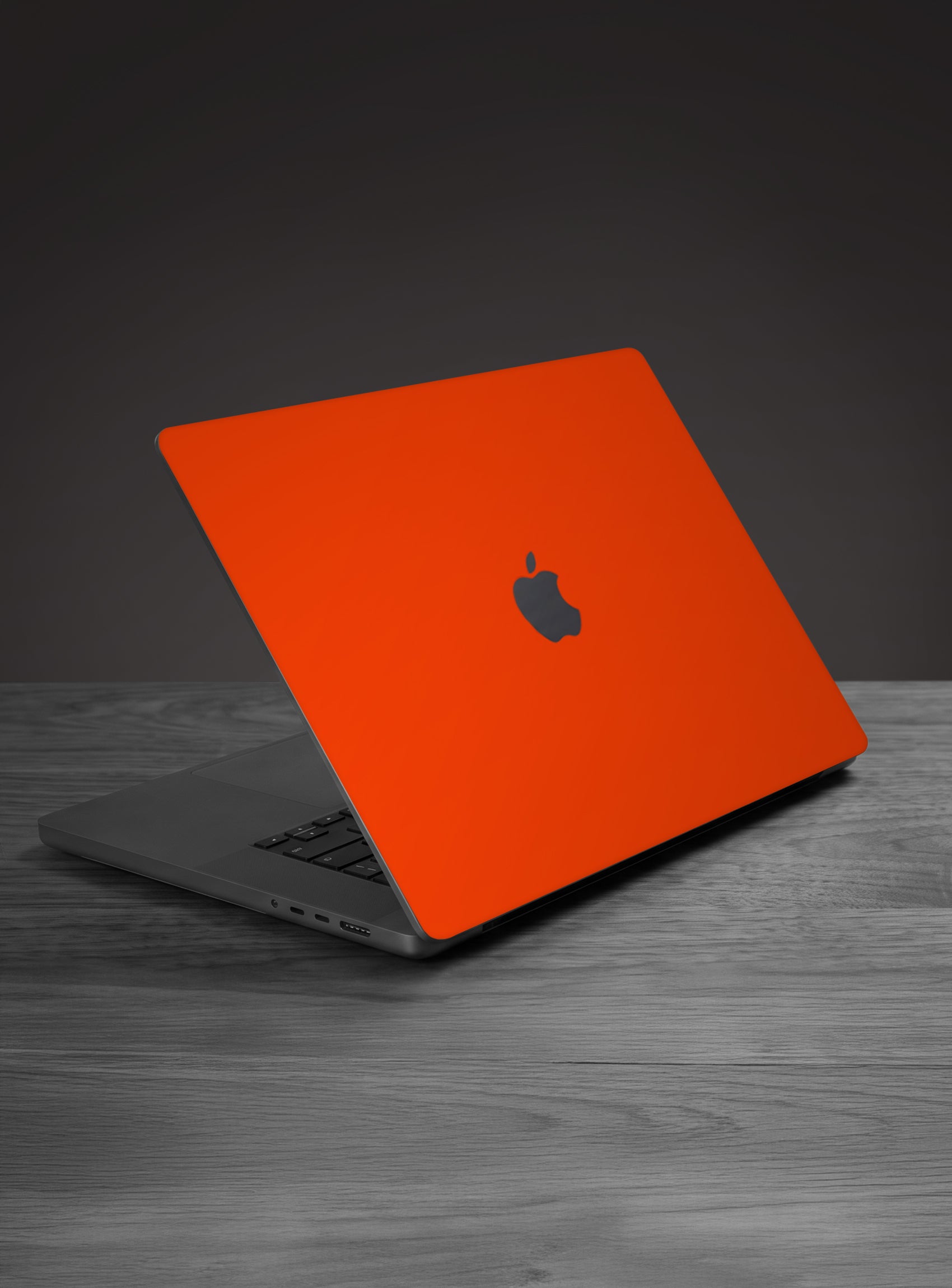
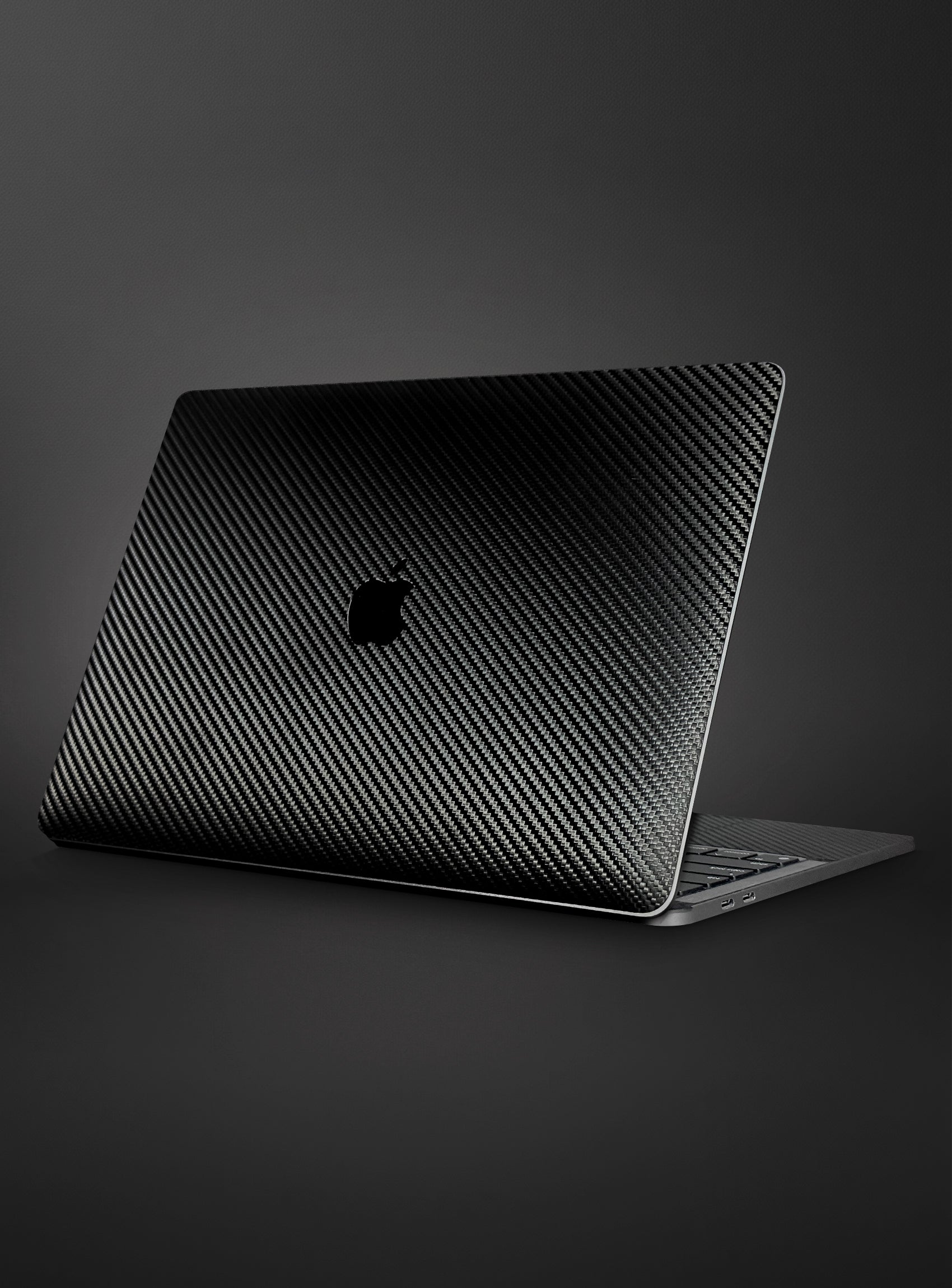
MacBook Pro 16" (M4, 2024) Skins & Wraps
Kit
Logo
Precision-cut. Bubble-free. Built to last
- Premium 3M Vinyl: Scratch and impact-resistant material that protects your device without hiding its design.
- Engineered for an Exact Fit: Cut using state-of-the-art equipment and precise cut files — so every skin wraps like a second skin, right out of the box.
- Bubble-Free Install in Minutes: Apply it yourself in under 5 minutes. No tools, no heat gun, no experience needed.
- Residue-Free Removal: Change your style anytime — peels off clean, with zero sticky residue left behind.
Designed and manufactured in-house by ProSkinz, USA — every skin is made to fit like a second layer of your device, not a bulky add-on. No cases required.
Step 1
Click the Apple menu in the upper-left corner of your screen and select About This Mac.
Step 2
On this screen, you'll see model information, which shows the type of laptop you have (i.e., MacBook, MacBook Pro, or MacBook Air), the display size, and the year Apple introduced it. If Apple brought out multiple models the year your computer debuted, you might also see a modifier; for example, "Mid 2015."
Getting a bubble-free, factory-like finish is easy — just follow these steps:
- Clean your device. Wipe the surface with a microfiber cloth to remove dust, oil, or fingerprints before applying.
- Peel and align. Slowly peel the skin from its backing and line it up with your device's edges and camera cutouts before pressing down.
- Apply from center outward. Starting from the middle, smooth the skin toward the edges using light pressure to push out air bubbles.
- Wrap the edges. Gently fold the skin around the side edges and corners for a clean, seamless finish.
- Smooth and finish. Use a card or squeegee (or your fingers) for a final pass, pressing down all edges firmly to lock in adhesion.
Tip: Take your time on the first application — the adhesive allows for slight repositioning within the first few minutes.
New to skins? Watch our step-by-step tutorial video or check the visual illustrations above for a full walkthrough.
Shipping
- Orders are processed within 1–2 business days.
- Shipping is available within the United States only.
- A tracking number is emailed once your order ships.
- Free U.S. shipping is available on qualifying orders.
- If your order is lost, damaged, or incorrect, please contact us and we'll make it right.
Returns
- Returns are accepted within 30 days of delivery for unused and uninstalled items.
- Items must be returned in their original condition and packaging.
- Refunds are processed after the returned item is received and inspected.
- Customers are responsible for return shipping costs unless the return is due to our error or a defective product.
- If you receive a damaged or incorrect item, contact us for a replacement or refund.
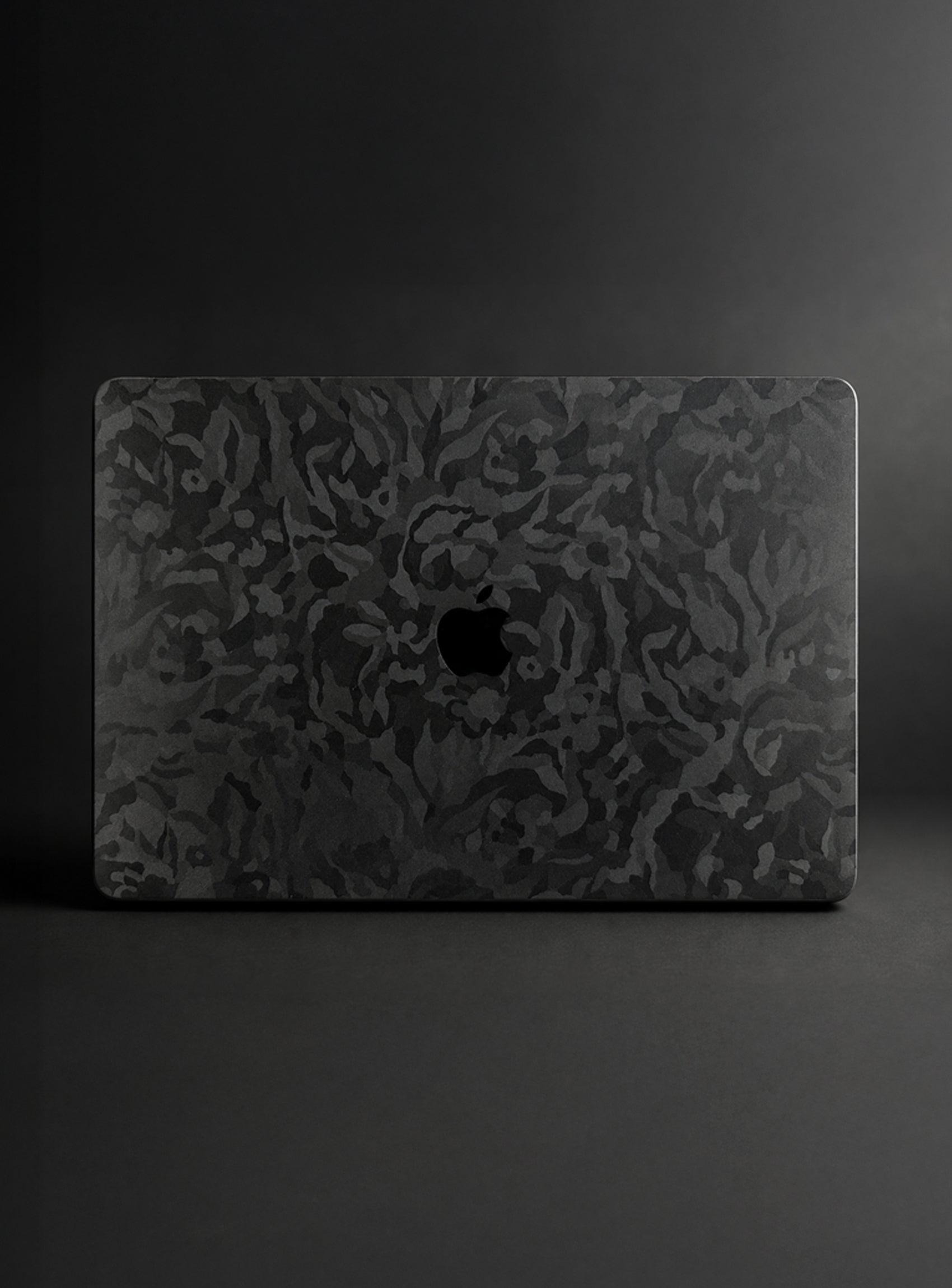
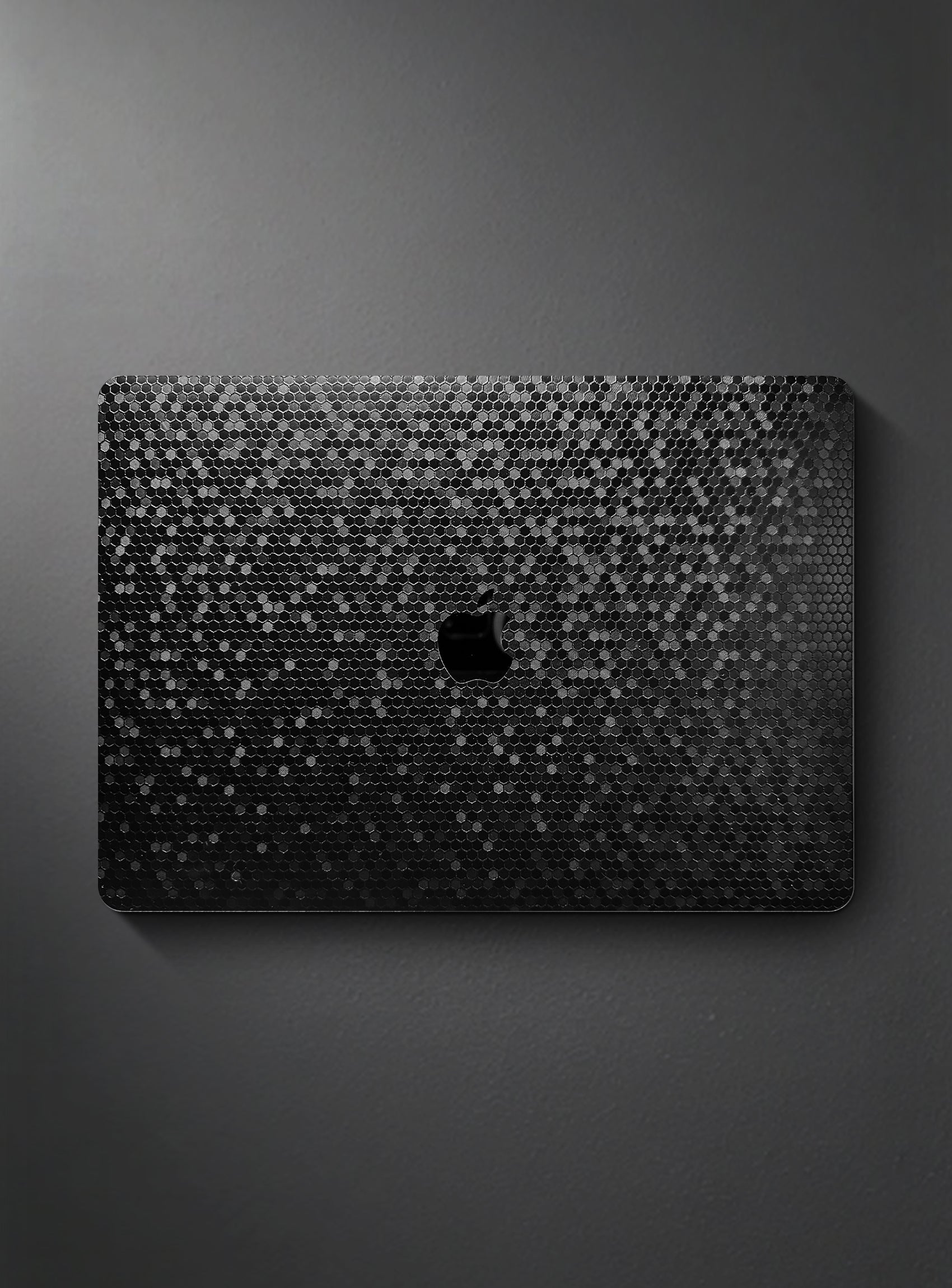
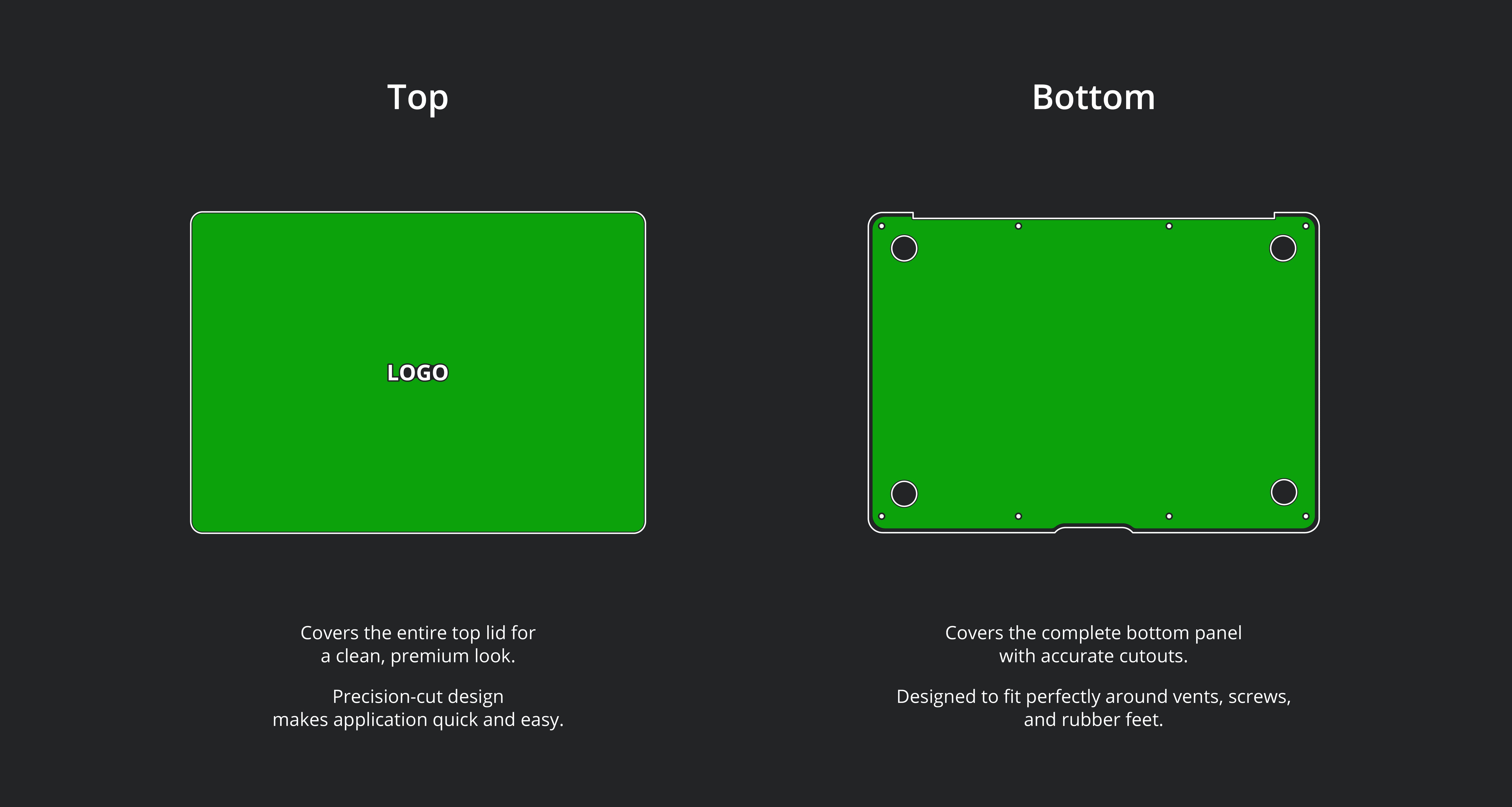
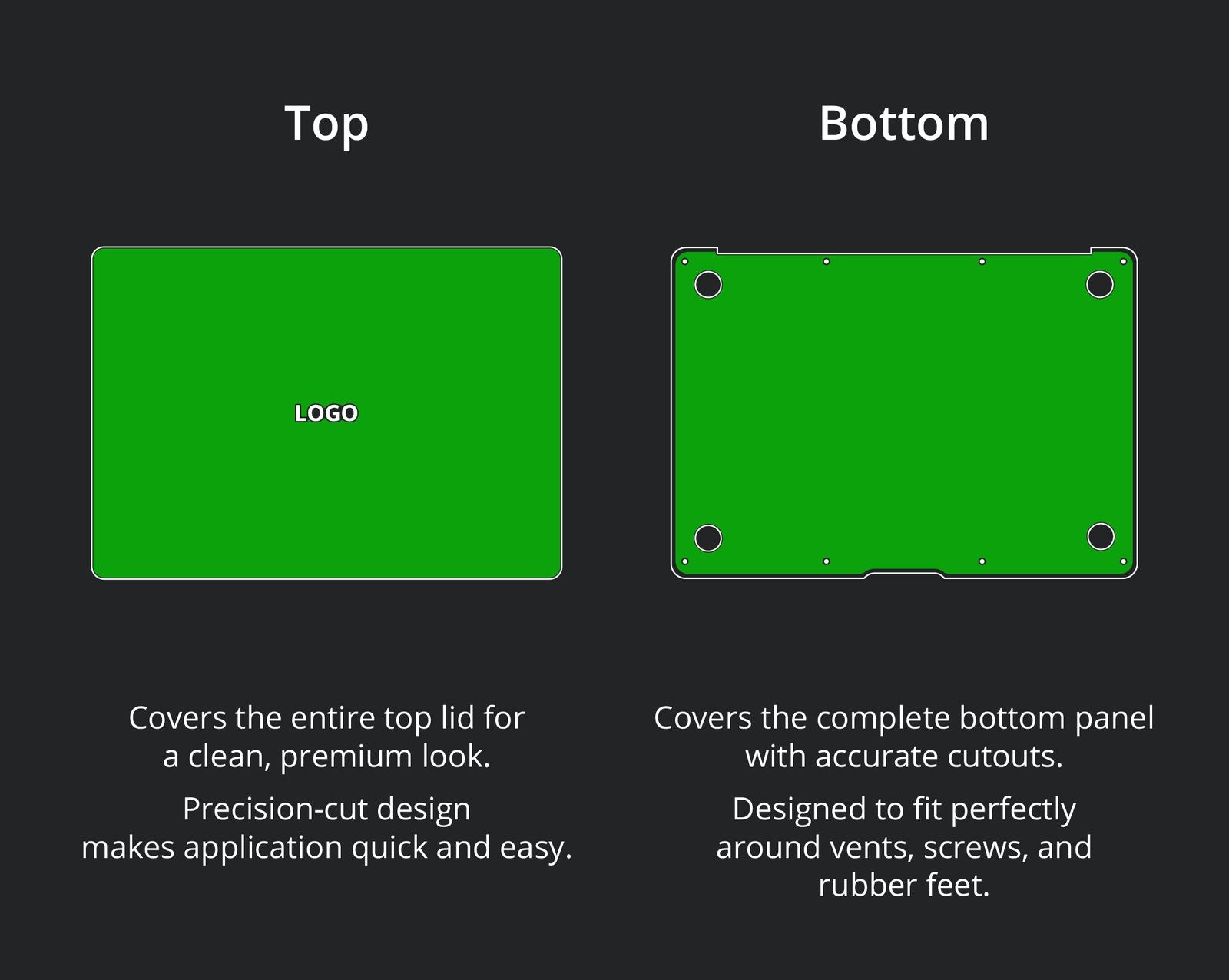
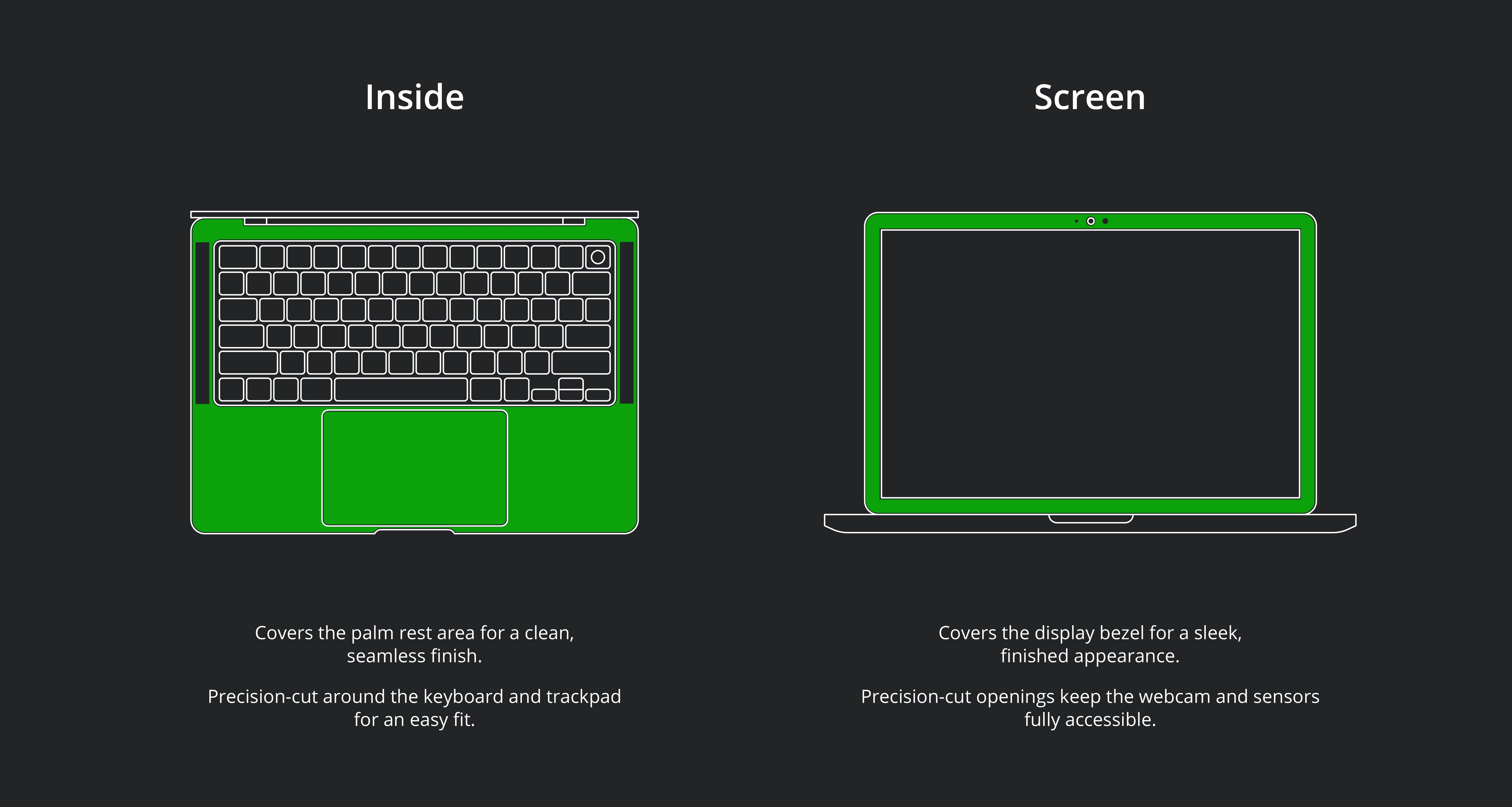
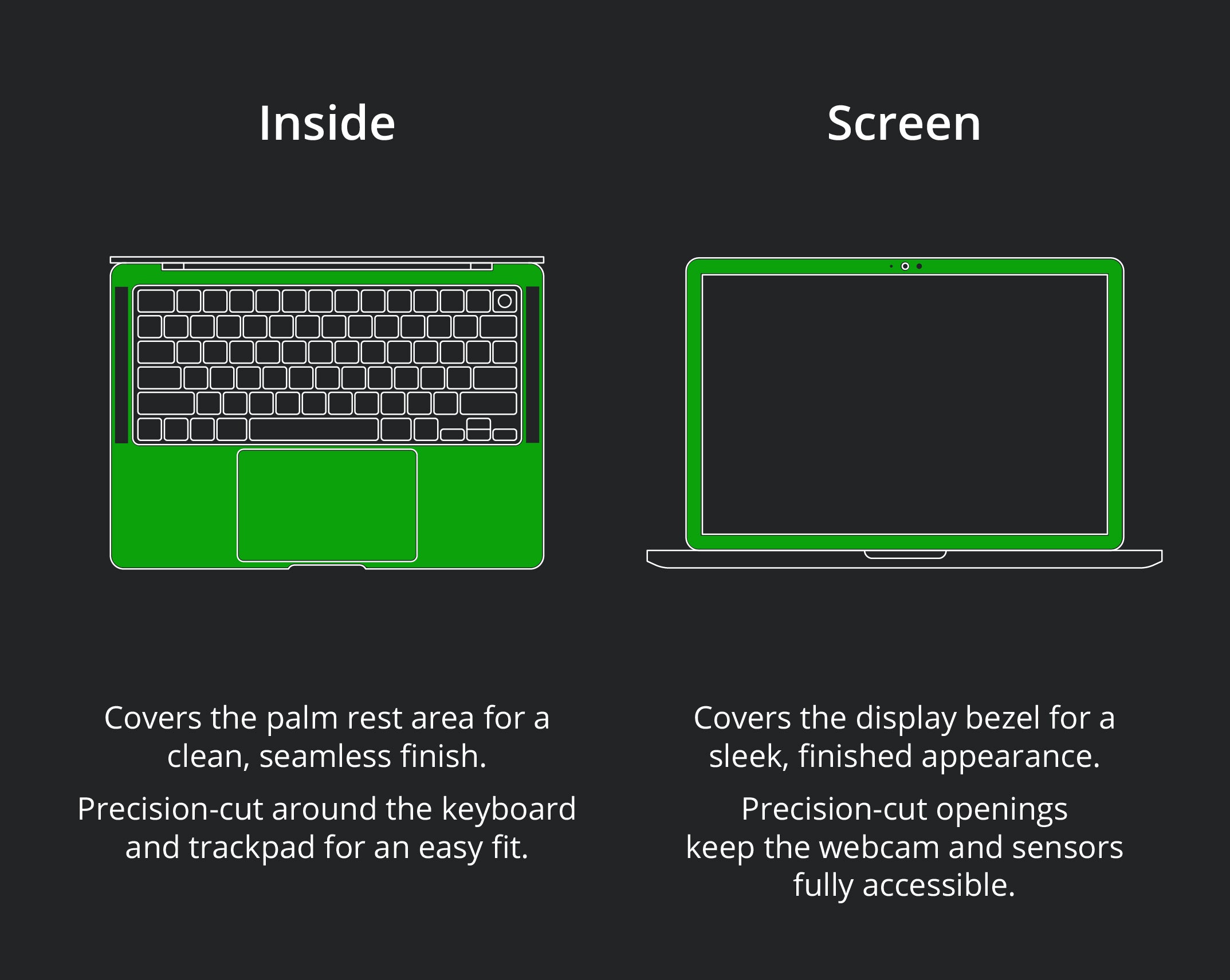
Skin Coverage
Why ProSkinz
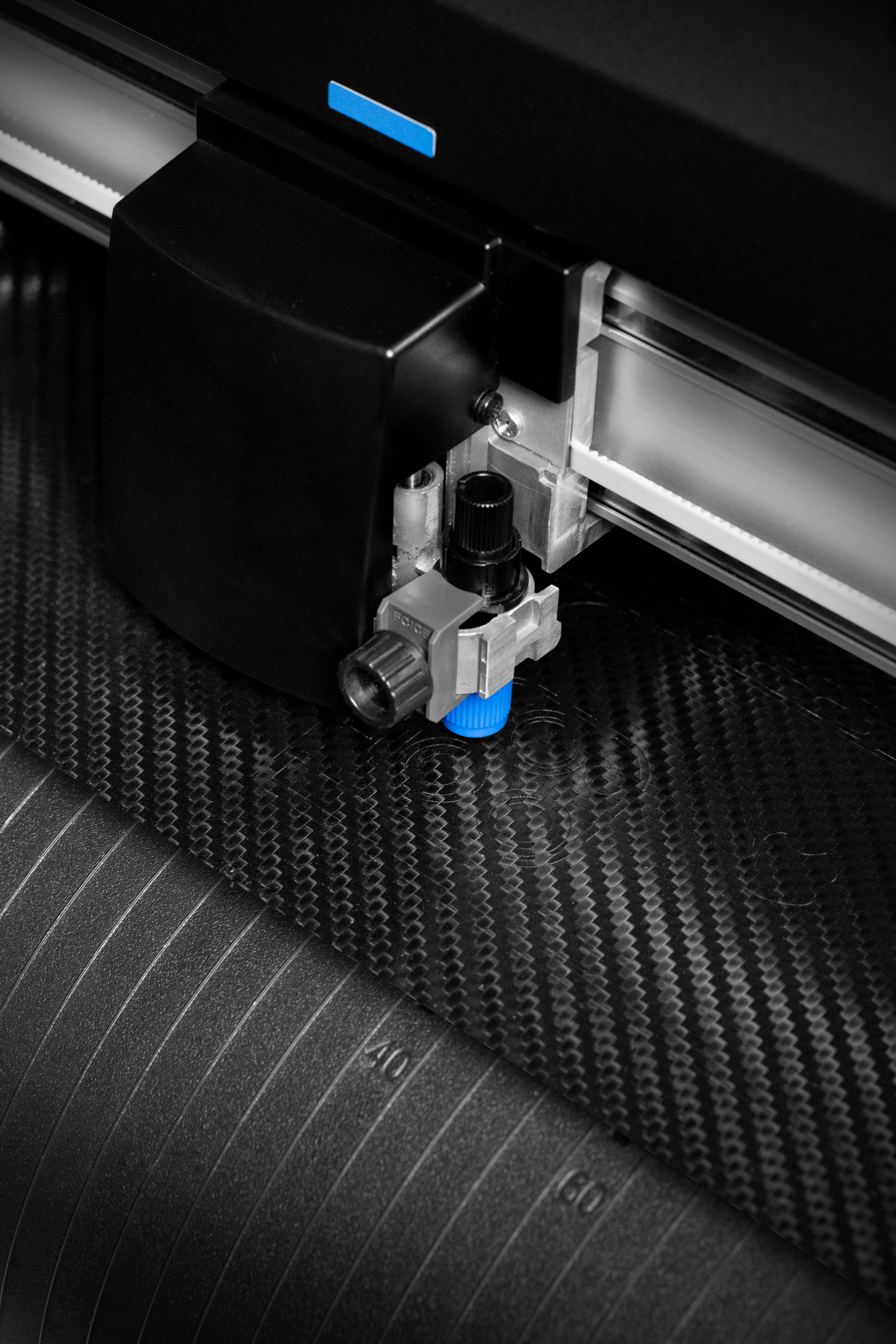
Precision Equipment
Designed, cut, and manufactured in-house in the USA using state-of-the-art equipment — not mass-produced overseas.
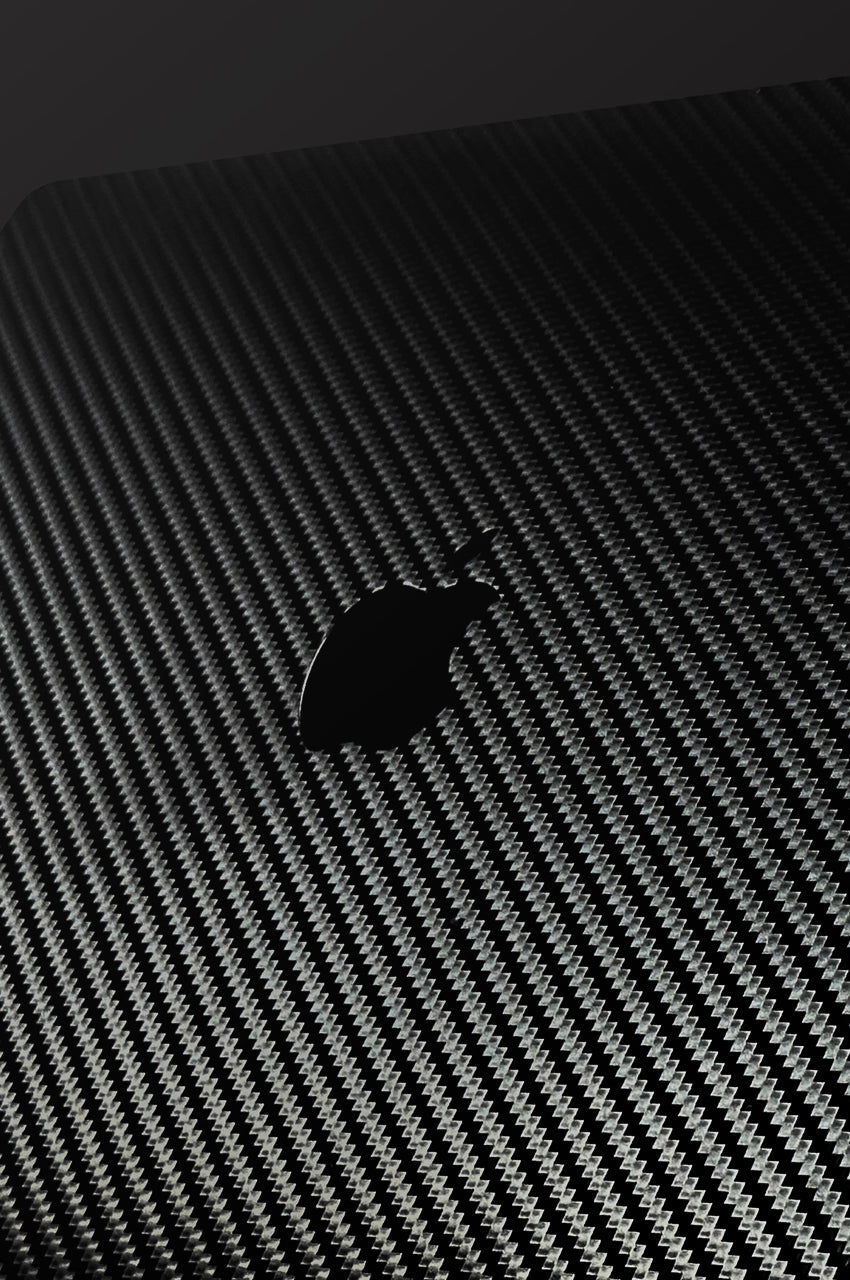
Flawless Alignment
Exact cut files for every device mean every button, port, and camera cutout lines up perfectly — no trimming, no guesswork.
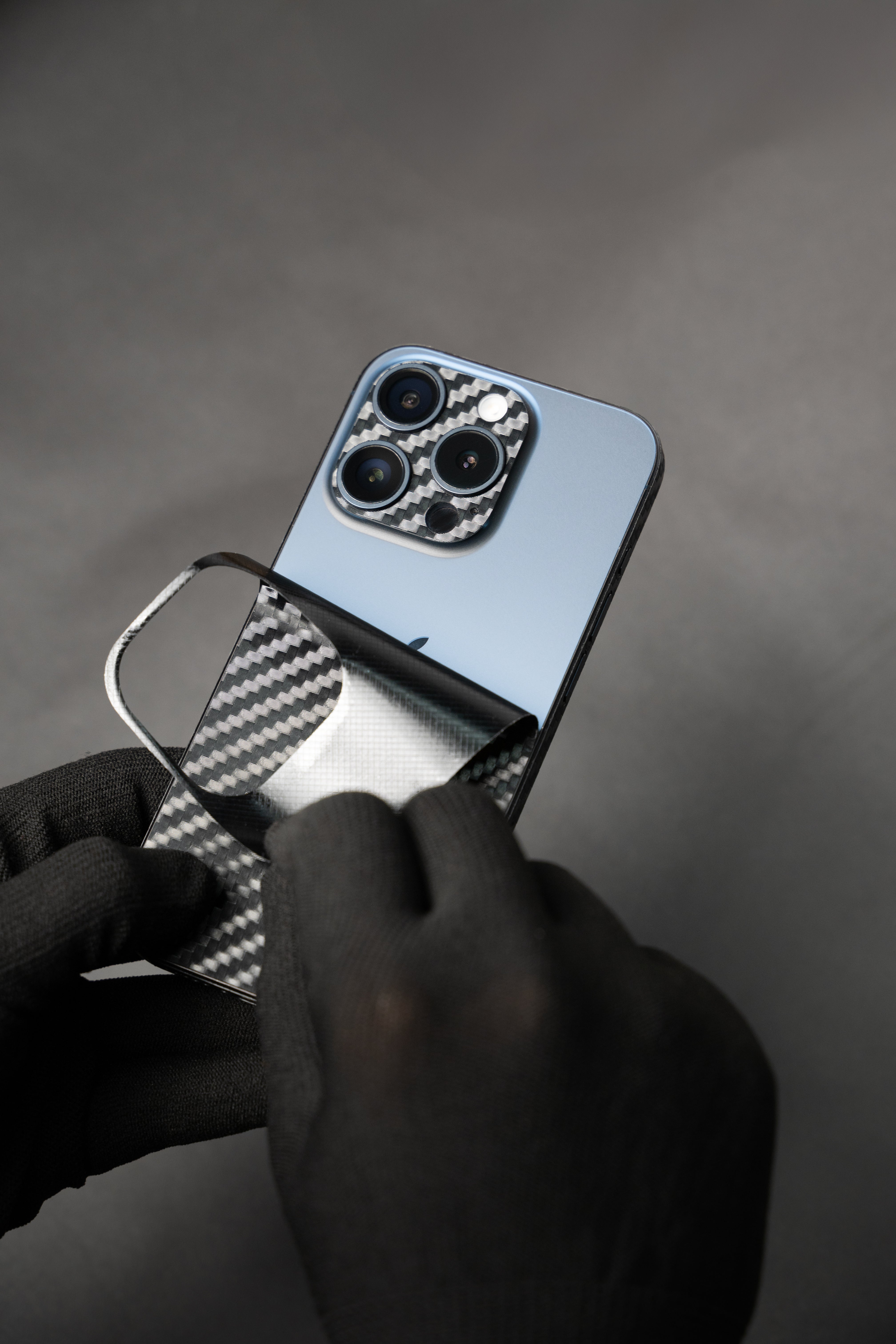
Hassle-Free Application
Apply in minutes with zero bubbles, and remove anytime with zero residue — your device stays untouched.
From Ordinary to Exceptional


Apply Like a Pro

Clean
Wipe the MacBook surface with a microfiber cloth to remove dust and fingerprints.

Fold
Fold the release paper halfway to expose the adhesive side.

Align & Apply
Start from one corner, carefully align the skin, and press it into place.

Remove Bubbles
Use a squeegee to smooth the skin and push out any air bubbles.

Secure Edges
Apply gentle heat, firmly press all sides and corners for a secure finish.

Clean
Wipe the bottom panel with a microfiber cloth to remove dust and fingerprints.

Fold & Align
Fold the release paper halfway and align the skin from one corner circle.

Align Circles
Carefully align the opposite-side circles and edge for accurate placement.

Smooth & Press
Use a squeegee to smooth the skin and remove air bubbles.

Finish Edges
Apply gentle heat and firmly press all edges and corners for a secure finish.

Clean Surface
Clean the inside of your device with a microfiber cloth.

Finger Notch
Apply the Finger Notch skin, starting from one corner.

Align & Apply
Remove the release paper and gradually apply the skin straight from one corner.

Remove Bubbles
Use a squeegee to smooth the skin and remove air bubbles.

Trackpad
Carefully apply the skin, ensuring proper alignment.

Speaker Cutout
Apply the skin around the speaker area.

Cutout Removal
Use the peel tab to remove the unused speaker cutout and repeat the process.

Top Part
Start from one corner and apply the skin straight.

Bottom Stripe
Remove the release paper and start applying from one corner.

Apply Straight
Once the corner is properly aligned, apply the stripe straight across.

Side Stripes
Start from one corner and apply straight. Repeat on the opposite side.

Top Stripe
Remove the release paper and start applying from one corner.

Finish Application
Once the corner is properly aligned, apply the stripe straight across. Done!
Step-by-Step Video Guide

4.7★ Customer Rated
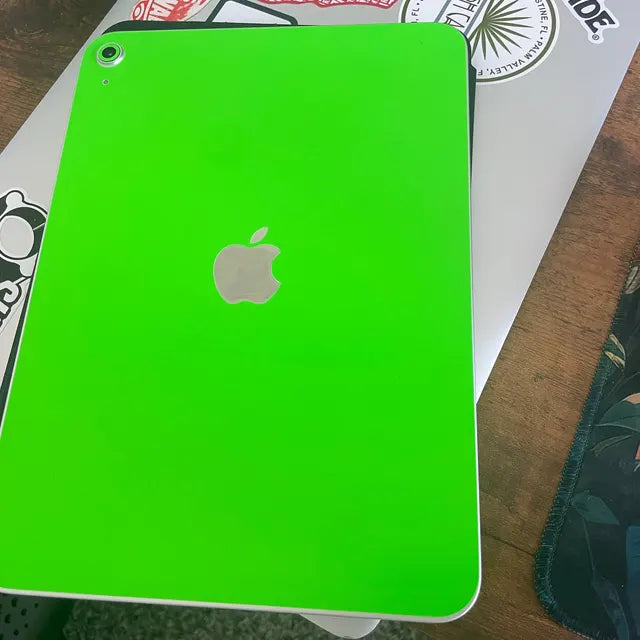
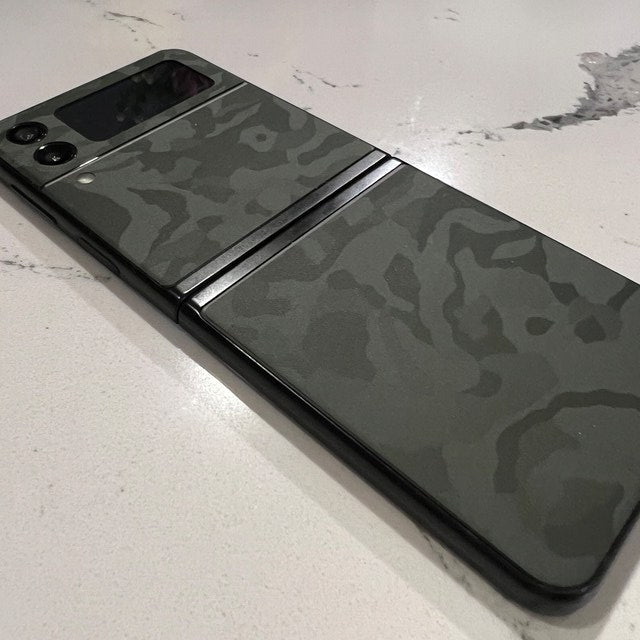
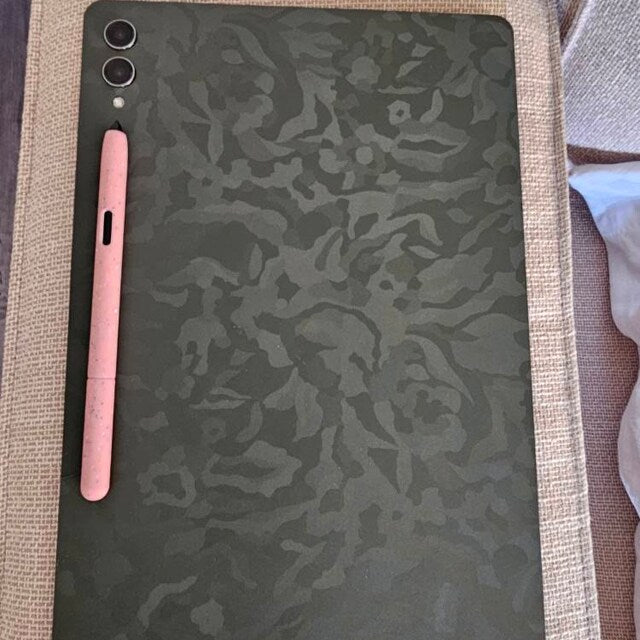
Join thousands of happy customers who trust ProSkinz for precision-cut skins, premium materials, and a shopping experience backed by our strong Etsy reputation.
Voices of Trust
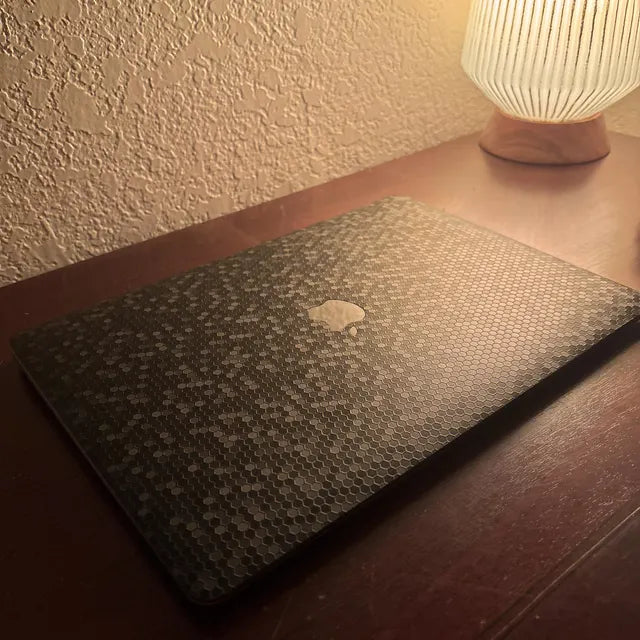
Exactly as described and fits my MacBook Pro perfectly. It arrived earlier than expected, and the seller was very accommodating—providing an extra trackpad skin upon request since I preferred a non-textured option. I would highly recommend ProSkinz
It was very good very good quality + good shipping but the process of applying it was kinda annoying. It was bigger than the 13” body so i had to make some adjustments but overall pretty good.
Excellent seller, always responsive. I’ve bought skins for multiple MacBooks and they always fit spot on, just have to take your time with it. Nice thinker quality of their skins and would only use them going forward.
Looks great . Shipping was super quick . Would definitely purchase from you again.
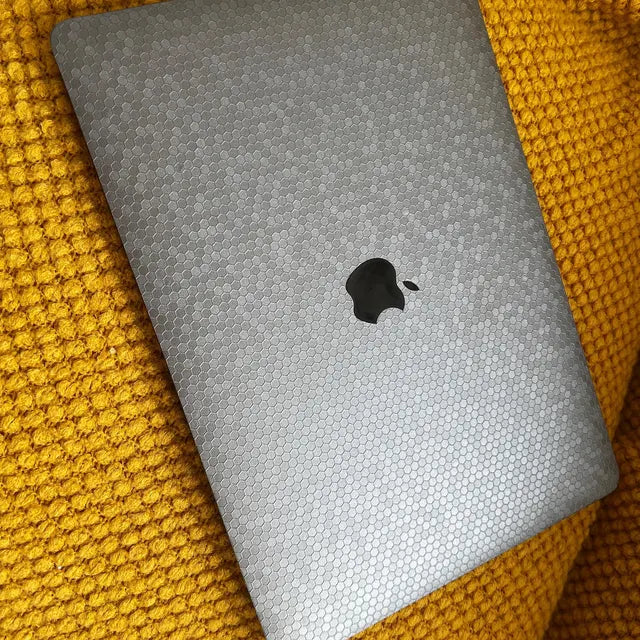
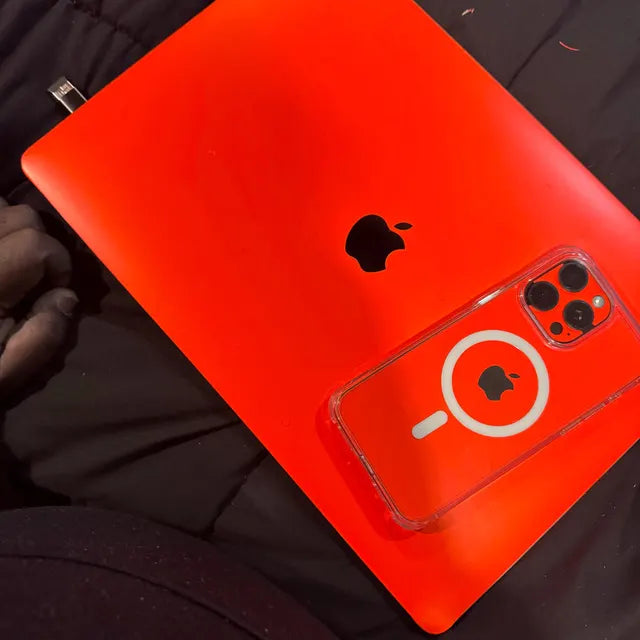
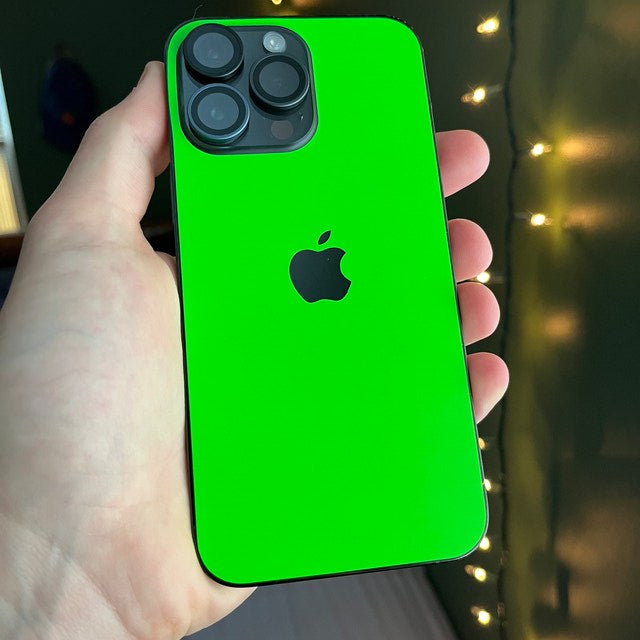
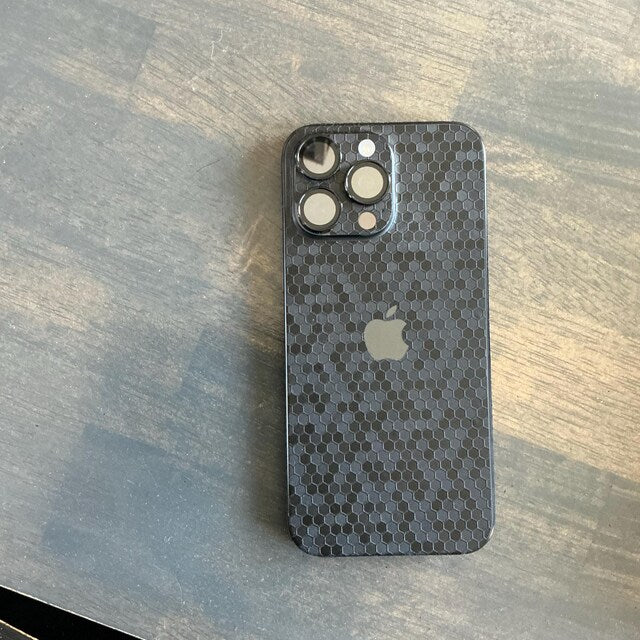
Straight From Our Customers



FAQs
Simply, go to "How to Apply?" and select your device to see the tutorials on how to install our Skins.Keep in mind that all of our skins are perfectly cut for your device, which means they will be very easy to install.
You’ll have to have a hair dryer or heat gun (for most skins). You will also have to be patient, focused, and follow the steps in our installation videos.
We aim to ensure that you receive your order as quickly as possible! Once your order is successfully submitted, we process it within 1-2 business days—it is then designed, packed, and dispatched. After that, you’ll receive an email notification containing your tracking number information, along with an estimated delivery date from one of the carriers you choose in checkout. Please note that while we always strive to have our orders delivered on time, we acknowledge that the unforeseeable is inevitable.
Yes, it’s free for all orders above $35 in the U.S.
With this guarantee, you are eligible for a refund within 30 days of receiving your skin(s) if you did not peel the skin(s) and/or applied it on your device(s)—if your skin(s) arrived damaged and/or missing parts, you’ll get refunded/replaced with a new Skin. After 30 days of receiving your order, we can’t offer you a refund or exchange. If you have any questions/concerns about your order and would like a refund, please, contact us at
If you’re approved for a refund, we’ll process it and refund you to the original payment method. Please note that your refund may take up to 14 days to show up on your credit card statement. If you didn’t receive your refund within 14 days, please re-check your credit card statment and contact your credit card issuer—if you’ve done all of this and you did not receive your refund, just let us know, and we’ll help you out. For any questions, you can send us an email at